
Why baseboards need smart control
Electric baseboard heaters are simple devices: electricity passes through a metal element, turning it into heat. They are nearly 100% efficient at the point of use, meaning every watt of electricity becomes warmth. But efficiency at the source doesn’t mean efficiency in your home. Traditional manual thermostats often leave rooms overheated while others stay cold, creating a cycle of waste and discomfort.
The problem lies in how we interact with these units. Most older baseboards rely on wall-mounted dials that are easy to forget. You might turn the heat up to 75°F to warm up quickly, then leave it there all day. By the time the room is comfortable, the heater has already cycled on and off, consuming power even when the house is empty or the sun is shining through the windows.
In 2026, this manual approach is no longer necessary. Modern smart upgrades use AI-driven scheduling and Matter-compatible protocols to adjust heat based on your actual presence and outdoor weather. Instead of guessing when to turn the heat down, your baseboards learn your routine. They drop the temperature when you leave for work and warm the house just before you return, cutting energy waste without sacrificing comfort.
5 Smart Baseboard Heating Upgrades for 2026
By 2026, integrating AI-driven learning and Matter compatibility transforms standard baseboard heaters into precise, energy-saving assets. These five upgrades help homeowners cut heating costs by targeting warmth only where needed, ensuring comfort without the waste.
-

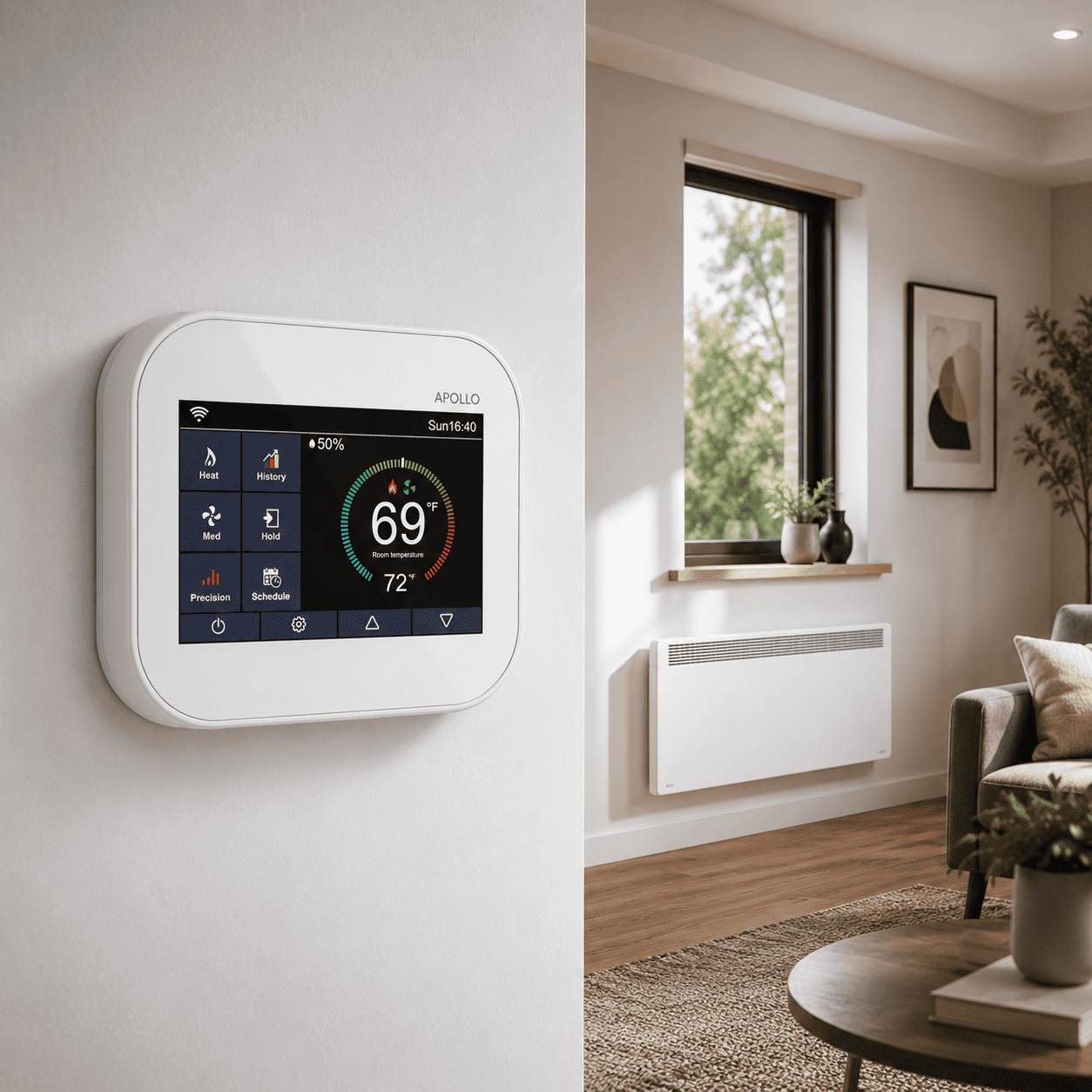
Install Matter-compatible smart thermostats
Replace outdated dials with Matter-certified controllers like the Mysa LITE to ensure seamless interoperability across your 2026 smart home ecosystem. These devices offer precise temperature control and remote access via mobile apps, allowing you to adjust settings from anywhere. This upgrade eliminates guesswork, ensuring your baseboard heaters respond instantly to your comfort preferences while maintaining strict energy efficiency standards for modern households. -
Add room-specific occupancy sensors
Pair your thermostats with dedicated occupancy sensors to detect presence accurately, preventing energy waste in empty rooms. These small devices communicate directly with your heating system to lower temperatures when no one is home and restore warmth just before you return. This targeted approach significantly reduces unnecessary runtime, lowering utility bills while maintaining consistent comfort levels throughout your living spaces during the colder months. -
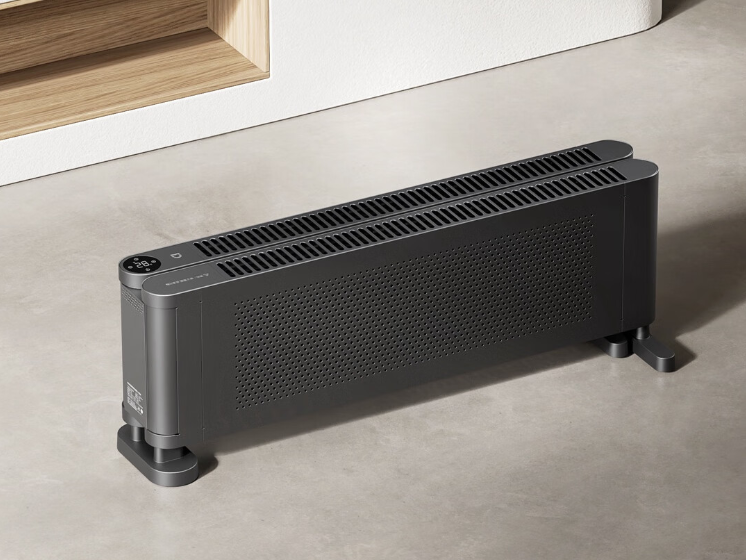
Integrate with a central AI hub
Connect your heating infrastructure to a central AI hub, such as those supporting Xiaomi’s HyperOS, to unify control across all devices. This integration allows for synchronized scheduling and automated responses to external factors like weather changes or peak energy rates. By consolidating management into one interface, you gain comprehensive oversight, simplifying daily adjustments and enhancing overall system reliability without juggling multiple disparate apps or controllers. -

Upgrade to high-efficiency radiant units
Consider replacing older convection-based baseboard heaters with modern high-efficiency radiant units that deliver consistent, even warmth. These newer models often feature advanced materials that retain heat longer and distribute it more effectively across the room. This transition not only improves thermal comfort by eliminating cold spots but also reduces the overall energy consumption required to maintain desired temperatures, leading to noticeable savings on monthly heating costs. -

Enable predictive learning algorithms
Activate predictive learning features that analyze your daily habits and local weather patterns to optimize heating schedules automatically. These algorithms anticipate your needs, pre-warming rooms before you typically arrive home or adjusting output based on forecasted temperature drops. By leveraging this data-driven approach, you minimize manual intervention while maximizing efficiency, ensuring your system operates at peak performance throughout the winter season without requiring constant oversight.
Verify your wiring before buying
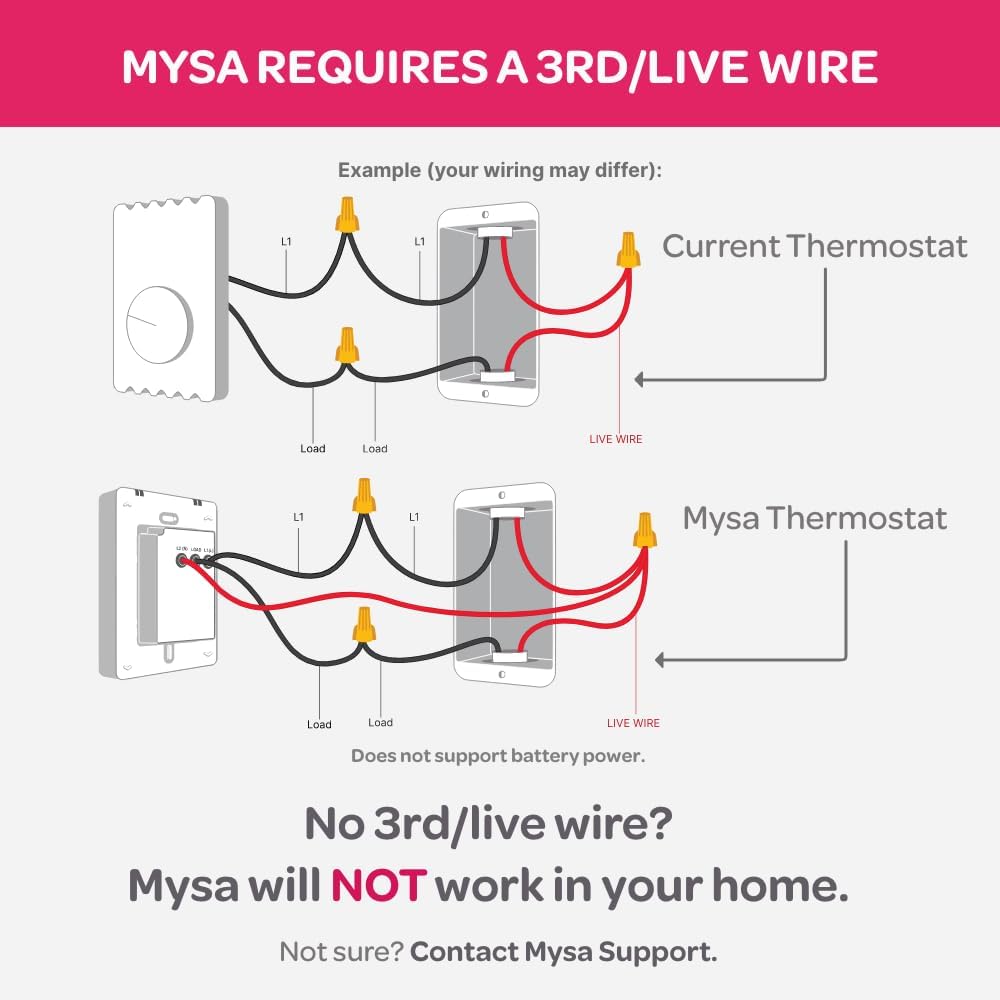
Smart baseboard heaters promise precision and savings, but they are not universal drop-in replacements. Many older homes lack the electrical infrastructure required for modern connectivity. Before you purchase a Matter-compatible thermostat or an AI-driven hub, you must confirm your existing wiring can support the upgrade. Skipping this step often leads to return fees and delayed comfort.
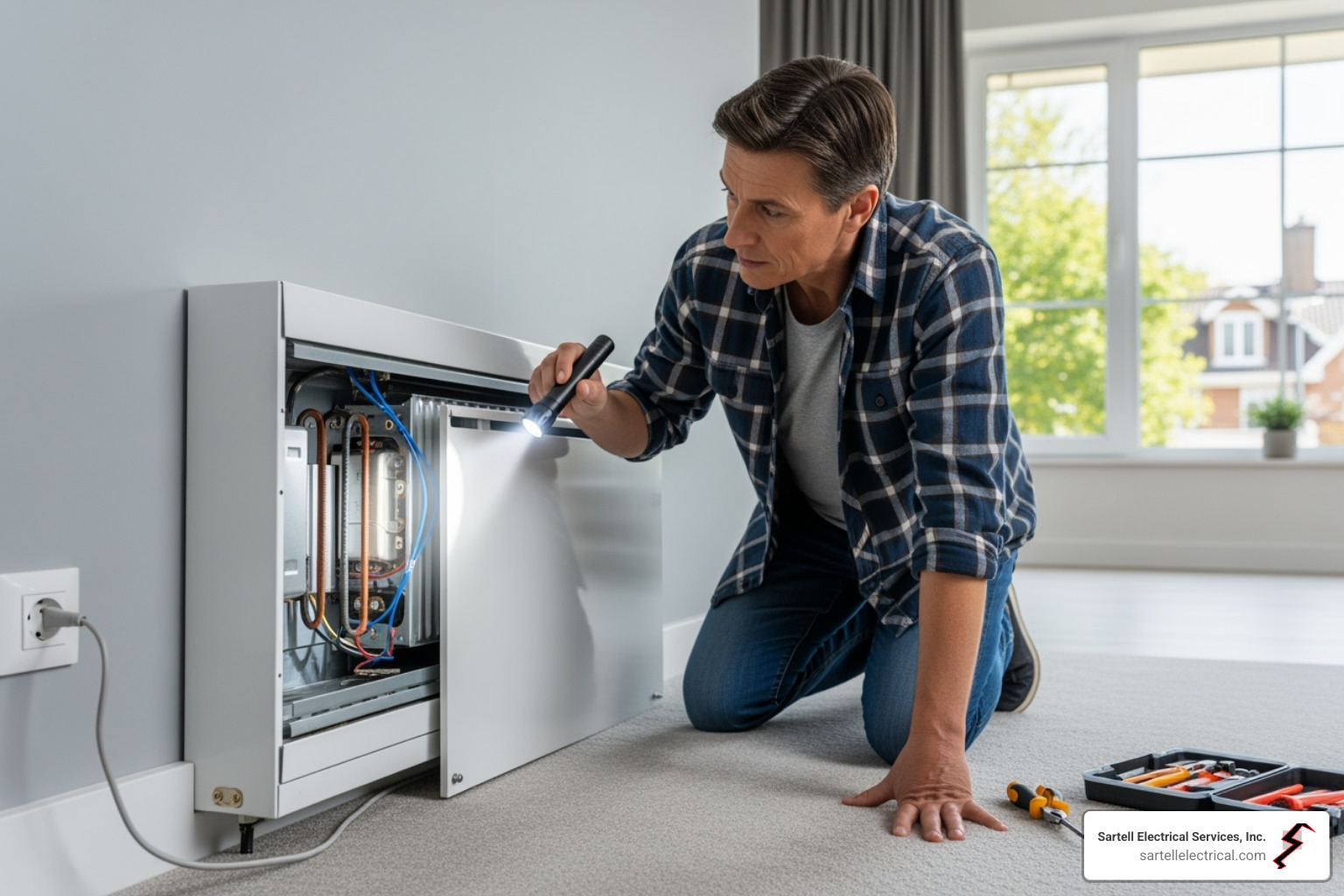
Start by inspecting the wall where your current thermostat sits. Open the cover and look for a bundle of wires. If you see only two wires connected to the terminals, you likely lack a neutral wire. Smart devices need this neutral connection to power their internal Wi-Fi and Bluetooth radios. Without it, you may need an electrician to run new line, adding hundreds to your project cost.
Next, check the voltage and breaker capacity. Most smart baseboard controllers require a 240-volt circuit, common in dedicated heating zones. Some older or smaller units run on 120 volts. Ensure your breaker panel has an available slot with sufficient amperage. A 15-amp circuit might struggle if you add multiple high-wattage heaters, while a 20-amp circuit offers more headroom for future expansions.
Use this checklist to validate your setup before checkout:
- Neutral Wire: Look for a white wire in the thermostat box. Essential for most smart devices.
- Voltage Rating: Confirm 240V (two hot wires) or 120V (one hot, one neutral).
- Breaker Space: Verify an empty slot in your main panel for the new circuit or load.
- Load Capacity: Ensure the breaker rating matches the total wattage of your heaters.
Confirming these details prevents costly mistakes and ensures your new smart heating system integrates smoothly with your home’s electrical grid.
Frequently asked: what to check next
Can I use a smart thermostat on any electric baseboard? Most smart thermostats designed for baseboards handle standard 240V electric heating systems, but compatibility depends on your current wiring. If your existing thermostat has two wires (typically labeled R and W), it is usually compatible. However, if you have a multi-stage system or need to control both heating and cooling, you may need a more complex setup. Always check the voltage rating of your current unit before purchasing a 2026-ready model to ensure it won’t trip your breaker or damage the device.
Do smart baseboard thermostats work with Apple HomeKit? Yes, but you must choose a model that explicitly supports the Matter protocol or Apple HomeKit. Many older smart thermostats only work with Alexa or Google Home. For 2026, look for devices that support Matter, which allows them to work across Apple, Google, and Amazon ecosystems seamlessly. This ensures your baseboard heater integrates into your existing smart home routine without requiring a separate app or hub.
How much energy do smart baseboard heaters actually save? Smart thermostats can reduce heating costs by 10% to 30% by learning your schedule and adjusting temperatures when you are away or asleep. Unlike manual thermostats that cycle on and off based on room air temperature, smart models often use occupancy sensors and precise algorithms to maintain comfort without waste. Over a typical heating season, this precision can translate to significant savings on your electricity bill, paying for the device within a few years.
Put The AI-First Home into practice
No comments yet. Be the first to share your thoughts!