
Why 2026 Changes the Smart Home Game
The smart home of 2026 is no longer a collection of isolated gadgets waiting for a command. It is shifting toward unified, energy-aware, and privacy-first systems that operate in the background. This transition moves the focus from simple convenience to tangible efficiency and security.
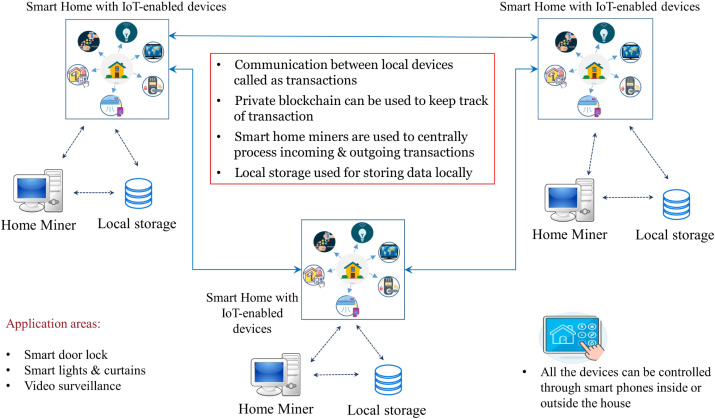
In previous years, the priority was remote control. You turned on lights or adjusted thermostats from your phone. Today, the priority is autonomy. Devices communicate directly with each other, often locally, to reduce latency and protect data. This local-first approach means your home doesn’t need a constant cloud connection to function safely.
Energy awareness is now a core driver. Systems monitor power usage in real-time, adjusting heating, cooling, and lighting to minimize waste without sacrificing comfort. This isn't just about lowering bills; it's about creating a responsive environment that adapts to your habits and the grid's demands.
Security has evolved from locking doors to securing the entire digital perimeter. With more devices online, the attack surface grows. 2026 upgrades prioritize encryption, local processing, and seamless integration to ensure that your smart home remains a sanctuary, not a vulnerability.
5 Essential Upgrades for Efficiency and Security
These five essential upgrades for efficiency and security streamline your smart home setup while reducing energy waste. Implement each step to fortify your network and optimize device performance without compromising usability.
-

Install AI-Powered Video Doorbells
Replace standard doorbells with AI-enabled models that distinguish between people, pets, and vehicles. This reduces false alerts and provides precise facial recognition for known residents. The Ring Battery Doorbell 4K captures crisp footage while operating wire-free, ensuring continuous monitoring without complex wiring. This upgrade enhances security by delivering actionable intelligence rather than generic motion triggers. -

Upgrade to Adaptive Smart Thermostats
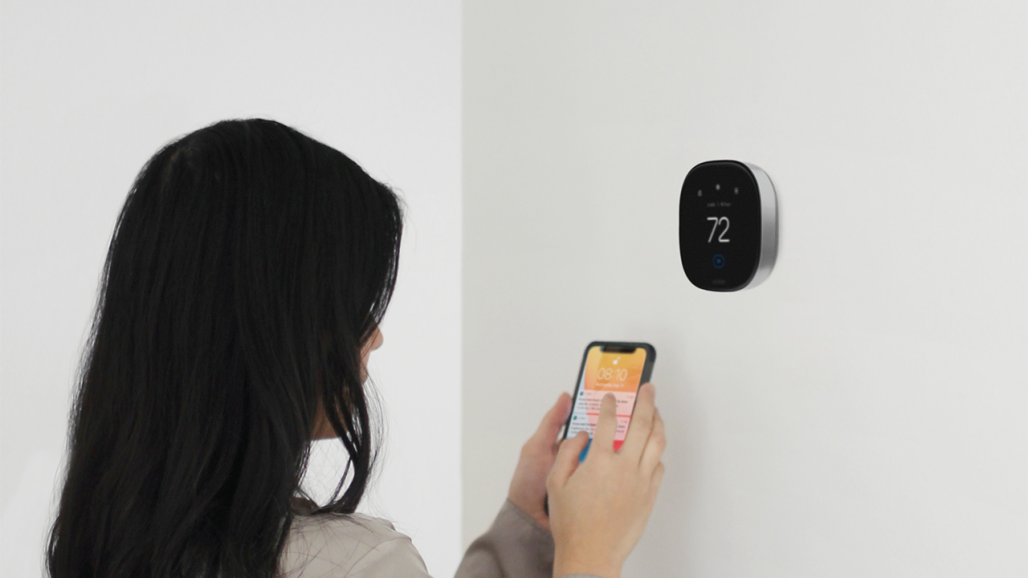
Install thermostats that learn your schedule and adjust heating or cooling automatically. These devices optimize energy usage by detecting occupancy patterns and modifying temperatures when rooms are empty. By integrating with local weather data, they pre-condition spaces efficiently, lowering utility bills without sacrificing comfort. This proactive approach ensures your home maintains an ideal climate while minimizing wasted energy during off-hours. -

Switch to Matter-Compatible Lighting
Adopt lighting systems that support the Matter protocol for seamless cross-platform integration. This standard allows bulbs and fixtures to communicate reliably with any major smart home ecosystem, eliminating brand silos. You gain flexible control over ambiance and efficiency without worrying about compatibility issues. This future-proofing ensures your investment remains functional as new devices enter the market, simplifying long-term management. -
Deploy Mesh Wi-Fi 6E Networks
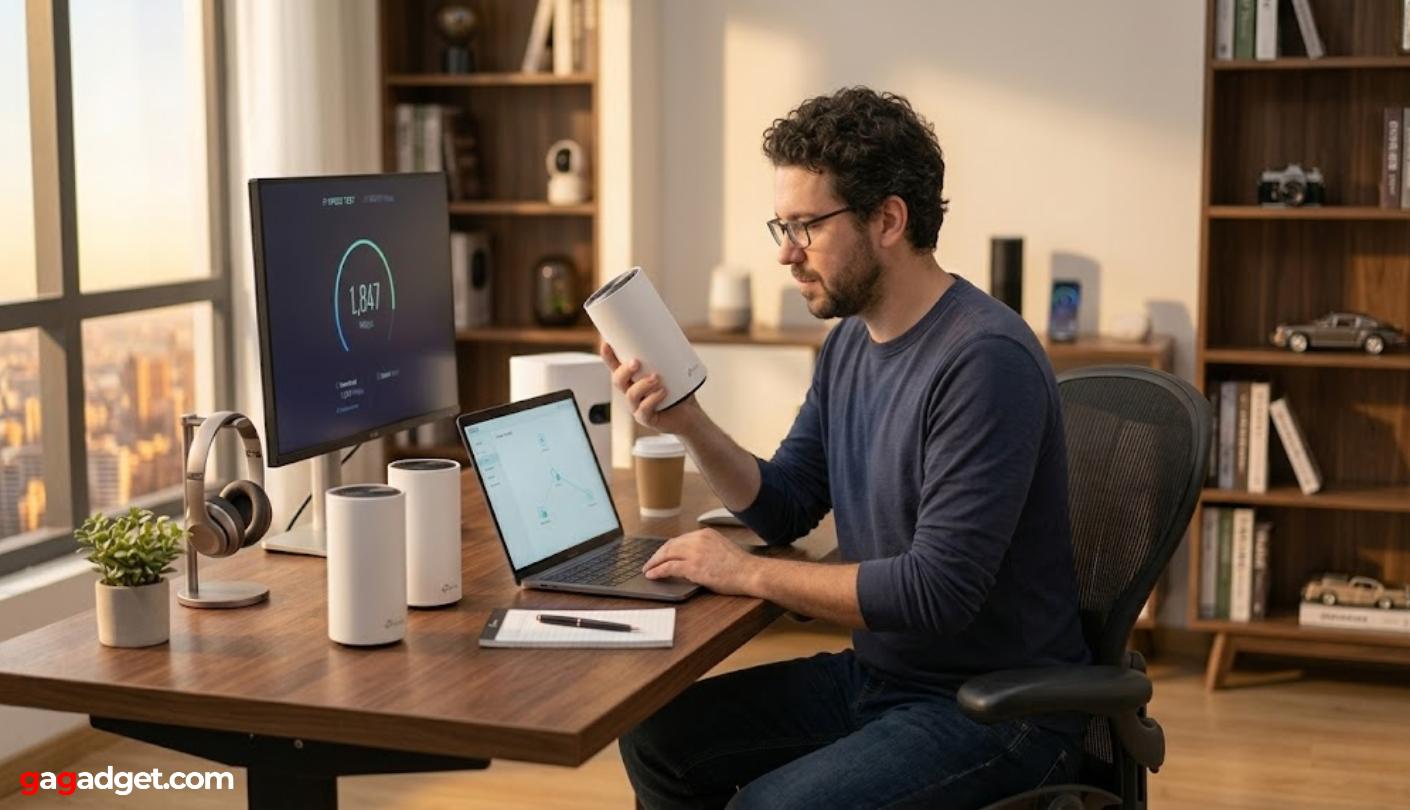
Replace outdated routers with Wi-Fi 6E mesh systems to eliminate dead zones and boost bandwidth. The 6GHz band offers more channels, reducing congestion from neighboring networks and supporting high-bandwidth activities like 4K streaming. This setup provides consistent coverage throughout larger homes, ensuring every device connects reliably. Enhanced speed and stability are critical for supporting the growing number of connected IoT devices in modern households. -

Enable Biometric Smart Locks
Install smart locks that use fingerprint or facial recognition for keyless entry. This method offers superior security compared to traditional keys or PIN codes, which can be lost or guessed. Biometric data remains unique to each user, preventing unauthorized access even if a code is compromised. These locks integrate with security systems to log entry times, providing detailed access history for enhanced household safety.
Adopt Local-First Automation Hubs
Cloud-dependent smart homes are fragile. When your internet drops, your lights go dark and your locks stop responding. A local-first hub keeps your home running by processing commands on your own hardware. This approach also protects your privacy, ensuring that voice data and sensor logs stay inside your house instead of being sent to distant servers.
The goal is to select a hub that supports Matter and executes automations locally. This ensures your devices work together reliably and your data remains private.
Start by picking a hub that natively supports the Matter standard. Matter is the new industry protocol that allows devices from different brands to communicate without relying on the cloud. Look for hubs labeled as Matter controllers or bridges. This ensures you can add future devices without worrying about compatibility issues or vendor lock-in.
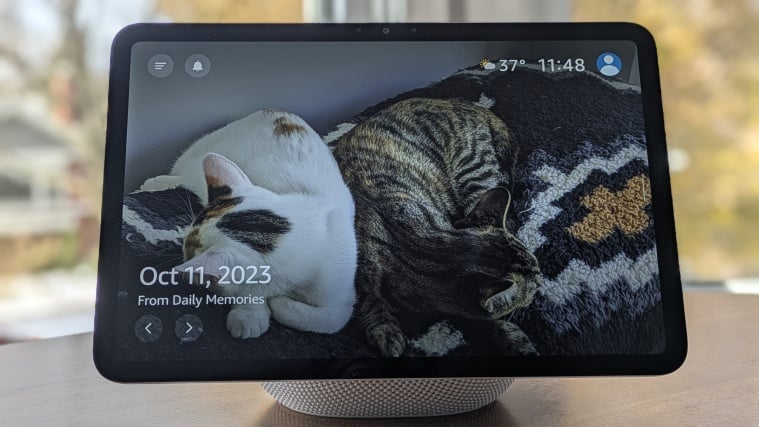
Not all hubs process automations locally. Some only send commands to the cloud for processing, which creates latency and privacy risks. Check the manufacturer’s specifications to confirm that routines and device states are handled on the hub itself. This is the core requirement for a truly local-first system.
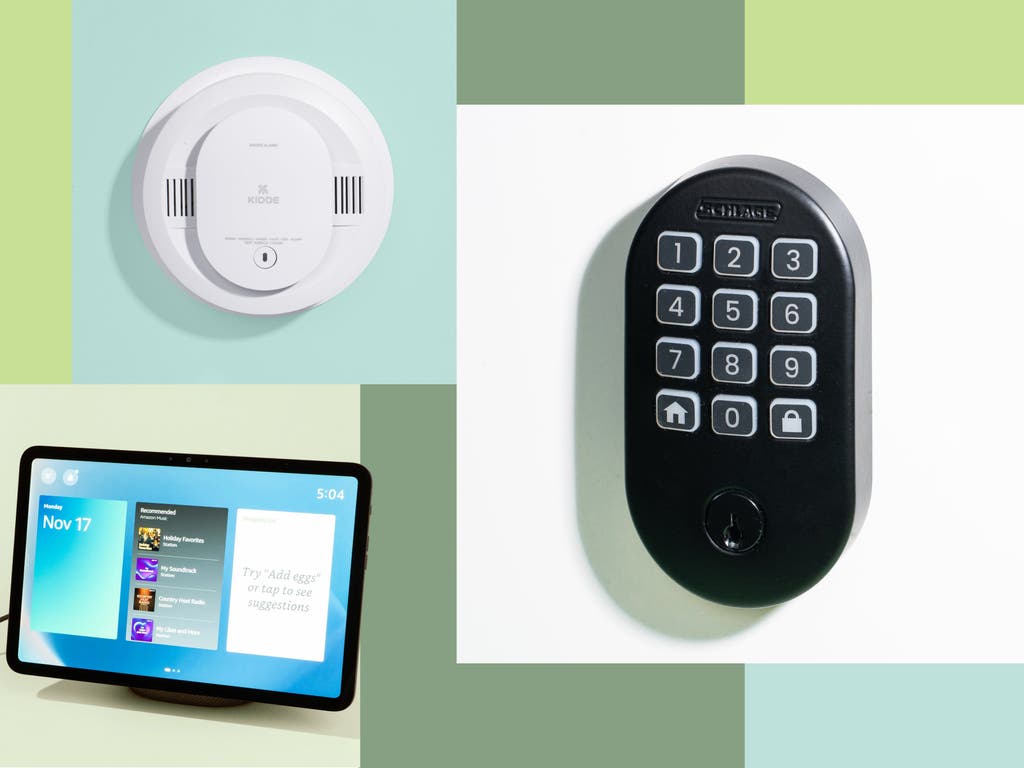
Once your hub is set up, test your automations by disconnecting your internet router. If your lights still turn on at sunset and your sensors still trigger alerts, your system is working locally. This simple test proves that your home will remain functional during internet outages, a common occurrence in many areas.
Checklist for Your 2026 Smart Home Upgrade
Building a unified smart home requires a structured approach. Follow this sequence to ensure your smart home upgrade delivers efficiency and security without creating compatibility headaches.
- Audit your current setup: Identify devices that are outdated, insecure, or redundant. Note which hubs and protocols (Zigbee, Z-Wave, Matter) are currently in use.
- Upgrade the backbone: Replace outdated routers with Wi-Fi 6E or 7 mesh systems. Ensure your network can handle increased device density and low-latency commands.
- Prioritize security and local control: Install smart locks and cameras with local storage options. Move critical automations to a local hub to maintain functionality during internet outages.
- Integrate energy management: Add smart thermostats and energy monitors. Configure automations to reduce consumption during peak hours or when the home is empty.
- Test and refine: Run through daily routines to verify device responsiveness. Adjust automation triggers to eliminate false positives and improve user experience.
No comments yet. Be the first to share your thoughts!