
Set up your energy dashboard
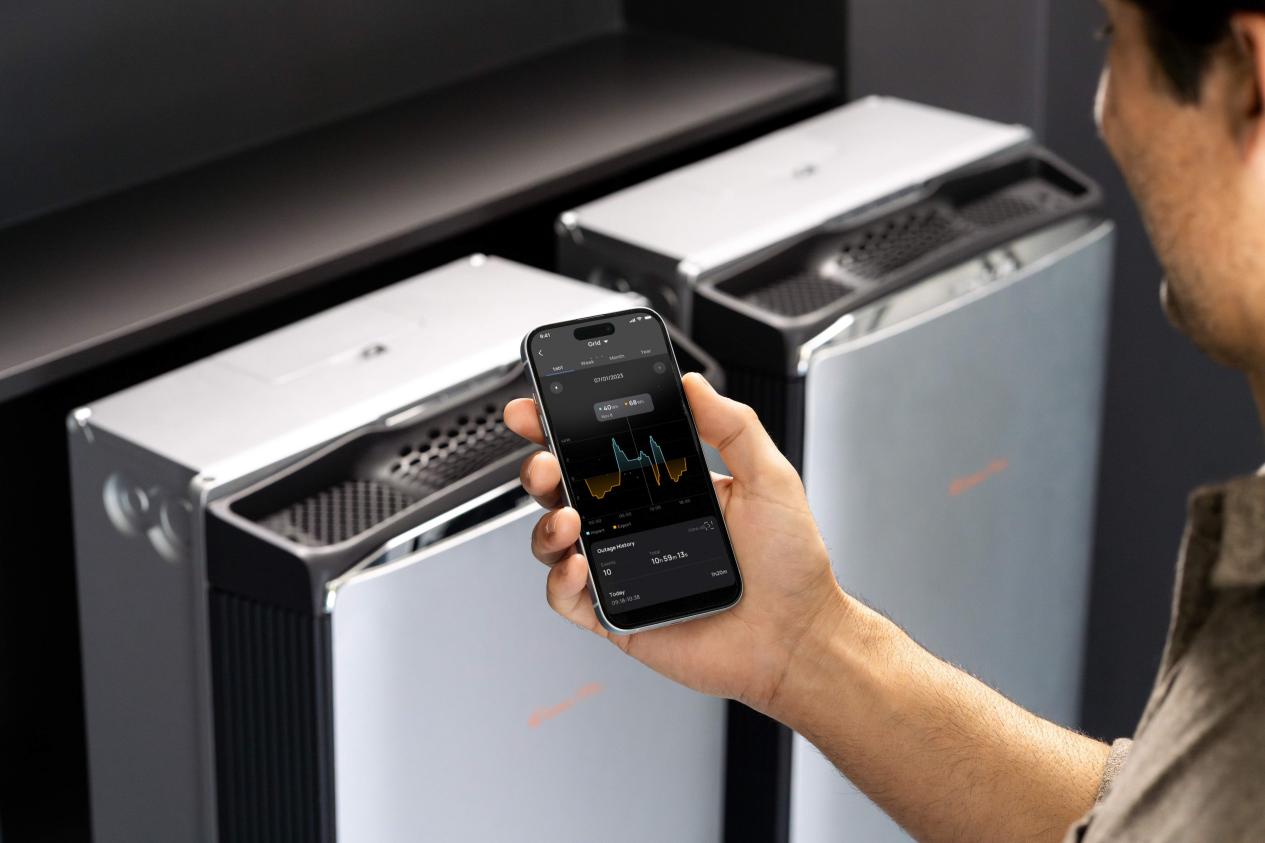
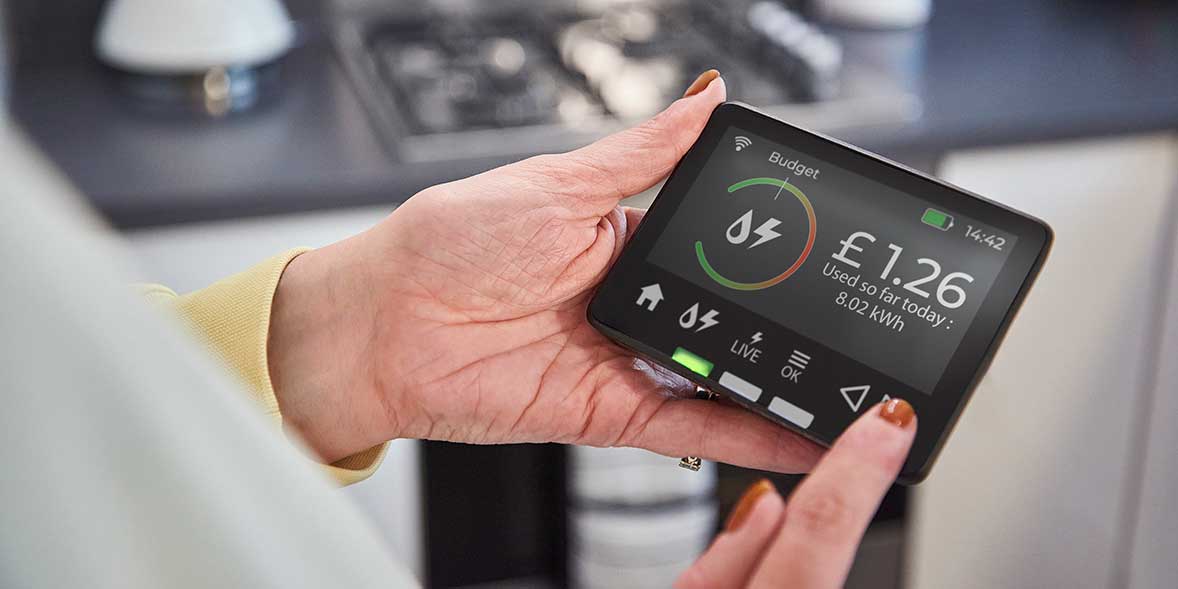
Visibility is the first step in managing smart home energy 2026. You cannot optimize what you do not measure. Before adjusting thermostats or scheduling appliances, you need a central hub that aggregates data from your major power consumers. This dashboard acts as the nerve center, turning raw kilowatt-hour data into actionable insights.
Most modern smart thermostats and energy monitors now include built-in real-time dashboards. These tools track usage by hour, day, and season, allowing you to spot spikes in consumption immediately. Look for a system that breaks down energy use by category—HVAC, lighting, and plug loads—so you can identify which devices are draining power unnecessarily.
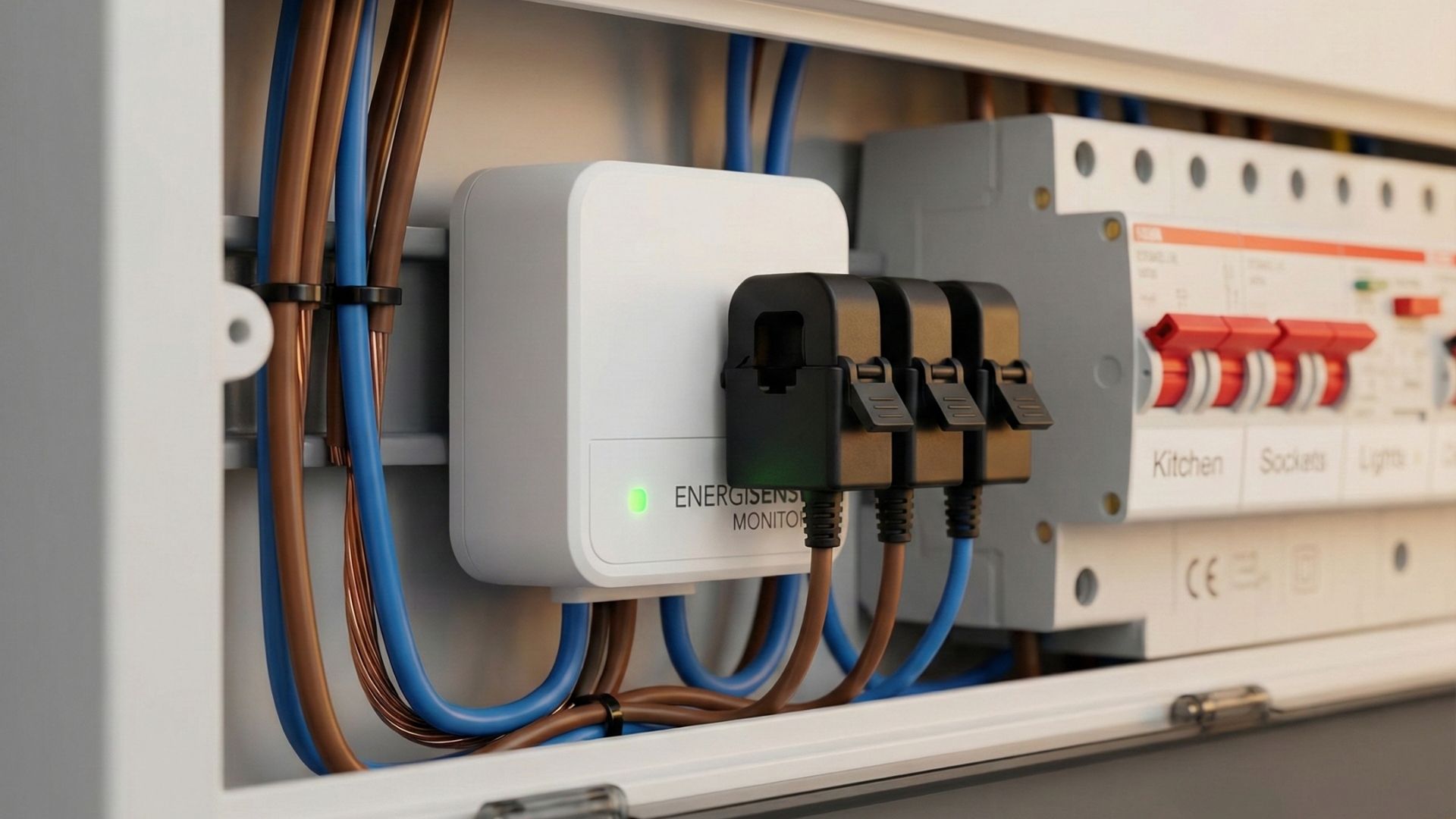
Start by connecting your primary energy monitor to your home network. Ensure it is paired with your thermostat and any major smart plugs or switches. Sync this data to a single app or web interface. Once the baseline is established, review the last 30 days of usage. This historical view helps you understand your typical consumption patterns and sets a benchmark for future savings.
Configure adaptive thermostat schedules
Smart home energy optimization in 2026 relies less on rigid timers and more on predictive behavior. Modern thermostats use occupancy sensors and local weather data to adjust temperatures before you notice a shift. This proactive approach reduces HVAC runtime without sacrificing comfort.
Follow these steps to configure your system for maximum efficiency.
Most smart thermostats default to manual scheduling. Switch to "Learning" or "Auto" mode in the settings menu. This allows the device to track your manual adjustments and build a baseline profile of your preferred temperatures throughout the day.

Ensure motion sensors are unobstructed by furniture or curtains. Many devices allow you to set sensitivity levels; increase sensitivity in high-traffic areas like living rooms and decrease it in rarely used spaces to prevent false occupancy detection.
Link your thermostat to a precise local weather API. Adaptive systems use incoming forecasts to pre-cool or pre-heat the home during off-peak hours. This leverages the thermal mass of your walls and floors to maintain stability without running the compressor.
Define the acceptable temperature range for when the house is empty. Set a wider band (e.g., 78°F in summer, 65°F in winter) for eco-mode. The system will only activate HVAC when the internal temperature breaches these outer limits, significantly cutting energy use.
Once configured, monitor the system for one week. Most platforms provide an energy report showing hours saved. If the home feels too hot or cold upon arrival, adjust the occupancy detection sensitivity rather than overriding the schedule manually.
Automate lighting and plug loads
Phantom load and unnecessary lighting account for a significant portion of wasted electricity. By automating these devices, you can eliminate energy drain from electronics that sit idle or lights that stay on in empty rooms. This is a foundational step in optimizing smart home energy 2026 strategies.
1. Audit high-drain devices
Start by identifying devices that draw power continuously or are prone to being left on. Common culprits include:
- Entertainment centers (TVs, game consoles, soundbars)
- Office equipment (computers, monitors, printers)
- Kitchen appliances (coffee makers, microwaves, toasters)
- Lighting fixtures in high-traffic areas
Use a smart plug or smart bulb for each device. This allows you to control them remotely and set schedules based on your daily routine.
2. Set up motion sensors for lighting
Install smart motion sensors in rooms where people move frequently but forget to turn off lights, such as bathrooms, hallways, and closets. Configure the sensors to turn lights on when motion is detected and off after a period of inactivity. This ensures lights are only on when needed.
3. Schedule plug loads
For devices that don’t require constant power, use smart plugs with scheduling features. Set timers to turn off entertainment systems, office equipment, and kitchen appliances during sleep hours or when you’re away from home. This prevents standby power consumption and reduces overall energy usage.
4. Test and adjust
After setting up your automations, monitor your energy usage for a week. Check if the schedules align with your habits and if the motion sensors are triggering correctly. Adjust timing and sensitivity as needed to ensure comfort and efficiency.
Check for federal energy credits
The landscape for federal tax incentives has shifted significantly for 2026. If you are planning smart home energy upgrades, understanding which credits remain active is essential to avoid financial surprises. The primary vehicle for residential efficiency, the Energy Efficient Home Improvement Credit (formerly the 25C credit), has undergone a major transition.
As of January 1, 2026, the Energy Efficient Home Improvement Credit is no longer available for new installations. This credit previously covered upgrades such as insulation, air sealing, windows, doors, and certain HVAC systems. Only qualifying improvements that were installed and placed in service by December 31, 2025, remain eligible for this specific tax break. If you missed the 2025 deadline, you cannot claim this credit for 2026 purchases.
However, other federal incentives for smart home energy 2026 projects still exist, particularly those tied to electrification and renewable energy. The Residential Clean Energy Credit continues to support the installation of solar panels, solar water heaters, geothermal heat pumps, and battery storage systems. These credits generally offer a percentage of the installation cost as a direct tax credit, provided the equipment meets specific efficiency standards.
State and local programs may also fill the gap left by the federal changes. Programs like California’s Energy-Smart Homes initiative have seen high demand, with incentive funding for 2026 becoming fully subscribed by April. Always verify the current status of both federal and local incentives before committing to a project, as availability can change rapidly.
Fix common automation mistakes
Smart home energy 2026 setups often waste more power than they save due to configuration errors. These mistakes turn efficiency tools into energy drains. Fixing them restores control and lowers bills.
Ignoring the deadband
Thermostats that react to every degree change cycle too often. This constant adjustment uses extra energy. Set a deadband of 0.5 to 1 degree. The system should only activate when the temperature moves outside this range. This simple change reduces HVAC strain and stabilizes indoor comfort.
Leaving devices on standby
Many smart plugs and hubs remain powered even when not actively controlling a device. This phantom load adds up over time. Check your smart hub settings and disable idle modes. Unplug unused smart plugs when not needed. Small reductions in standby power improve overall home efficiency.
Overcomplicating schedules
Complex automation rules create conflicts. When multiple devices compete for control, energy use spikes. Simplify your routines. Use one primary rule per device. Test schedules weekly to ensure they align with your actual habits. Consistent, simple automation saves more energy than complex, conflicting scripts.
No comments yet. Be the first to share your thoughts!