
With the rapid evolution of decentralized social networks, Farcaster on Base has emerged as a powerful combination for SocialFi enthusiasts eager to explore onchain interaction. If you’re interested in building, connecting, or simply experimenting with decentralized social apps, understanding how to use Farcaster on the Base blockchain is essential. This guide walks you through the practical steps to get started, highlighting unique features and best practices for maximizing your SocialFi experience.
Why Farcaster and Base Matters for SocialFi
Farcaster is a decentralized protocol designed to disrupt traditional social media by giving users control over their data and interactions. By leveraging Base, an Ethereum Layer 2 (L2) network, Farcaster enables scalable and affordable onchain social experiences. This synergy means lower fees for posting, minting NFTs, or interacting with dApps - making it ideal for developers and early adopters who want to push the boundaries of what’s possible in the SocialFi space.
"Decentralized social protocols like Farcaster are redefining digital identity and ownership. Combining them with scalable solutions like Base unlocks a new era for onchain communities. "
Step 1: Setting Up Your Farcaster Account
Getting Started with Farcaster on Base: Install Warpcast, Create Your Account, and Connect Your Wallet
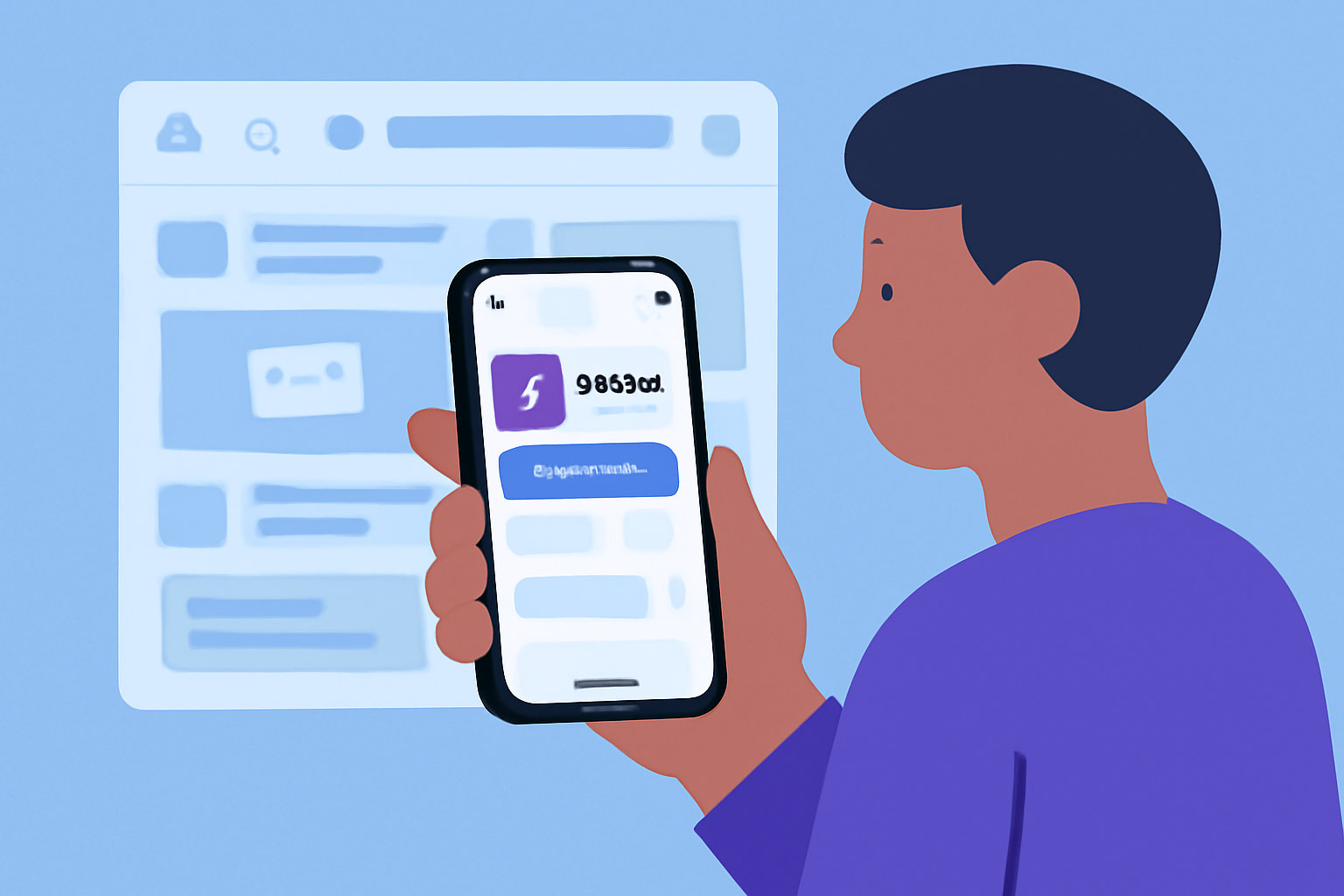
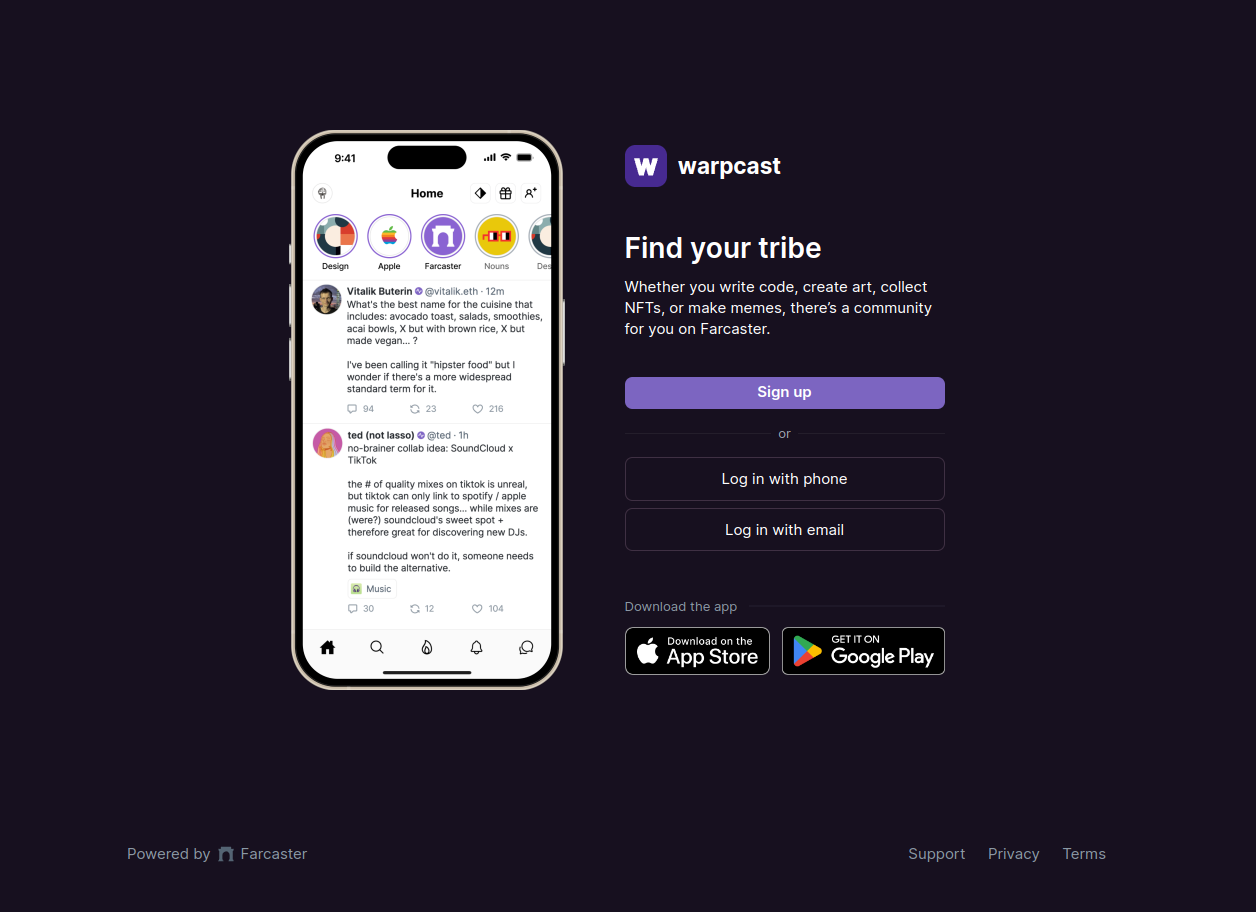
Your journey begins by installing a Farcaster client. The most popular choice is Warpcast, available for both iOS and Android devices. Once installed:
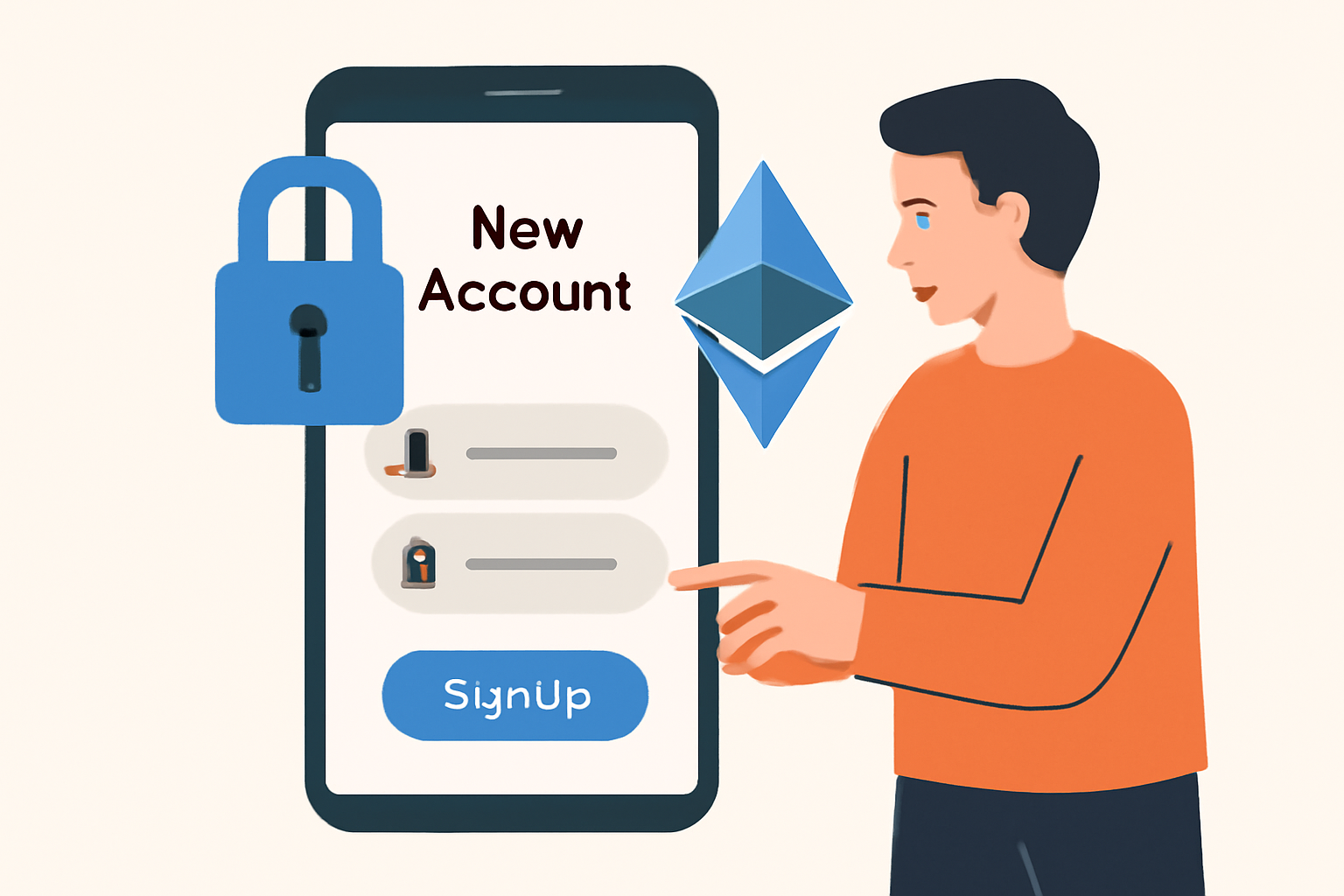
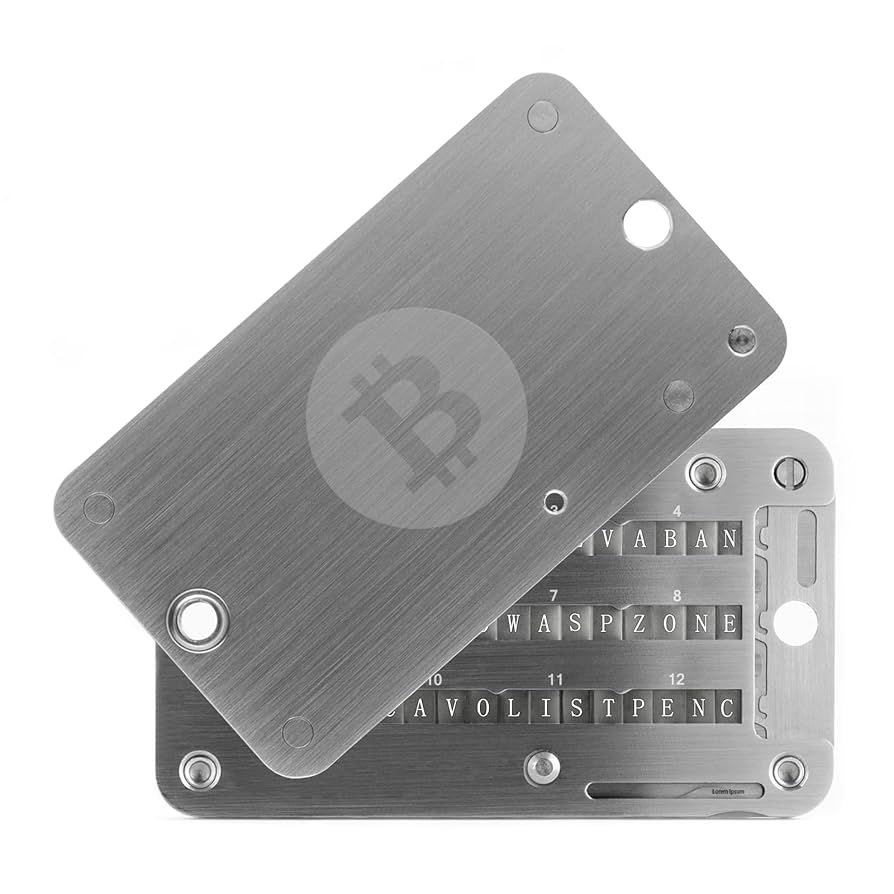
- Create your account: Registration typically involves paying a nominal fee in ETH (which covers storage costs). Make sure you securely store your recovery phrase, this is crucial for regaining access if needed.
- Link your wallet: Connect an Ethereum-compatible wallet (such as MetaMask or Rainbow). This step is vital since all identity verification and onchain actions within Farcaster rely on cryptographic signatures from your wallet.
This setup ensures that every interaction you make, whether posting content or minting NFTs, is cryptographically secure and verifiable onchain.
Navigating the Core Features: Frames and Channels
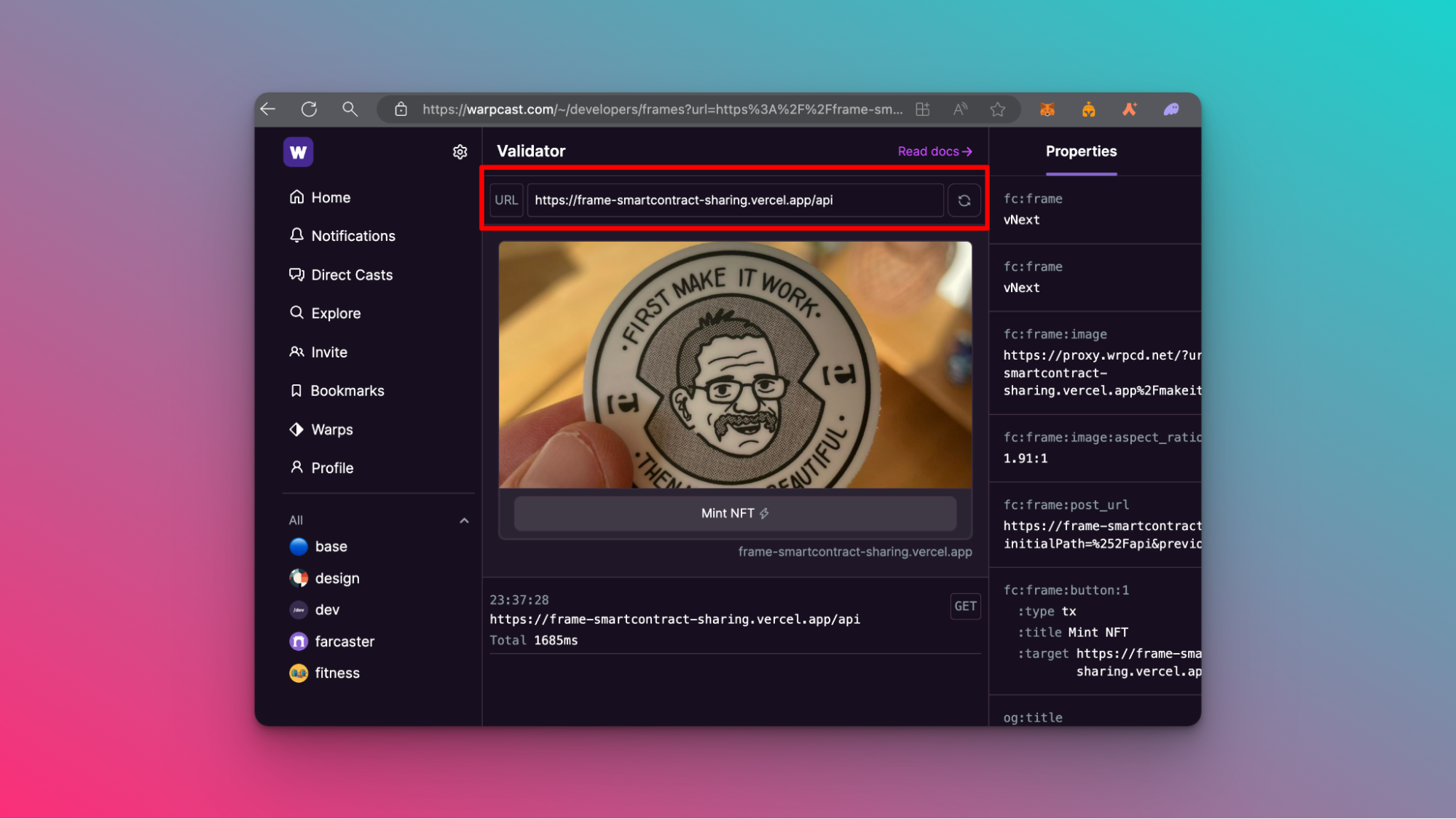
The real magic of using Farcaster comes from its native features like Frames. Frames are interactive components embedded within posts that let users perform onchain actions directly inside their social feed, think NFT minting buttons or DAO voting interfaces.
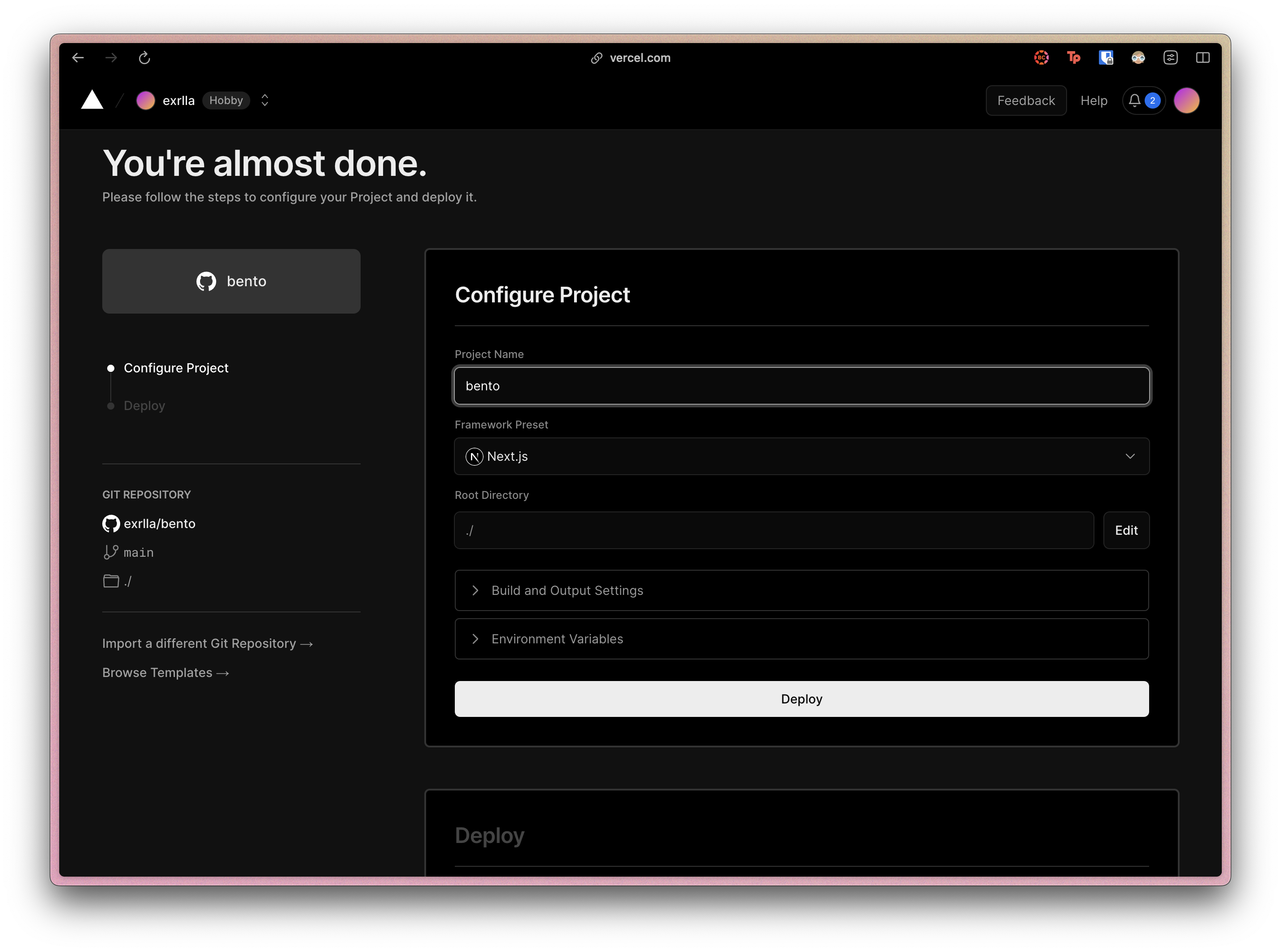
- Create Frames: Developers can build custom Frames by cloning templates such as "a-frame-in-100-lines" (see official guide). These are then hosted via services like Vercel so they’re instantly accessible within Warpcast or other clients.
- Join Channels: Topic-based channels (e. g. , /base-builds) allow you to discover new projects, share feedback, and network with fellow builders and enthusiasts. Engaging here keeps you updated with emerging trends across both Base blockchain SocialFi projects and broader ecosystem developments.
- Migrate Identity: Your Ethereum EVM address acts as your passport across apps built atop the protocol, meaning your reputation travels wherever you go in the ecosystem.
Top 5 Use Cases for Frames in Decentralized Social Apps
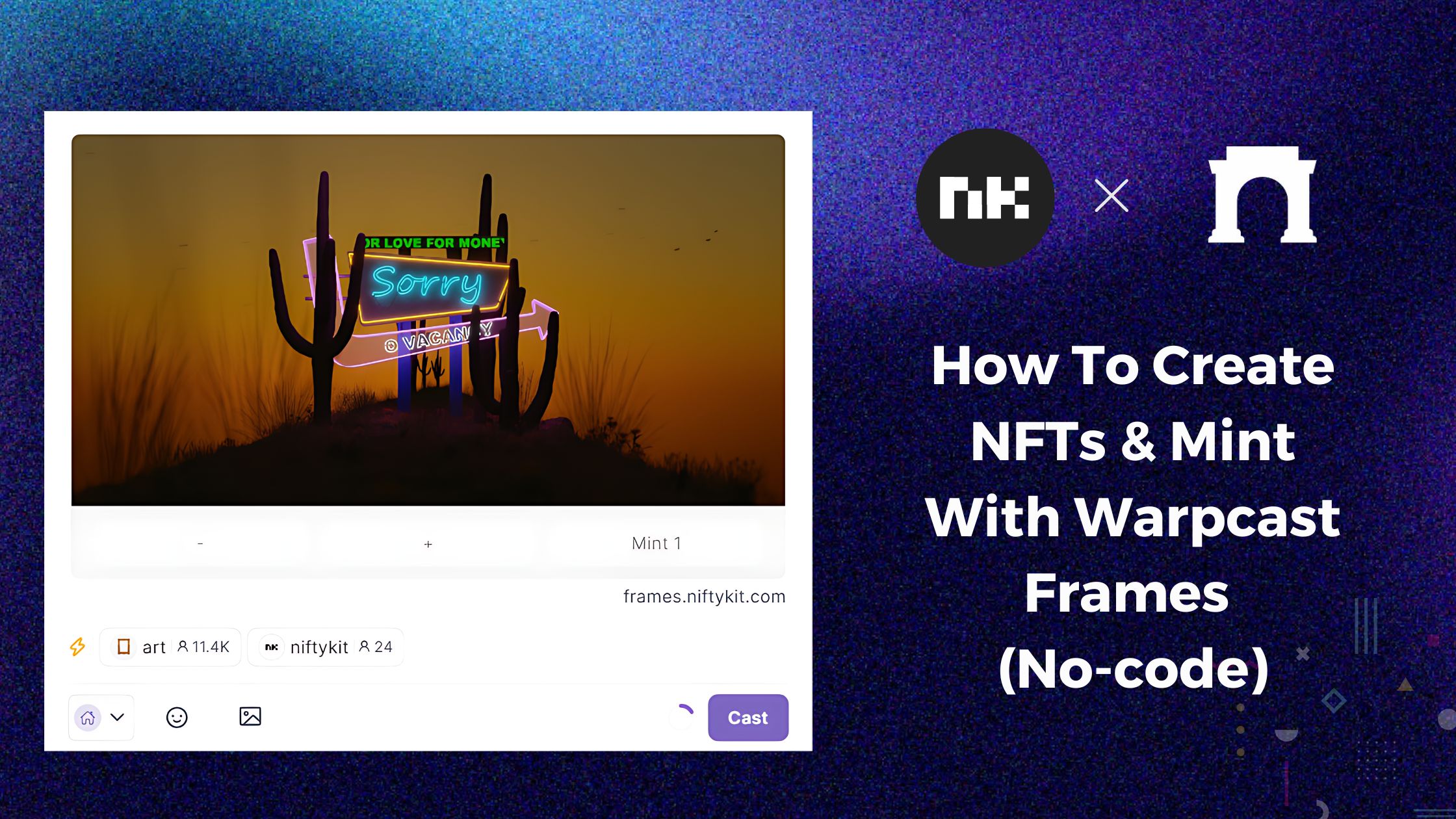
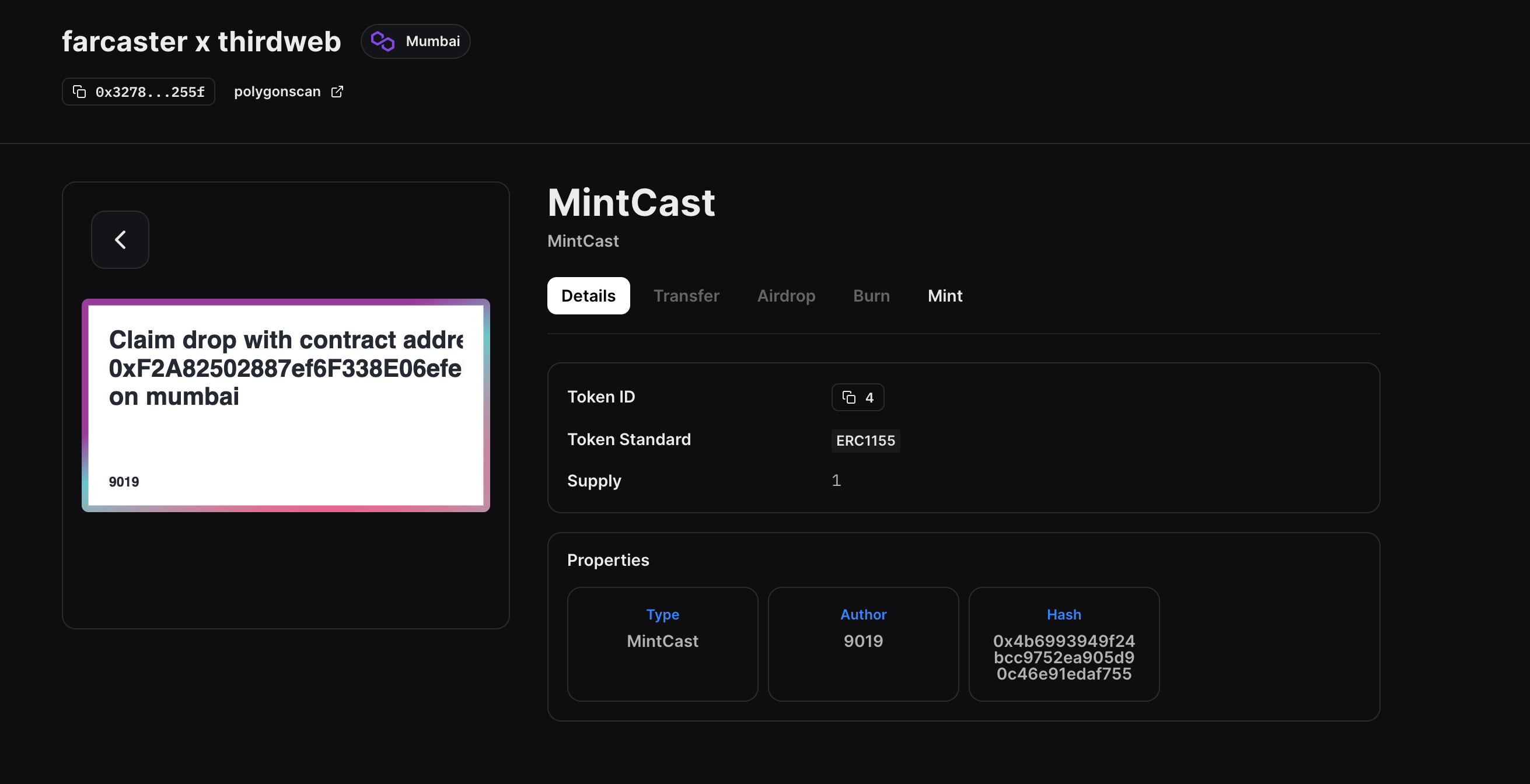
- Onchain NFT Minting: Frames enable users to mint NFTs directly within social feeds, allowing creators and communities to launch collections seamlessly on Base without leaving the Farcaster client.
- Token-Gated Content & Access: Frames can verify wallet holdings to unlock exclusive posts, chats, or experiences, fostering community engagement and rewarding loyal users with special access.
- Decentralized Polls & Voting: Frames support interactive polls and governance votes, letting users participate in DAO decisions or community feedback directly from their social timeline.
- Onchain Tipping & Microtransactions: With Frames, users can send tips or micro-payments in crypto to content creators or peers, supporting SocialFi monetization models natively within the app.
- Seamless dApp Integrations: Frames allow users to interact with DeFi protocols, marketplaces, or onchain games—such as swapping tokens or claiming rewards—without ever leaving the Farcaster ecosystem.
The Power of Onchain Interactions: Deploying Smart Contracts and Apps
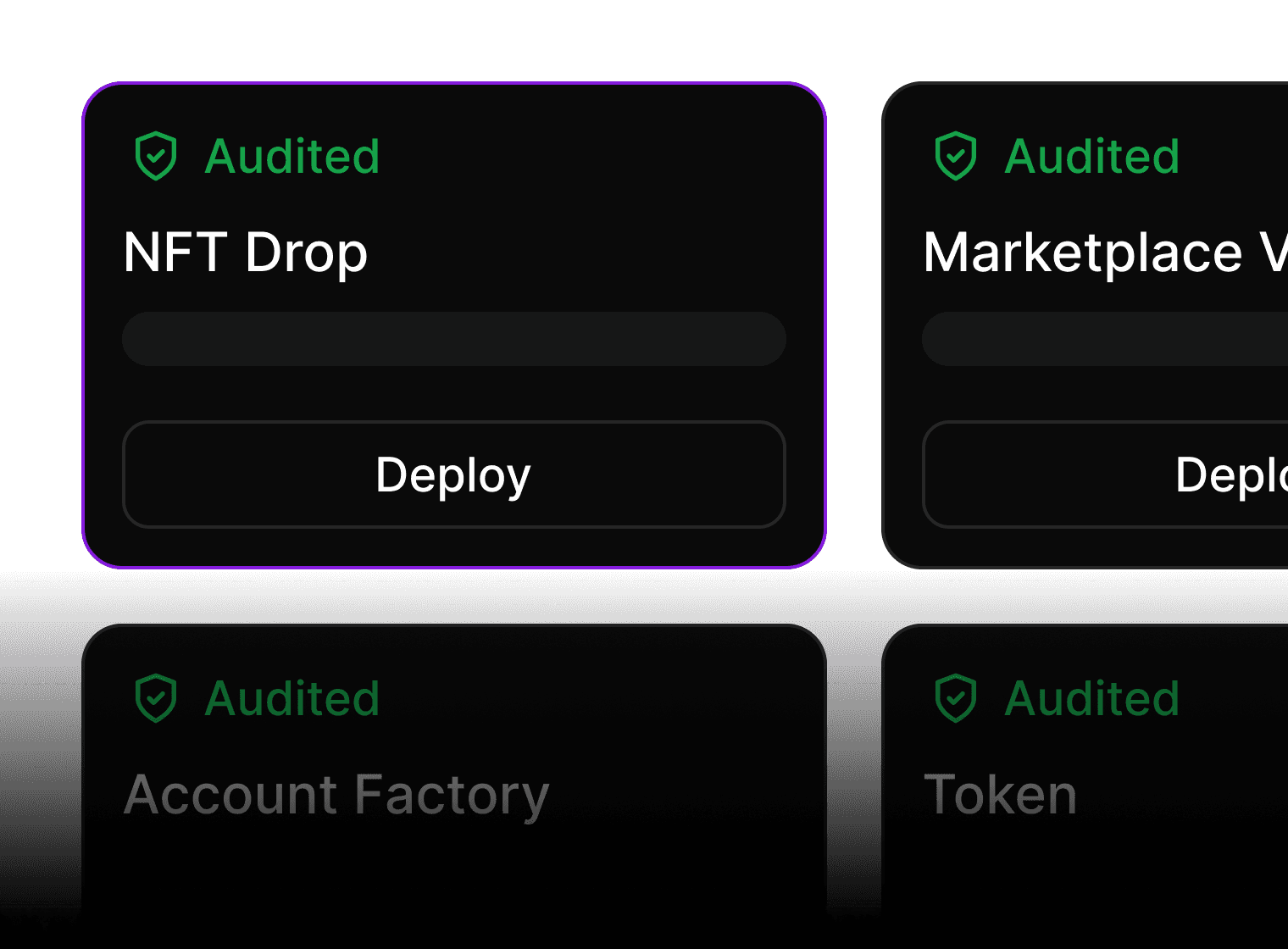
If you’re looking to build more than just a profile, say, launching an NFT drop or enabling token-gated content, deploying smart contracts directly onto Base is seamless thanks to platforms like thirdweb. These tools provide user-friendly interfaces for deploying audited ERC-721 contracts without deep technical expertise (step-by-step tutorial here). By connecting these contracts to your Frames inside Farcaster posts, anyone can interact with your dApp right from their feed.
This approach not only democratizes access but also fosters organic community growth around shared assets, memes, or micro-economies native to SocialFi.
Once your Frame is live and your smart contract is deployed on Base, you unlock a suite of possibilities for engaging the SocialFi community. Whether it’s facilitating NFT mints, orchestrating community polls, or enabling decentralized governance actions, Farcaster’s modular design empowers both novice and advanced builders to experiment without friction.
Tips for Maximizing Your Farcaster on Base Experience
- Stay Active in Channels: Regularly check channels like /base-builds and /frames to discover new tools, best practices, and upcoming events. The Farcaster community is highly collaborative, don’t hesitate to ask questions or share your progress.
- Iterate on Your Frames: User feedback is invaluable. Deploy early versions of your Frames and invite the community to test them. Iterative improvements based on real usage will help you build stickier, more impactful social apps.
- Leverage Delegation: Advanced users can delegate custody of their Frames to trusted addresses or smart contracts, enabling collaborative management or even automated moderation workflows (learn more here).
- Prioritize Security: Always verify that you are interacting with official clients and audited contracts. Use hardware wallets for high-value actions and avoid sharing sensitive information in public channels.
- Monitor Updates: Both Farcaster and Base are rapidly evolving. Follow official documentation and announcements for the latest feature rollouts, protocol upgrades, or security advisories (official docs).
Top Tips for Building Secure Farcaster Frames
- Use Audited Smart Contracts: Always deploy thirdweb or other audited smart contracts on Base to minimize vulnerabilities. Audited contracts are reviewed for security flaws, reducing the risk of exploits.
- Enable Wallet Authentication: Require users to authenticate with their Ethereum wallet when interacting with your Frame. This ensures only verified users can perform sensitive actions, enhancing both security and user accountability.
- Host Frames on Trusted Platforms: Deploy your Frames using reputable services like Vercel for reliable uptime and HTTPS support. Secure hosting protects your Frame’s code and user data from tampering.
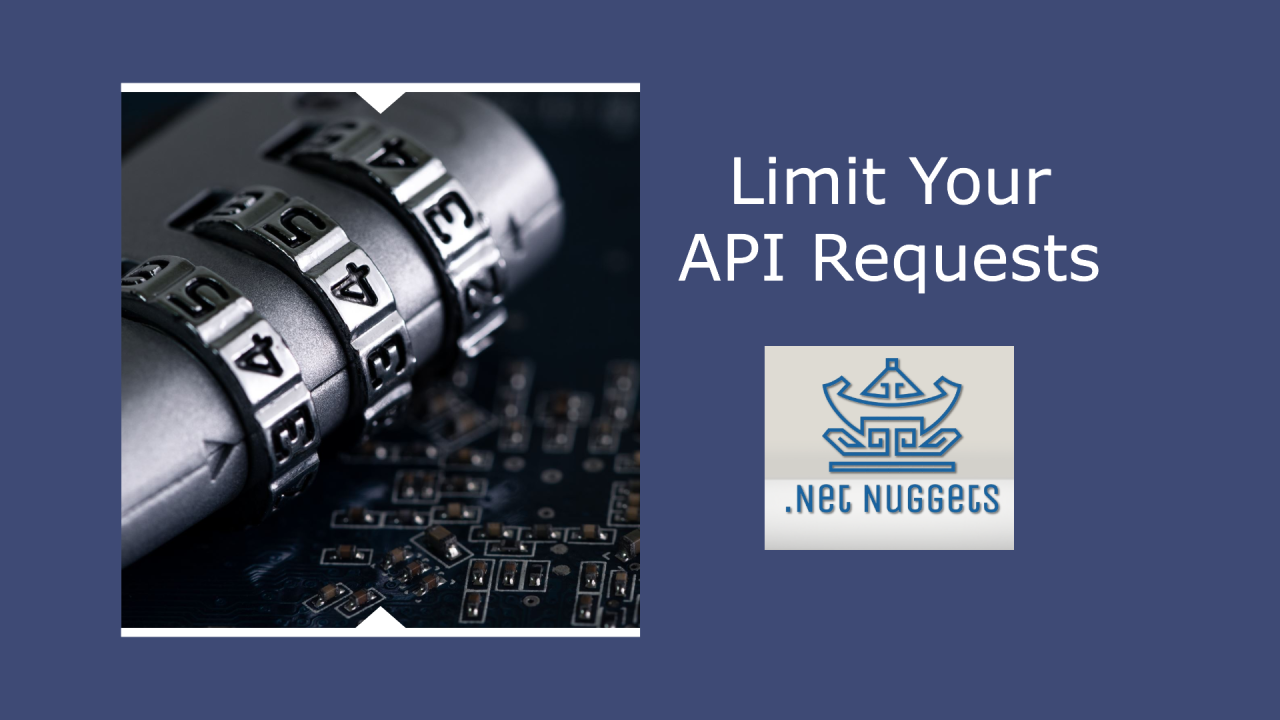
- Implement Rate Limiting and Input Validation: Protect your Frame from spam and malicious input by adding rate limiting and input validation at the API level. This helps maintain the integrity and performance of your application.
- Keep Recovery Phrases and Admin Keys Secure: Store your recovery phrases and admin keys in a secure, offline location. Never share them publicly or store them in unsecured files to prevent unauthorized access.
The intersection of decentralized identity, composable apps, and onchain social primitives makes Farcaster on Base a frontier worth exploring. As new features roll out, like richer Frame interactivity or cross-chain integrations, the boundaries between social engagement and blockchain utility will only blur further.
Frequently Asked Questions About Using Farcaster on Base
If you’re eager to see what’s possible before jumping in yourself, check out some of the mini apps already live within the Warpcast feed. These range from simple NFT claim Frames to more sophisticated DAO coordination tools, all accessible directly from your mobile device.
The momentum around decentralized social networks is unmistakable, and with tools like Farcaster on Base, you’re not just a participant but an architect of the next web-native communities. Whether you’re minting NFTs with a tap or launching an experimental dApp inside a Frame, every interaction moves us closer to transparent, user-owned online spaces.



No comments yet. Be the first to share your thoughts!