
Why AI productivity tools matter now
AI productivity tools are no longer experimental; they are essential for automating workflows and maintaining digital efficiency.
The novelty phase of artificial intelligence has ended. AI is now the core infrastructure of digital efficiency. The shift is clear: we have moved from collecting flashy tools to integrating reliable utilities that actually save time.
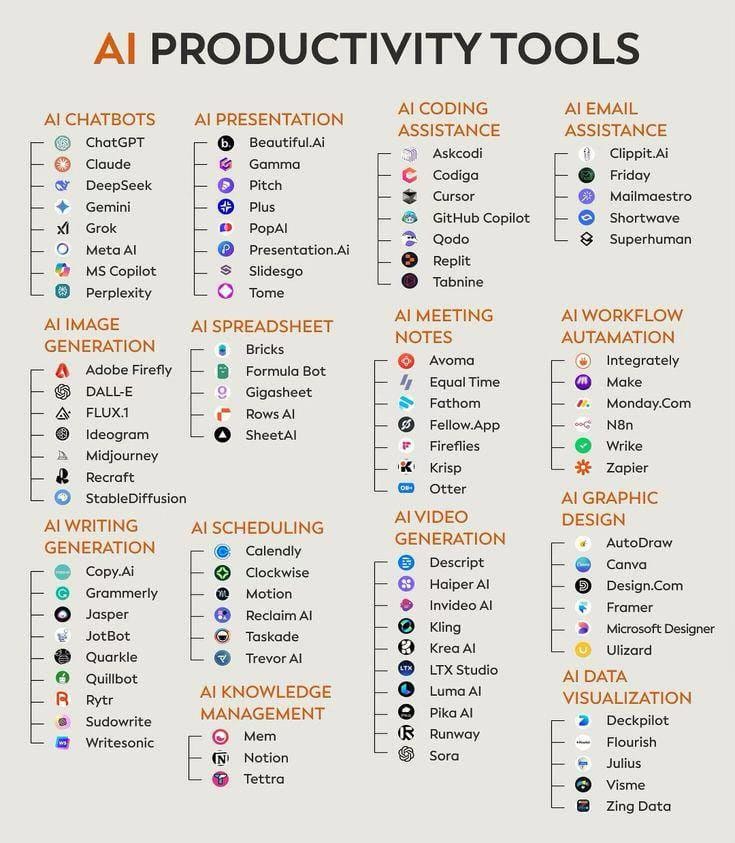
Early adopters are now measuring success by workflow automation, not just novelty. Tools like ChatGPT, Claude, and GitHub Copilot have become standard operating procedures for writers, developers, and designers. The focus is no longer on what AI can do, but on how it does the work for you.
This transition marks a fundamental change in how we approach digital tasks. The most effective tools are those that quietly handle repetitive tasks, allowing you to focus on high-value decisions. It is about working smarter, not harder, by leveraging technology that integrates seamlessly into your daily routine.
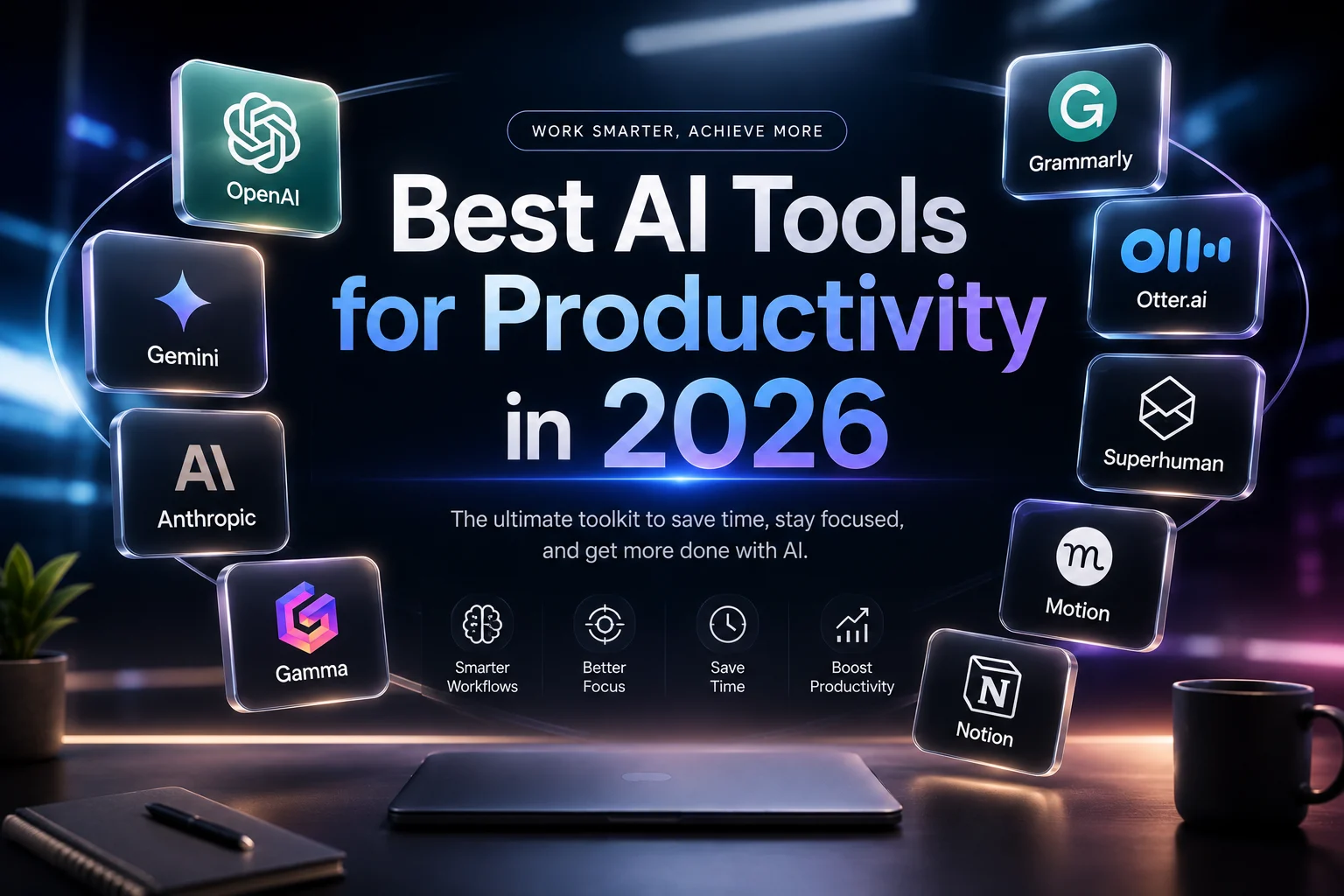
10 AI Productivity Tools That Actually Save Time
The AI productivity tools listed here are selected for measurable time savings, not hype. Each entry features a concrete product proven to streamline specific workflows, ensuring you invest in software that delivers immediate efficiency gains.
-

ChatGPT for instant research and drafting
ChatGPT acts as a rapid-fire ideation partner, turning vague prompts into structured outlines or first drafts in seconds. It excels at breaking down complex topics into digestible bullet points, allowing writers to overcome blank-page syndrome quickly. By leveraging its vast training data, users can generate email templates, social media captions, and summary notes without spending hours on initial composition, effectively doubling their content output velocity. -
Claude for deep document analysis
Claude shines when processing massive documents, summarizing hundreds of pages of legal contracts or technical manuals with remarkable accuracy. Its extended context window allows it to retain nuance across long texts, making it ideal for researchers who need to extract specific clauses or synthesize conflicting viewpoints. Instead of skimming endlessly, users can ask targeted questions and receive precise, cited answers that respect the original document’s structure and intent. -

Perplexity for cited research answers
Perplexity replaces traditional search engine browsing with direct, sourced answers that eliminate the need to click through multiple tabs. It aggregates information from credible sources and provides inline citations, allowing professionals to verify claims instantly without fact-checking later. This tool is particularly valuable for journalists and analysts who need accurate, up-to-date information quickly, turning hours of manual research into a few seconds of verified reading. -
Notion AI for workspace organization
Notion AI transforms static wikis into dynamic knowledge bases by auto-tagging pages, summarizing meeting notes, and suggesting next steps. It integrates directly into your workspace, helping teams categorize scattered information and maintain consistency across documentation. By automating routine organizational tasks like formatting and content expansion, it reduces administrative overhead, ensuring that critical project details remain accessible and well-structured without manual intervention. -

Zapier for connecting app workflows
Zapier automates repetitive cross-app tasks, such as saving email attachments to cloud storage or syncing CRM contacts to spreadsheets. It acts as the glue between disparate software tools, eliminating manual data entry and reducing human error. By setting up triggers and actions, professionals can create seamless workflows that run in the background, freeing up mental energy for high-value strategic work rather than mundane administrative chores. -
GrammarlyGO for error-free writing
GrammarlyGO integrates directly into your drafting workflow to catch subtle tone mismatches and grammatical errors before you hit send. It acts as a safety net for professional communication, ensuring clarity across emails and documents. The tool analyzes context to suggest precise rephrasing, saving hours of manual proofreading. By automating the polish of written content, it allows writers to focus on strategy rather than syntax, making it indispensable for high-volume communicators who need consistent quality without the editorial bottleneck. -

Microsoft 365 Copilot for office suites
Microsoft 365 Copilot weaves AI capabilities directly into Word, Excel, and PowerPoint, creating a seamless productivity ecosystem. It summarizes lengthy Teams meetings, generates slide decks from simple prompts, and analyzes complex Excel datasets instantly. This integration eliminates the friction of switching between apps, allowing users to maintain context while executing tasks. By embedding intelligence into familiar interfaces, it reduces the learning curve and accelerates document creation, making it a powerful asset for corporate environments already invested in the Microsoft stack. -
Midjourney for rapid visual prototyping
Midjourney transforms abstract concepts into high-fidelity visual assets in seconds, serving as a rapid prototyping engine for designers and marketers. It excels at generating mood boards, concept art, and marketing visuals that would traditionally require hours of manual design work. By iterating on prompts, teams can explore multiple aesthetic directions quickly, aligning stakeholders before committing to final production. This speed accelerates the creative feedback loop, allowing for faster decision-making and reducing the cost of visual development in early-stage projects. -
Otter.ai for meeting transcription
Otter.ai captures audio from meetings and converts it into searchable, editable text in real-time, eliminating the need for manual note-taking. It identifies speakers and highlights key action items, ensuring no critical detail is lost in the noise. This automation frees participants to engage fully in the conversation rather than scrambling to write everything down. By providing an accurate record of discussions, it streamlines follow-up tasks and enhances accountability, making it an essential tool for remote and hybrid teams that rely on clear communication. -

Lovable for building apps without code
Lovable enables users to generate functional web applications from natural language descriptions, bypassing traditional coding barriers. It interprets design preferences and logic requirements to create deployable interfaces rapidly, ideal for founders validating ideas or non-technical staff building internal tools. This democratization of development reduces dependency on engineering resources for minor projects. By accelerating the path from concept to functional prototype, it allows teams to test market fit and iterate on product features with unprecedented speed and flexibility.
Compare AI productivity tools
Picking the right AI assistant comes down to two things: what you need it to do and what fits your budget. The table below breaks down the pricing tiers and core features of the most popular options for this year.
| Tool | Starting Price | Best For | Free Tier Limit |
|---|---|---|---|
| ChatGPT | $20/mo | General reasoning & coding | Unlimited (slower) |
| Google Gemini | $7.99/mo | Google Workspace users | Unlimited (slower) |
| Claude | $20/mo | Long-form writing | Limited daily messages |
| Notion AI | $10/mo | Workspace organization | 7-day trial |
| GitHub Copilot | $10/mo | Software development | Limited completions |
| Jasper AI | $39/mo | Marketing copy | 5,000 words |
If you are already subscribed to Microsoft 365, Copilot might be the most cost-effective choice since it integrates directly into your existing workflow. For standalone power, ChatGPT and Claude offer the most robust general-purpose capabilities, though their free tiers now come with slower response times.
Shop AI Productivity Hardware and Software
AI software is only half the equation. The right hardware turns abstract prompts into tangible output. A mechanical keyboard with macro keys reduces typing fatigue, while a noise-canceling headset ensures your voice commands are captured clearly without background noise.
For software, prioritize subscriptions that integrate directly into your existing workflow. Tools like Microsoft 365 Copilot or Notion AI offer the highest ROI because they live where you already work. Avoid standalone apps that require context switching.


As an Amazon Associate, we may earn from qualifying purchases.
No comments yet. Be the first to share your thoughts!