

Why AI co-pilots matter in 2026
The era of treating AI as a novelty is over. In 2026, artificial intelligence has shifted from experimental chatbots to embedded workflow automation. It is no longer a separate app you visit; it is the infrastructure running behind your spreadsheets, code repositories, and design files.
This transition changes the nature of work. The tools that matter now don't just save time on repetitive tasks—they reshape how entire teams operate. According to industry analyses, the leading productivity suites are those that integrate directly into existing workflows rather than forcing users to switch contexts [1].
For professionals, this means job security is tied to your ability to leverage these co-pilots. The goal isn't to replace human judgment but to offload the mechanical heavy lifting. By automating data entry, initial drafting, and routine analysis, you free up mental energy for strategy and creative problem-solving.
The following tools represent the current standard for this embedded intelligence. They are selected for their ability to handle complex, real-world tasks without requiring a degree in prompt engineering.
5 AI Productivity Tools 2026 to Automate Your Workflow
The 2026 AI landscape has shifted from experimental novelty to essential infrastructure, making workflow automation a non-negotiable for job security. We’ve tested the five most impactful productivity tools currently available to help you reclaim hours and eliminate repetitive tasks.
-

ChatGPT for general writing and research
OpenAI’s ChatGPT remains the Swiss Army knife for daily information synthesis. It excels at drafting emails, summarizing lengthy articles, and generating initial research outlines with remarkable speed. Users benefit from its vast training data, making it ideal for overcoming writer’s block or quickly fact-checking basic concepts. While it requires careful verification for nuanced topics, its versatility in handling diverse writing tasks makes it an indispensable first line of defense against productivity bottlenecks in any knowledge worker’s toolkit. -

Claude for long-form analysis and ethics
Anthropic’s Claude stands out for its superior handling of large documents and nuanced ethical reasoning. Its extended context window allows users to upload entire books or complex codebases for deep analysis without losing track of details. The model is explicitly designed with constitutional AI principles, reducing harmful outputs and offering more balanced perspectives. For professionals dealing with sensitive data or requiring rigorous logical consistency, Claude provides a safer, more precise alternative for critical thinking tasks that demand careful, step-by-step evaluation. -
GitHub Copilot for developer automation
GitHub Copilot integrates directly into your IDE, acting as an intelligent pair programmer that anticipates your next lines of code. It accelerates development by suggesting completions, debugging errors, and explaining complex functions in real-time. This tool significantly reduces the cognitive load associated with boilerplate coding, allowing developers to focus on architecture and logic. By automating routine syntax tasks, Copilot helps engineers maintain flow state and deliver higher-quality software faster, making it essential for modern software engineering workflows. -
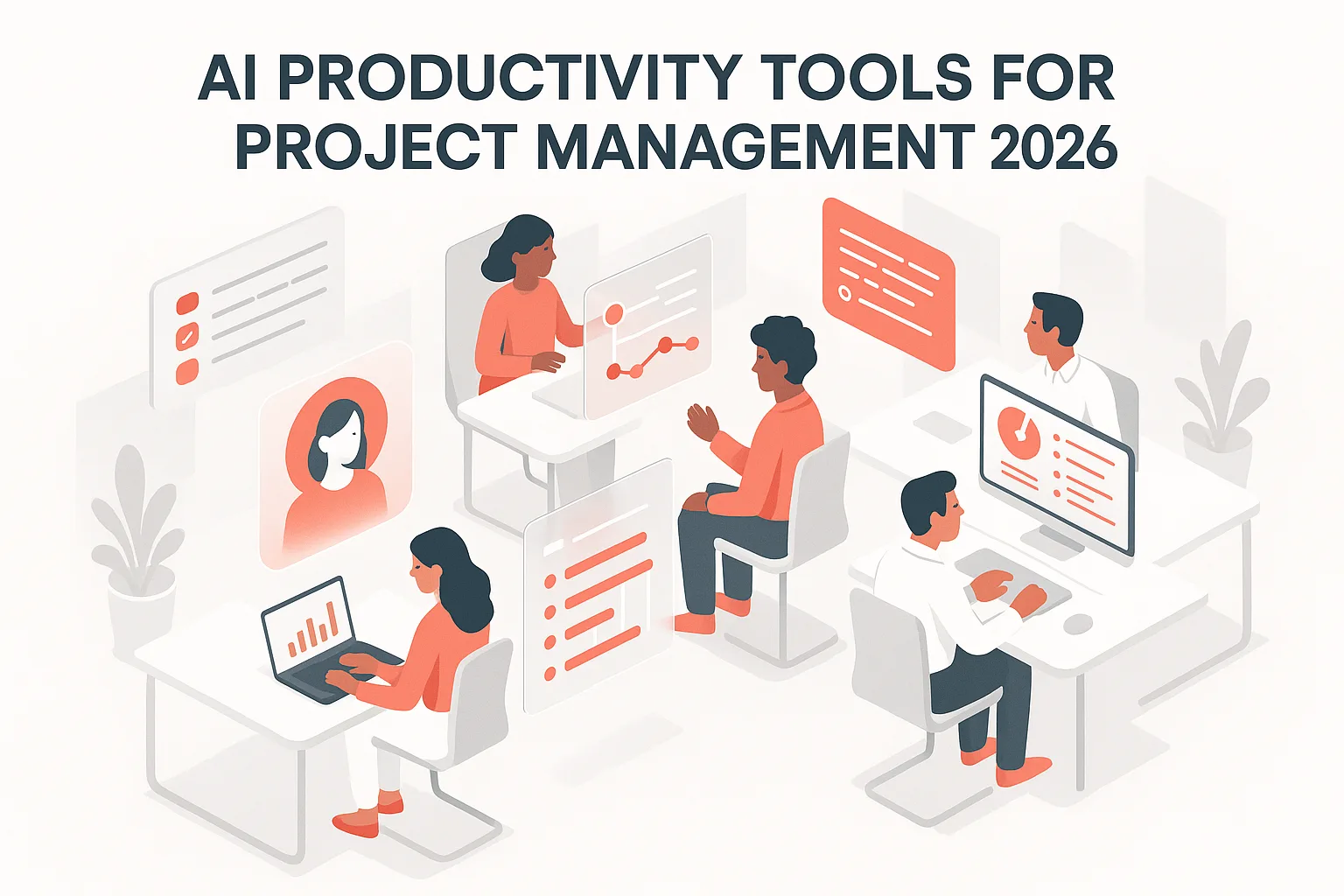
Notion AI for project management
Notion AI transforms static notes into dynamic project management engines by automating task organization and content summarization. It can extract action items from meeting notes, draft project timelines, and summarize lengthy discussions into concise bullet points. This integration ensures that information captured in meetings is immediately actionable within your workspace. By reducing the friction between idea generation and execution, Notion AI helps teams stay aligned and ensures that no critical detail falls through the cracks during complex project lifecycles. -

Jasper for marketing content generation
Jasper specializes in generating high-converting marketing copy tailored to specific brand voices and audiences. It offers templates for blog posts, social media captions, and ad copy, streamlining the content creation process for marketing teams. By leveraging historical performance data, Jasper helps produce consistent, engaging content that resonates with target demographics. This focus on marketing-specific output allows professionals to scale their content production without sacrificing quality or brand consistency, making it a vital asset for growth-oriented teams.
Compare features and pricing side by side
Choosing the right AI assistant comes down to two factors: how deeply it integrates into your existing stack and what your budget allows. Rather than picking a tool in isolation, look at how each platform handles the specific workflows you use daily. The table below breaks down the core differences between the four most prominent options for 2026.
| Tool | Starting Price | Best Use Case | Integration Depth |
|---|---|---|---|
| ChatGPT Plus | $20/month | General writing and brainstorming | Browser extension, Office plugins |
| Claude Pro | $20/month | Long-form analysis and document review | Web, iOS, Android, API |
| GitHub Copilot | $10/month (Individual) | Code generation and debugging | VS Code, JetBrains IDEs |
| Notion AI | $10/month (per user) | Project management and wiki building | Native within Notion workspace |
If you are building a team workflow, Copilot’s IDE integration offers the highest productivity gain for developers, while Notion AI streamlines documentation for operations teams. For general knowledge work, ChatGPT and Claude are functionally similar, so the choice often comes down to which interface you prefer for daily drafting.


As an Amazon Associate, we may earn from qualifying purchases.
Checklist for adopting AI tools safely
Before rolling out AI productivity tools across your team, treat security as a feature, not an afterthought. A single misconfigured prompt can leak proprietary data, so start by auditing how each tool handles information. Check the privacy policy to ensure your inputs aren't used to train public models. If a tool lacks clear data isolation, it doesn't belong in your workflow.
Next, test free tiers with dummy data before committing to enterprise plans. This sandbox approach reveals latency issues and hidden limitations without risking your actual projects. Once the tools are approved, train your team on prompt hygiene. Teach them to strip sensitive identifiers from requests and to verify AI outputs against primary sources. Automation should amplify your work, not introduce silent errors.
| Action Item | Why It Matters |
|---|---|
| Audit data retention policies | Prevents accidental training of public models on private code or client data |
| Test with synthetic data | Identifies workflow bottlenecks before full-scale deployment |
| Train on prompt security | Reduces risk of leaking PII or intellectual property through careless prompts |
Adopting these tools isn't just about speed; it's about maintaining control. When your team knows how to use AI responsibly, you gain productivity without sacrificing the integrity of your work.
Frequently asked questions about AI tools
Will AI replace my job?
Most AI productivity tools in 2026 are designed to augment human capabilities, not replace them. They handle repetitive tasks like scheduling or data entry, freeing you to focus on high-value strategic work. Think of AI as a junior assistant that never sleeps, allowing you to scale your output without increasing your workload.
Are AI productivity tools expensive?
Costs vary widely depending on the tool and your needs. Many popular options offer free tiers with limited features, while premium plans typically range from $10 to $50 per month. For teams, enterprise solutions may cost more but offer advanced security and integration capabilities. Always check the specific pricing on the vendor’s site, as discounts often apply for annual subscriptions.
Is my data safe with AI tools?
Reputable AI productivity providers use encryption and comply with data privacy regulations like GDPR and CCPA. However, it’s crucial to review each tool’s privacy policy, especially regarding how your data is used for training models. Avoid uploading sensitive personal or financial information to free tiers, and prefer tools that offer on-premise or private cloud deployment for maximum security.
No comments yet. Be the first to share your thoughts!