Farcaster has quickly become a cornerstone of the decentralized social networking movement, and its integration with the Base blockchain is unlocking a new era for SocialFi. For newcomers, diving into this ecosystem can seem daunting, but with the right guidance, onboarding is straightforward and rewarding. In this step-by-step guide, you'll learn how to set up your Farcaster account, connect to Base, and start engaging with onchain social applications that blend community with decentralized finance.
Why Use Farcaster on Base? The Power of Decentralized SocialFi
Traditional social platforms profit from your data and limit your control over online identity. Farcaster flips that model by putting ownership back in users’ hands. Built on Ethereum and now leveraging Base, a Layer 2 network developed by Coinbase, Farcaster offers scalable, low-cost interactions while preserving decentralization.
By combining Farcaster’s protocol with Base’s speed and efficiency, users can experience:
- True data ownership: Your posts (casts), profile, and assets are yours alone.
- Onchain actions in your feed: Mint NFTs, tip creators, or vote on proposals, without leaving the social stream.
- Lower fees: Thanks to Base’s L2 architecture, transaction costs are minimal compared to mainnet Ethereum.
Step 1: Set Up Your Farcaster Account
The journey begins with creating a Farcaster account using Warpcast, the flagship client app available for both iOS and Android devices. Here’s how to get started:
Setting Up Your Farcaster Account with Warpcast: A Visual Walkthrough
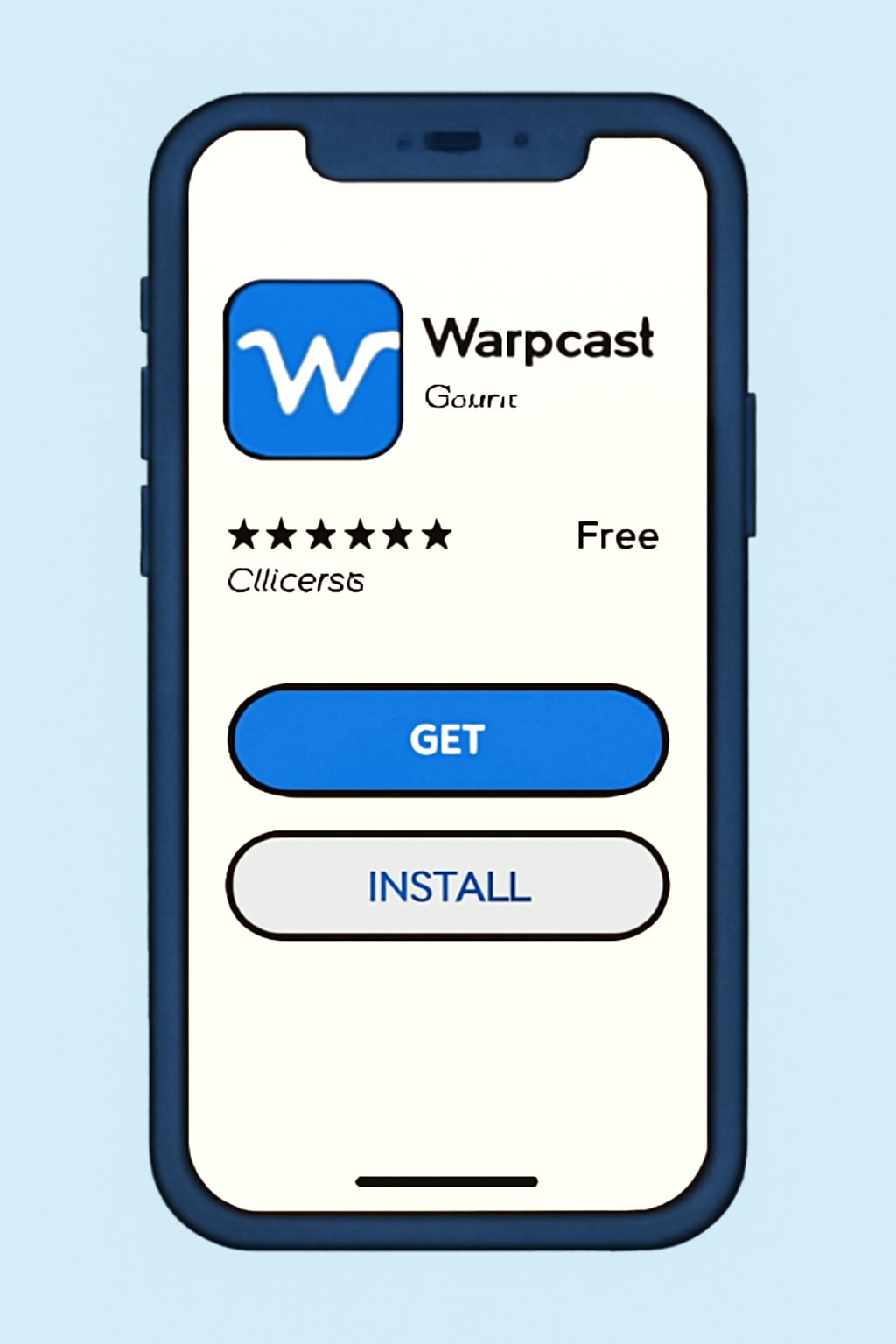
- Download Warpcast: Search for "Warpcast" in your device’s app store. Install the app and open it.
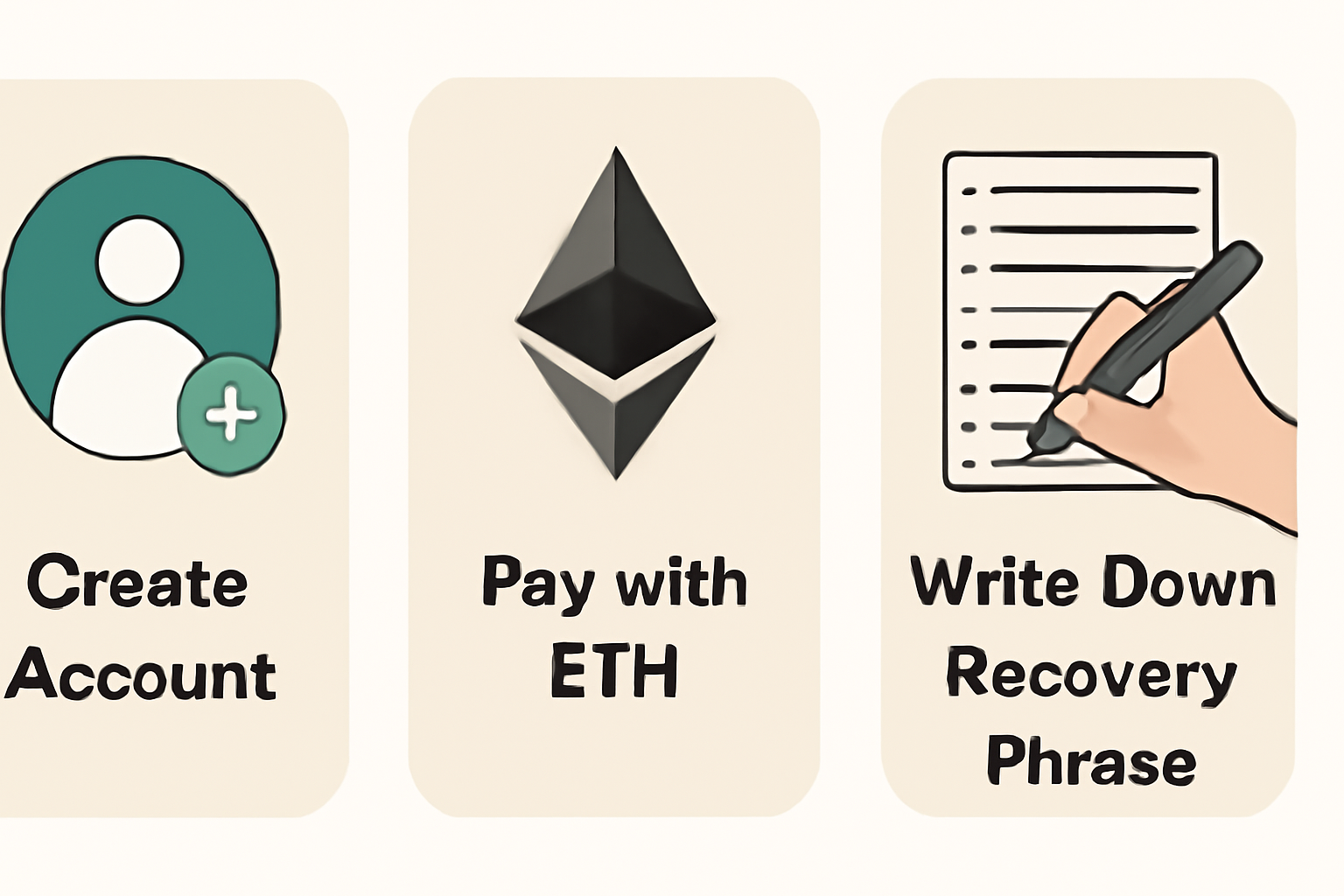
- Create an Account: Follow the prompts to sign up. You’ll be asked to pay a small annual fee (currently around $5 in ETH) to rent storage space on the protocol, this prevents spam and ensures sustainability. Make sure you securely save your recovery phrase; this is crucial for account access.
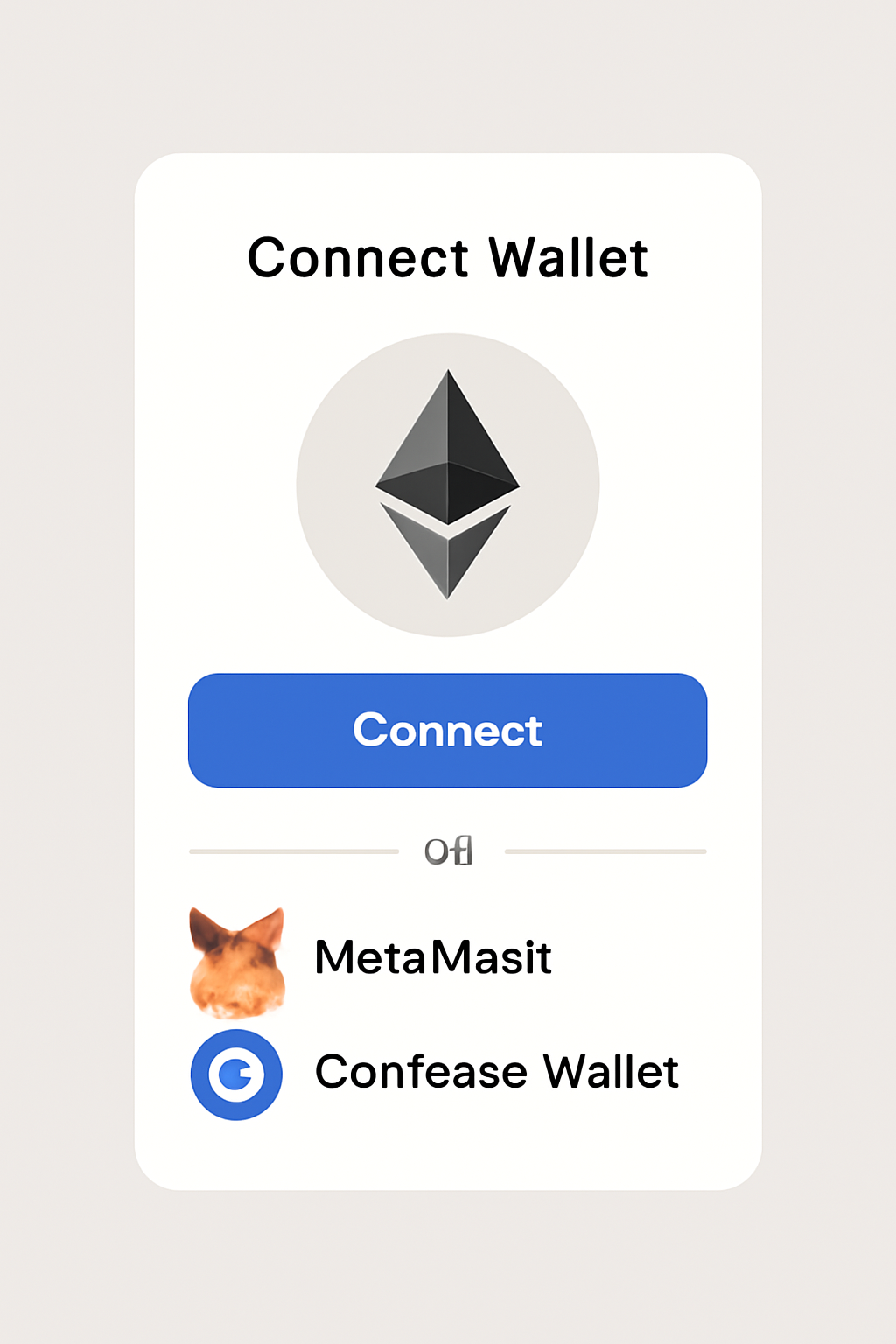
- Set Up Your Wallet: Link an Ethereum-compatible wallet (such as MetaMask or Coinbase Wallet). This will enable you to perform onchain actions like tipping or minting NFTs directly from your feed.
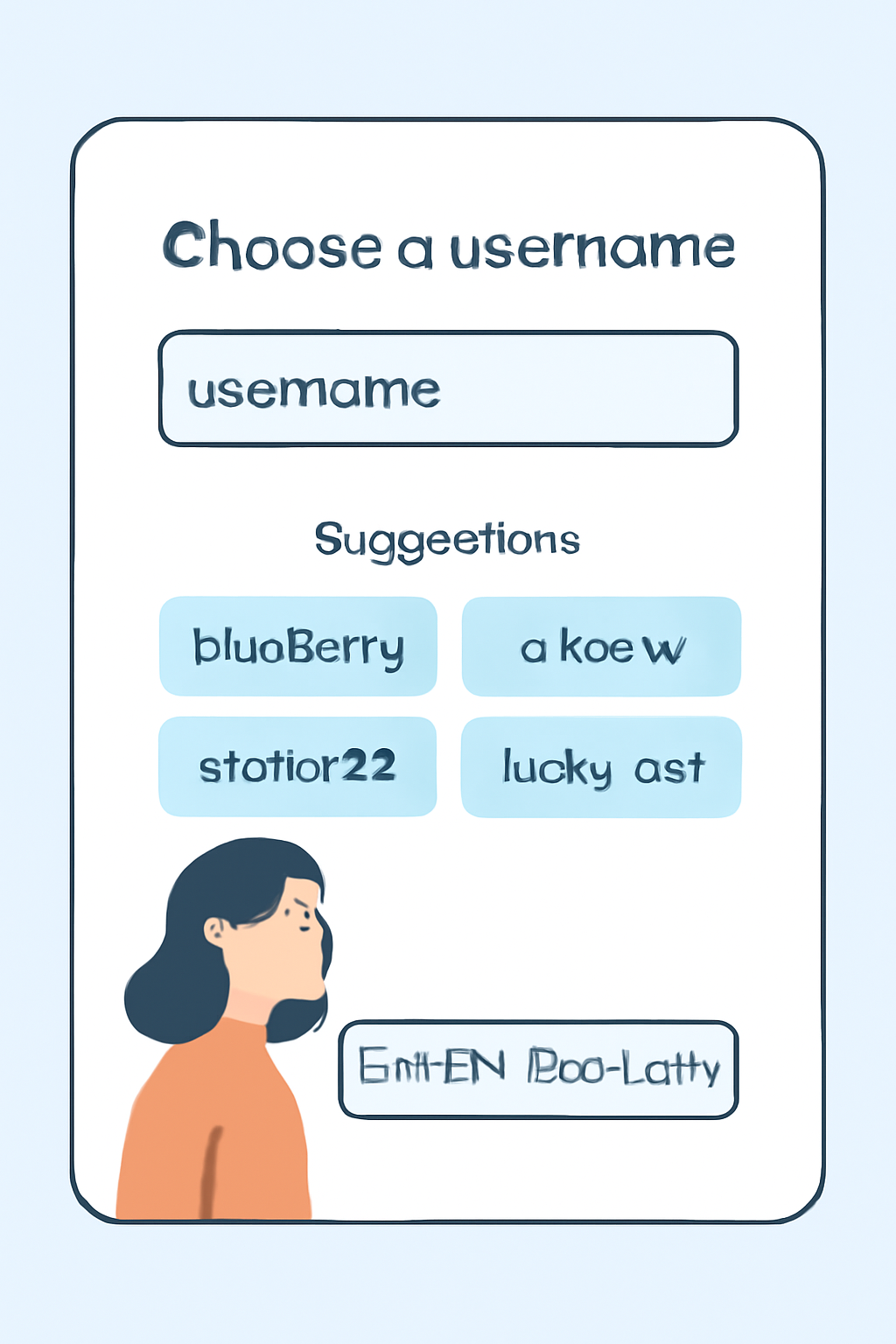
- Choose a Username: Select a unique username that represents you across the network. Optionally, use an ENS domain for added personalization.
This process grants you full control over your identity and content within the decentralized ecosystem, a major departure from traditional Web2 platforms.
Step 2: Connect to Base, Bridging Assets for Onchain SocialFi
The next step is integrating with Base, which serves as the backbone for fast and affordable transactions within SocialFi dApps:
- Understand Base: Developed by Coinbase, Base is an Ethereum Layer 2 solution designed specifically for scalable decentralized applications. It offers lower fees while maintaining security inherited from Ethereum mainnet.
- Bridge Assets: To interact with dApps built on Base, including those embedded in Farcaster, you’ll need to transfer tokens from Ethereum mainnet onto the Base network using a bridging service. This step unlocks access to advanced features like NFT minting Frames or DeFi tools within your social feed.
If you’re new to asset bridging or want more detail about how this process works within SocialFi contexts, check out our expanded guide at How to Use Farcaster on Base: Step-by-Step Beginner's Guide.
Navigating Onchain Social Interactions: Frames and Features Explained
The real magic of Farcaster on Base comes alive through interactive Frames, mini-apps embedded directly in posts (casts). These allow seamless execution of blockchain actions such as minting NFTs or participating in token votes without ever leaving your feed. For example:
- NFT Minting Frames: Developers can create no-code minting experiences using tools like mint. fun, enabling creators or communities to launch NFT drops instantly inside their channel feeds.
- DeFi Integration: Some Frames support token swaps or staking directly via the post interface, leveraging Base’s cost efficiency for micro-transactions that would be impractical on mainnet Ethereum.
This fusion of social engagement with financial utility is what makes SocialFi so compelling, and why understanding these building blocks is essential for any crypto-curious user entering the space today. a
Beyond the basics, Farcaster’s integration with Base unlocks a dynamic landscape for creators, collectors, and communities. The protocol’s modular design means new Frames and dApps are emerging rapidly, ranging from collaborative art drops to DAO voting interfaces, all accessible within your social stream. This evolution is driving real adoption and experimentation in the SocialFi sector.
Step 3: Engage With Channels and Discover New SocialFi Apps
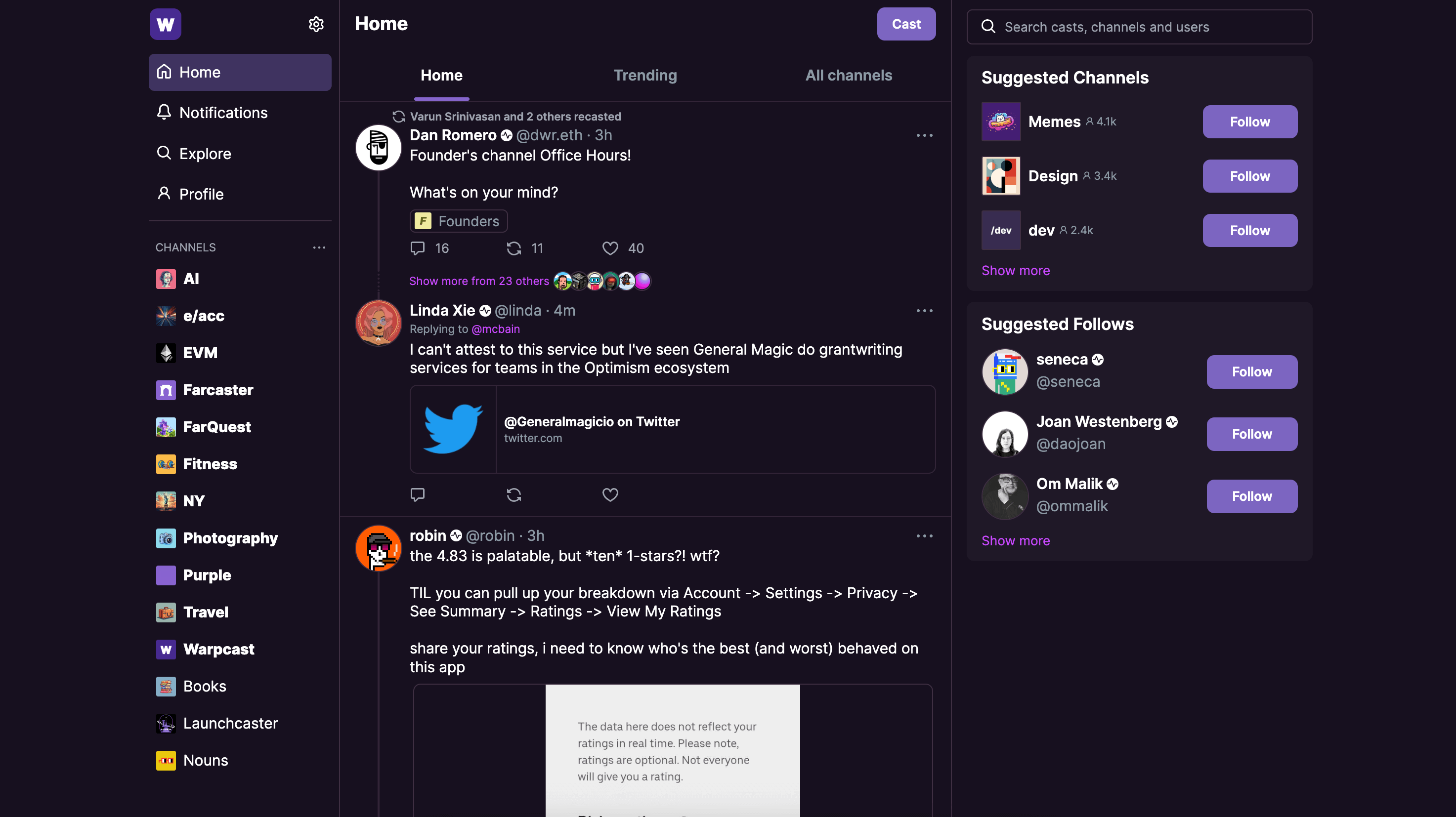
Once your account is live and assets are bridged to Base, it’s time to explore the ecosystem. Farcaster organizes conversations into channels (like/crypto or/art), making discovery of new projects and communities intuitive. Many channels host exclusive NFT drops, live AMAs with developers, or early access to experimental Frames.
- Participate in Channel Activities: Join topic-based channels to connect with other users, share insights, or catch trending onchain events.
- Try New Frames Regularly: Developers frequently launch new interactive Frames, keep an eye out for announcements within channels or from prominent builders.
- Follow Key Projects: By following teams building on Base and Farcaster, you’ll stay ahead of major releases and SocialFi innovations.
This constant stream of innovation means that even beginners can quickly become power users by simply engaging daily. The learning curve is gentle but rewarding, especially as you witness firsthand how decentralized finance merges with social experiences in real time.
Step 4: Security, Best Practices and Staying Informed
With greater control comes greater responsibility. Here are some essential tips for safeguarding your assets and optimizing your experience:
- Secure Your Recovery Phrase: Never share your recovery phrase or private keys. Store them offline in a secure location.
- Verify Frame Sources: Only interact with Frames from trusted developers or official channel posts to avoid phishing attempts.
- Keep Software Updated: Regularly update Warpcast and your wallet app to benefit from the latest security patches and features.
The Farcaster community is proactive about security education, don’t hesitate to ask questions in public channels if you’re unsure about a particular feature or Frame.
Next-Level Tips: Building Your Own Frames and Contributing
If you’re technically inclined or simply curious about shaping the future of decentralized social networks, consider exploring how to build your own Frames. Tools like mint. fun allow non-coders to launch NFT drops, while developer resources at docs. farcaster. xyz make it accessible for programmers to create custom mini-apps that interact directly with Base smart contracts. This hands-on approach not only deepens your understanding but can also unlock unique earning opportunities within the ecosystem.
The synergy between Farcaster’s open protocol and Base’s infrastructure ensures that user-driven innovation remains at the forefront. Whether you’re minting collectibles, participating in DAO governance via a Frame, or simply connecting with like-minded peers across the globe, you’re part of a movement redefining what social media can be in Web3.
Where To Go Next?
Your journey doesn’t end here, the SocialFi space on Base is evolving at breakneck speed. For more hands-on walkthroughs, deeper dives into trending apps, or advanced onboarding strategies (including bridging optimizations), explore our related guides such as How to Use Farcaster on Base: A Beginner's Guide to Decentralized Social Networking. Staying active in community channels will also ensure you're always up-to-date on new releases and best practices.


No comments yet. Be the first to share your thoughts!