Farcaster is rapidly emerging as the backbone of decentralized social networking, empowering users to own their data and connections while sidestepping the gatekeepers of Web2. With its integration on Base: Coinbase’s scalable Ethereum Layer 2, Farcaster now delivers lower fees, faster interactions, and a developer-friendly environment for building social dApps. If you’re ready to escape centralized silos and join the next evolution of onchain social, this Farcaster Base guide will walk you through every essential step.
Why Use Farcaster on Base?
The synergy between Farcaster and Base unlocks a new dimension for SocialFi power users, creators, and builders. Not only do you gain full control over your identity and content, but you also tap into Base’s low-cost transactions and robust security. Whether you’re looking to mint NFTs via Frames, deploy community tokens, or simply connect with like-minded early adopters in channels like /crypto, the Farcaster-Base combo is your gateway.
Key advantages:
- User-owned data: No centralized servers or shadowbanning risks
- Efficient transactions: Leverage Base’s low fees for all onchain actions
- Evolving ecosystem: Participate in Frames, NFT mints, polls, and more, all within one interface
Your Step-by-Step Farcaster Setup on Base
Get Started with Farcaster on Base: A Visual Walkthrough
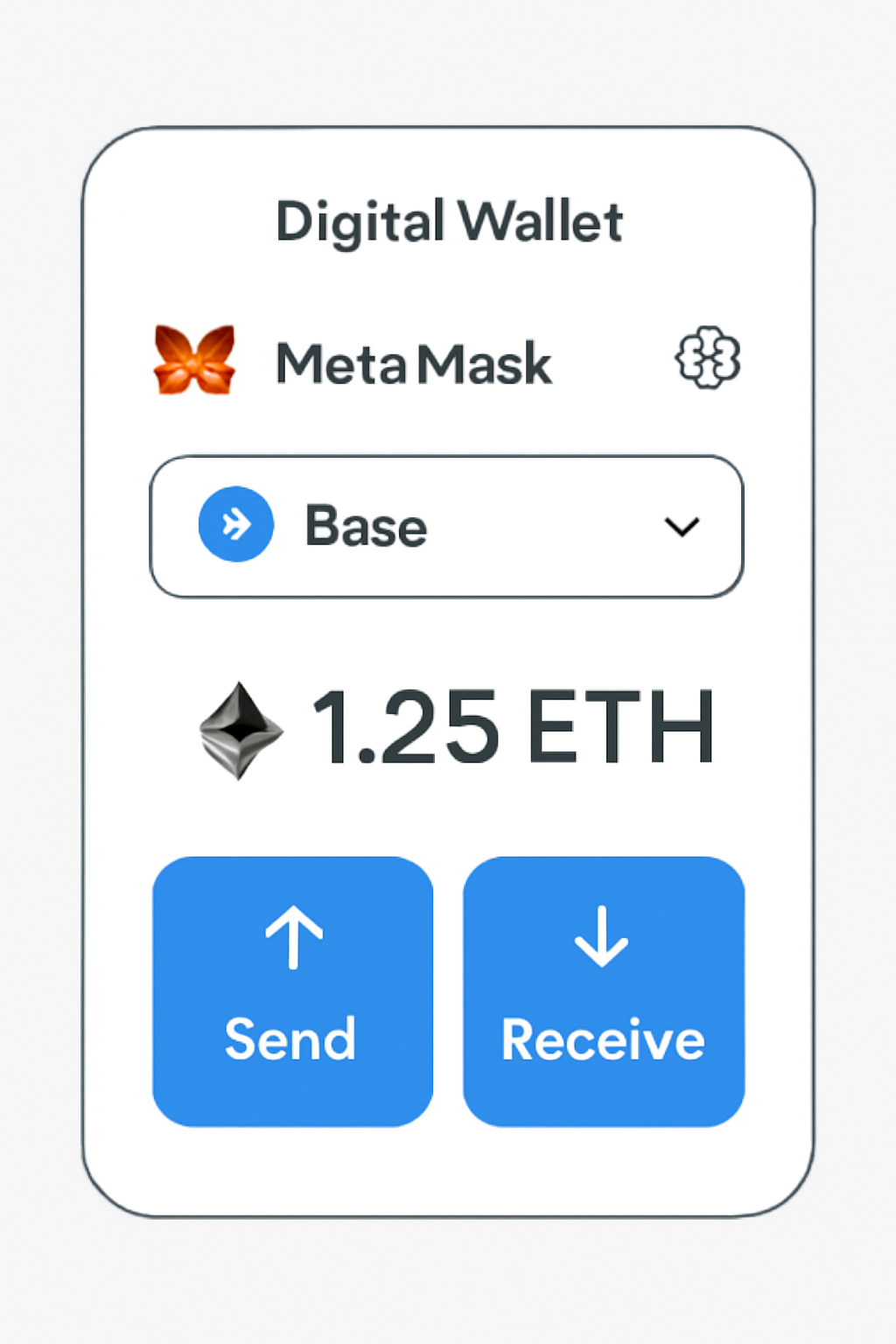
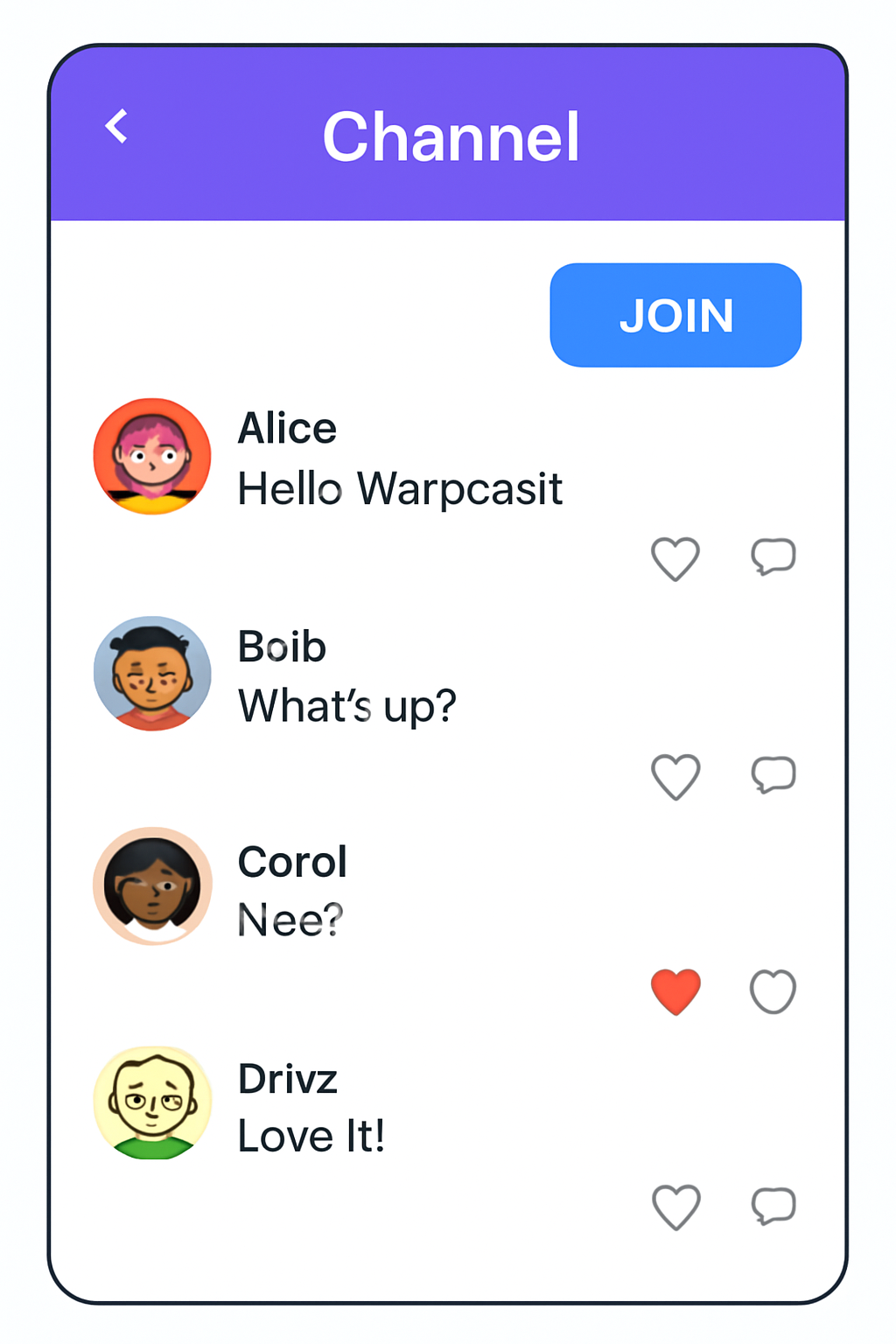
This process is straightforward but powerful. Let’s break down each phase so you can start casting with confidence.
1. Create Your Farcaster Account (via Warpcast)
- Download a client: The most popular option is Warpcast, available for both iOS and Android.
- Create an account: You’ll pay a small annual fee, currently about $5 in ETH, to rent storage space on the decentralized network (source). This ensures spam resistance while keeping onboarding accessible.
- Backup your recovery phrase: This is critical! Store it securely offline, you’ll need it if you ever lose device access.
2. Connect Your Wallet to the Base Network
Your wallet is your passport to all things SocialFi. Most users opt for MetaMask or Coinbase Wallet due to their compatibility with Ethereum L2s like Base.
- Add Base network: In your wallet settings, manually input the official RPC URL and Chain ID as detailed in Base documentation.
- Add funds to Base: Transfer some ETH from mainnet (or another chain) onto Base using a trusted bridge, enough to cover transaction fees for mints or Frame interactions.
Navigating Farcaster: Channels, Casts and Frames
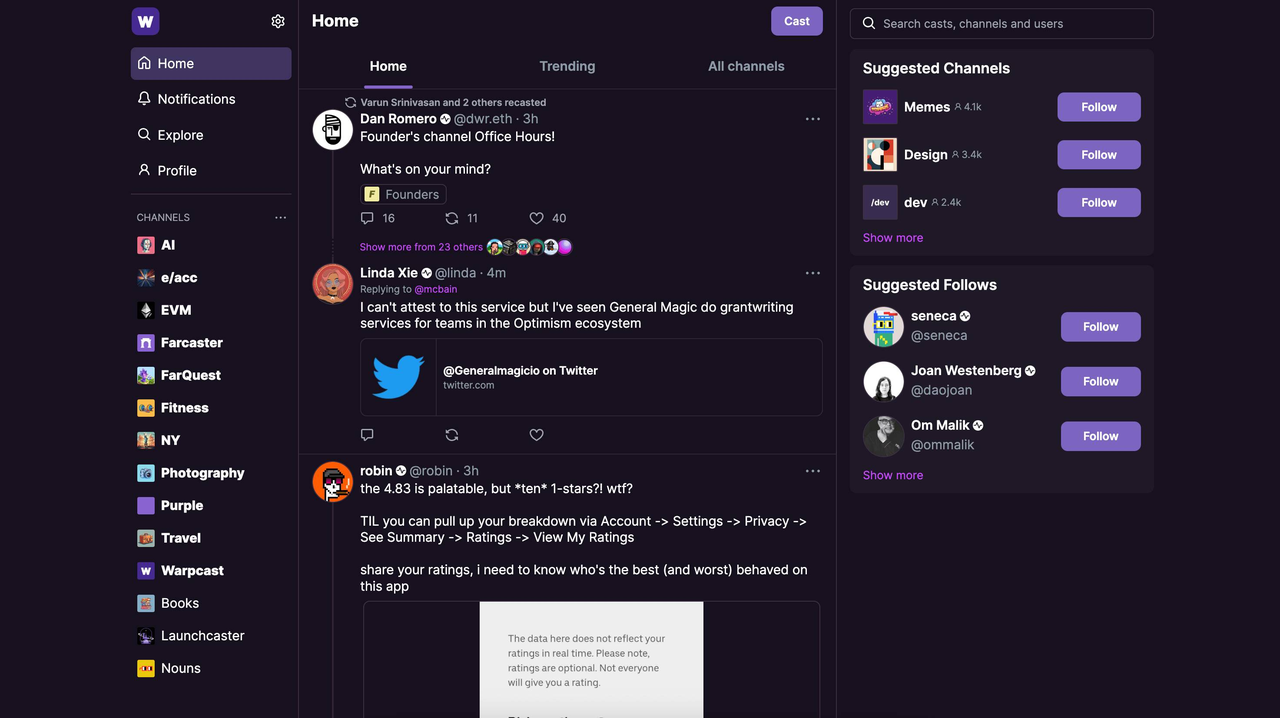
The heart of Farcaster lies in its dynamic channels (think Discord meets Twitter), where users share short-form posts called "casts. " Once your wallet is connected and funded on Base, jump into channels like /art, /crypto, or niche communities that match your interests. You can post casts (similar to tweets), reply to others, or boost content you find valuable, all actions are recorded transparently thanks to blockchain infrastructure (learn more here).
- Create casts: Share thoughts or updates directly from any channel interface.
- Dive into Frames: Interactive mini-apps embedded inside casts let you mint NFTs (no code required), vote in polls, or even launch tokens, all without leaving the app environment (see how here).
What truly sets Farcaster on Base apart is the seamless blend of social engagement with onchain action. Frames are the game-changer: these interactive widgets live directly inside your feed, allowing you to mint NFTs, claim tokens, or participate in community polls, all with a single click and instant confirmation on Base’s low-fee network. For creators and brands, this means you can launch campaigns or distribute digital assets right where your audience is already active.
Top Farcaster Frames Use Cases on Base
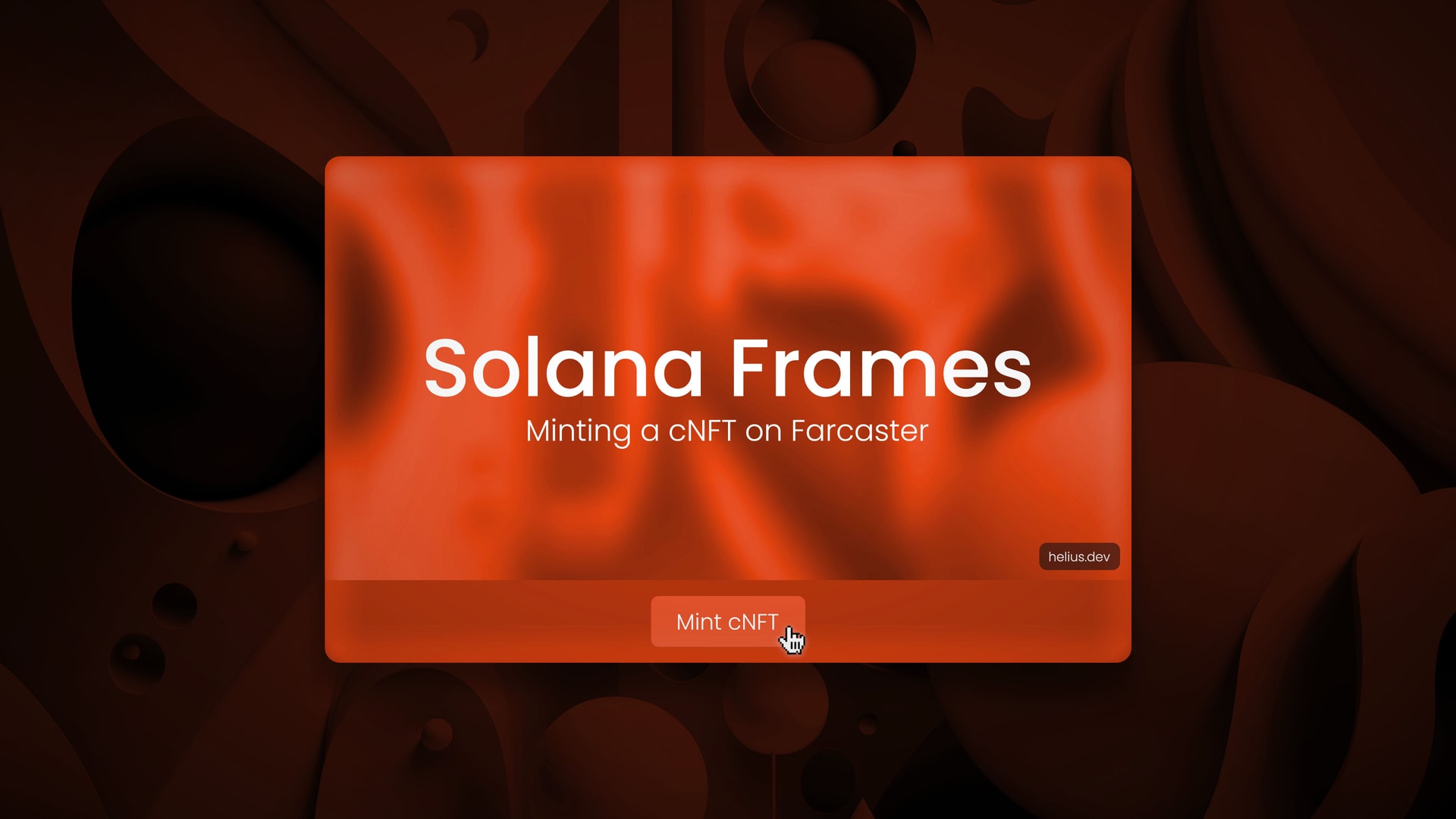
- NFT Minting: Mint NFTs directly within Farcaster using Frames integrated with platforms like mint.fun. Users can seamlessly create or collect digital assets on Base without leaving the social feed.
- DAO Voting: Participate in decentralized governance by casting votes on proposals through Frames linked to DAOs built on Base. This enables onchain voting directly from within Farcaster discussions.
- Token Drops: Claim or distribute tokens via interactive Frames, such as those powered by the Clanker bot, making airdrops and token launches accessible in the social context.
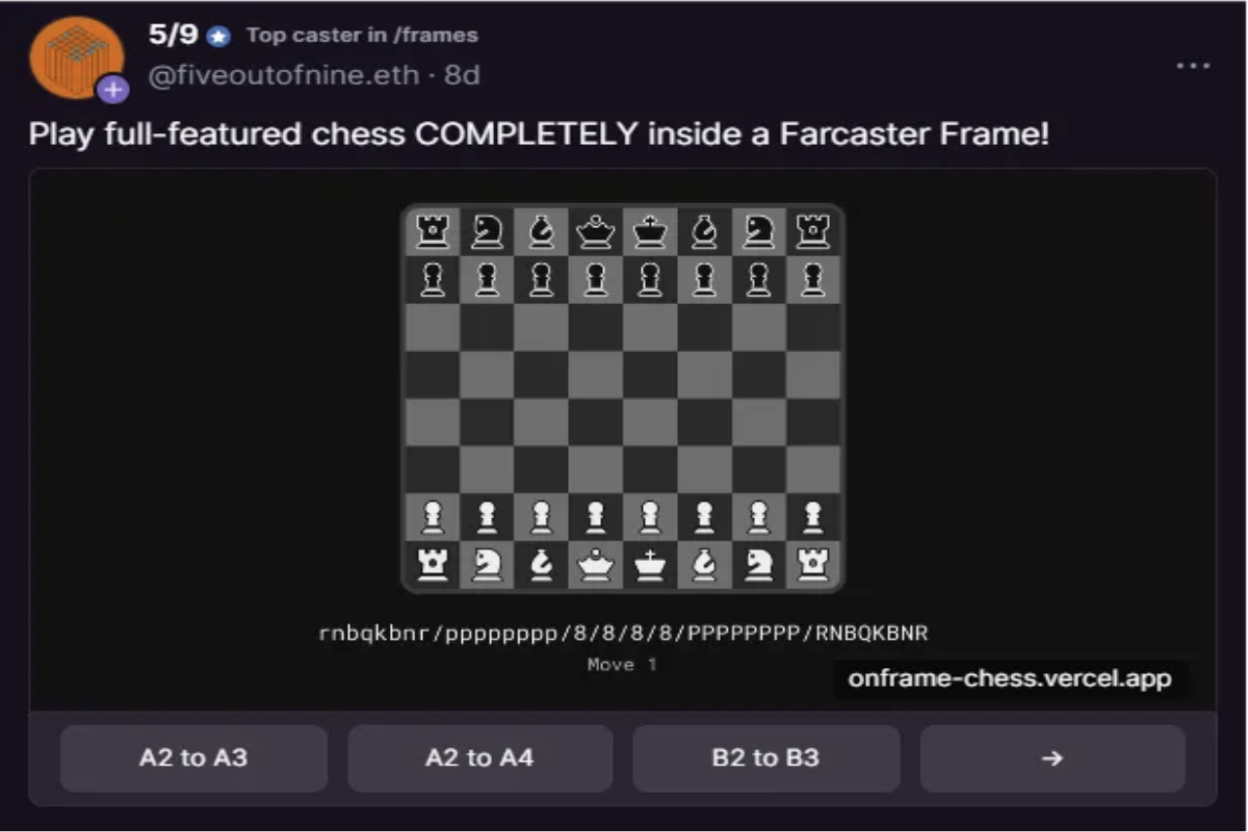
- Social Games: Engage with onchain games and playful experiences embedded as Frames, where users can compete, earn rewards, or unlock achievements—all within Farcaster’s interface.
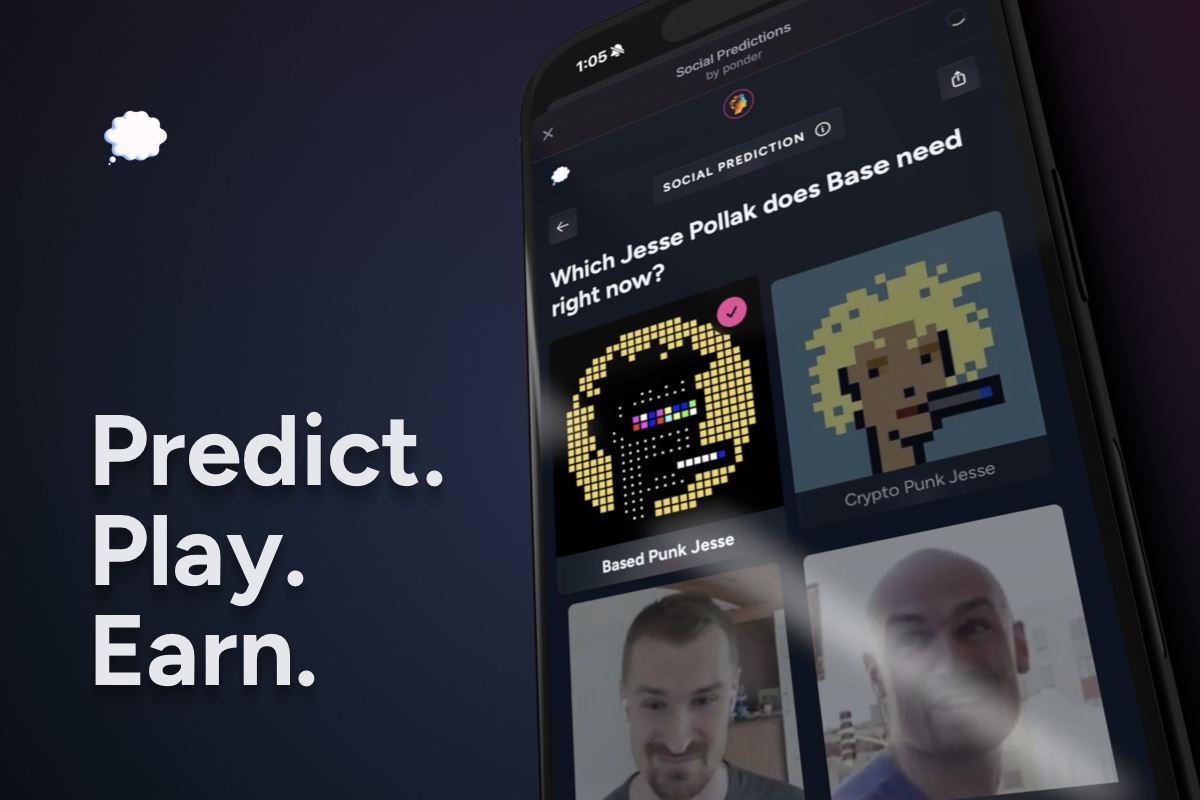
- Onchain Polls & Surveys: Instantly participate in community polls and surveys with verifiable, onchain results using dedicated Frames, enhancing transparency and engagement.
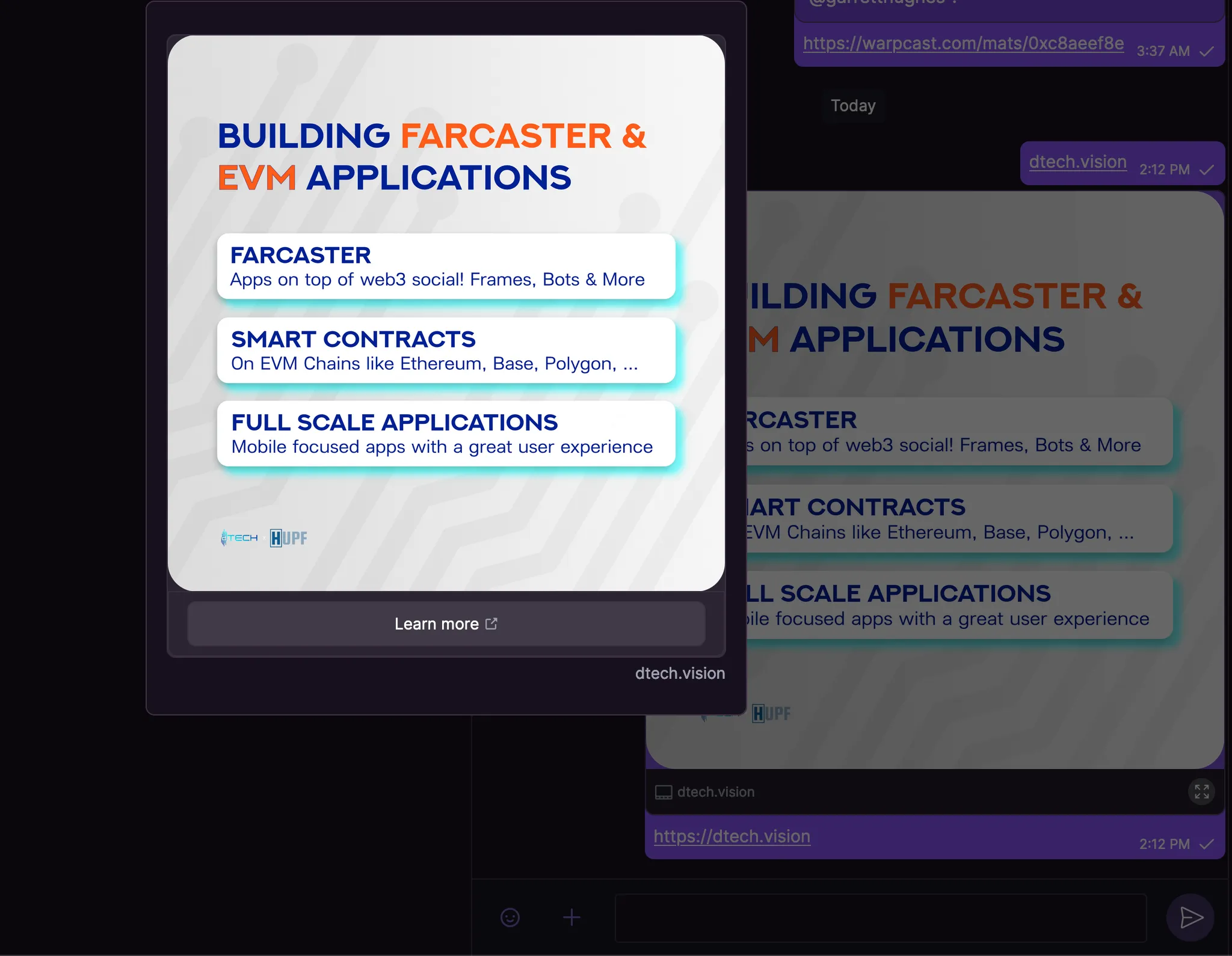
For beginners looking to maximize their experience, here are a few high-impact tips:
- Explore trending Frames: Check out what’s hot in the/frames channel or follow Frame creators to discover new interactive drops.
- Participate in live events: Many communities run real-time mints or voting sessions via Frames, these can be great for earning rewards and connecting with active users.
- Delegate Frame custody: If you’re a builder, Farcaster lets you delegate Frame management to trusted users or smart contracts for advanced automation (details here).
Security and Best Practices for Farcaster on Base
Your wallet is your identity, protect it. Always double-check transaction details before signing any onchain action within Frames. If you’re experimenting with new dApps or bots (like @clanker for easy token deployment), start with small amounts and monitor permissions closely. Since Farcaster is non-custodial and open-source, staying updated via official channels is essential for security and catching new features early.
What’s your favorite use case for Farcaster Frames on Base?
Farcaster Frames on Base let you do more than just post — you can mint NFTs, deploy tokens, join polls, and interact with onchain apps right inside your social feed. Which feature excites you most?
If you’re ready to build or experiment further, consider diving into no-code Frame creation using guides from Base’s documentation. You don’t need deep technical knowledge, just connect your wallet, configure your Frame (for NFT mints or polls), and share it instantly across channels. This democratizes access to SocialFi tools once reserved for developers only.
Pro tip: Join the/base channel for ecosystem updates and connect with other early adopters building at the frontier of decentralized social media.
Frequently Asked Questions
The SocialFi landscape is evolving rapidly, and those who adapt early will be best positioned as adoption accelerates. Whether you’re an artist launching NFTs via mint. fun-powered Frames or a community leader starting a DAO poll in seconds, Farcaster on Base provides unmatched flexibility without sacrificing user sovereignty.
If you want deeper technical breakdowns or want to explore more advanced integrations (like delegating Frame custody or building custom bots), check out resources from the official documentation listed above. For now, enjoy the freedom of true data ownership, and remember: in SocialFi’s future, your network belongs to you.


No comments yet. Be the first to share your thoughts!