

Mini Apps are having a moment, and not just because they're bite-sized and easy to snack on. The real alpha? These social-native web apps run natively inside Farcaster clients like the Base App, giving crypto developers a shortcut to instant distribution, built-in authentication, and viral growth via the social graph. If you're looking to build mini apps on Base, you've landed in the right corner of the SocialFi universe.
Why Mini Apps? Why Now?
Let’s be honest: shipping a dApp that gets traction is harder than explaining quadratic voting at Thanksgiving dinner. But Mini Apps flip the script. They’re lightweight, require no downloads, and plug directly into Farcaster’s thriving social ecosystem, meaning your creation can go from code to community in record time. With Coinbase Wallet integration on the horizon and access to Farcaster’s social graph today, it’s never been easier to reach engaged users who actually want to try new things.
Plus, you get access to all the good stuff: native wallet authentication, seamless notifications, and real-time analytics, no need to cobble together your own infrastructure from scratch. If you’re serious about SocialFi app development on Base, this is your fast lane.
Your Pre-Flight Checklist: What You Need Before Liftoff
Before you start conjuring up viral crypto mini app ideas (on-chain Tamagotchi, anyone?), let’s cover the basics:
- Node. js: Version 22.11.0 or higher (don’t even try sneaking in with old versions)
- Package Manager: npm, pnpm, or yarn, choose your fighter
- Farcaster Developer Mode: Log into Farcaster (mobile or desktop), head over to Developer Tools Settings, and toggle on “Developer Mode. ” This unlocks manifest creation and analytics magic.
If you need a step-by-step walkthrough of these prerequisites (or just want extra hand-holding), check out this practical primer: How To Build And Launch A Farcaster Mini App: Step-By-Step Guide For Developers.
Scaffold Your Project: The Fastest Setup in Crypto?
No more boilerplate purgatory! Kick off your journey with a single command:
Scaffold Your Farcaster Mini App
Ready to kick off your Farcaster mini app adventure? Let's start by scaffolding your project with a single, magical command:
npm create @farcaster/mini-appThis command will guide you through the setup process—just follow the prompts and you'll have a shiny new mini app skeleton in no time. 🚀
This scaffolds a new project with all the essential files and configurations for building a Base blockchain mini app that plays nicely with Farcaster clients.
If you’re coming from traditional dApp dev where spinning up projects means wrestling with Webpack configs until sunrise… welcome to the future.
Add Superpowers With MiniKit SDK
The secret sauce for modern SocialFi? The official MiniKit SDK. It gives you React hooks for user authentication (hello wallet connect!), context management, and seamless wallet integration, all without reinventing the wheel.
- Install MiniKit:
Install Farcaster Minikit
Before you unleash your mini app magic, you'll need to install Farcaster's Minikit. Open your terminal and run the following command:
npm install @farcaster/minikitOnce installed, you'll have all the tools you need to start building your Farcaster-powered mini app. Onward, code wizard!
- Add OnchainKitProvider:
Integrating OnchainKitProvider in Your React App
Let's wrap your app in the OnchainKitProvider to unlock the magic of Farcaster's MiniKit. Think of it as giving your app a backstage pass to onchain features—no secret handshake required.
import { OnchainKitProvider } from '@farcaster/minikit';

function App() {
  return (

      {/* Your app components go here */}

  );
}

export default App;
With this setup, your components can tap into MiniKit's onchain capabilities. Now you're ready to start building features that interact with Base and Farcaster!
This wraps your entire app with all necessary context providers so your components can access wallet data and social features out of the box.
The Social-Native Advantage
The best part? By building inside this ecosystem, you tap straight into Farcaster's identity layer and social graph, meaning every user can interact using their existing credentials. No more onboarding drop-off cliffs or wallet-connection headaches.
Now that your project is turbocharged with MiniKit, it’s time to put your creative stamp on the SocialFi frontier. Here’s where you build features that don’t just function, they spread. Think: on-chain polls, proof-of-attendance tokens, or even NFT drops that can be shared and flexed through Farcaster feeds. The goal? Make your mini app so frictionless and sticky that users can’t help but invite their friends.
From Dev Mode to Mainnet: Deploy, Register, and Distribute
You’ve coded, you’ve tested, and your app is ready for the world. Don’t let it languish in localhost purgatory! Here’s how to make sure your mini app lands in the hands (and wallets) of real users:
Deploy & Register Your Farcaster Mini App on Base: Step-by-Step


Pro tip: Hosting on Vercel or Netlify gets you fast global delivery, no more waiting for IPFS pinning unless you’re feeling nostalgic.
Registering your manifest isn’t just a formality, it’s what makes your mini app discoverable inside Farcaster clients. This step ensures users can find, launch, and share your creation with a single tap. If you want a deeper dive into registration quirks or troubleshooting tips, check out this stellar guide: How To Build And Launch A Farcaster Mini App: Step-By-Step Guide For Developers.
Iterate Like a SocialFi Pro
The best devs know shipping is just the start. After launch, obsessively monitor analytics, usage spikes, drop-off points, wallet interactions, to optimize every pixel of user experience. Mini Apps thrive when they feel alive: push updates fast, respond to community feedback (the Farcaster crowd doesn’t bite… usually), and experiment with viral mechanics like referral rewards or social badges.
Five Viral Mini App Ideas for Base Devs
- Onchain Meme Generator: Leverage Farcaster’s social graph to let users create, mint, and share memes as NFTs on Base—complete with wallet integration and instant social sharing.
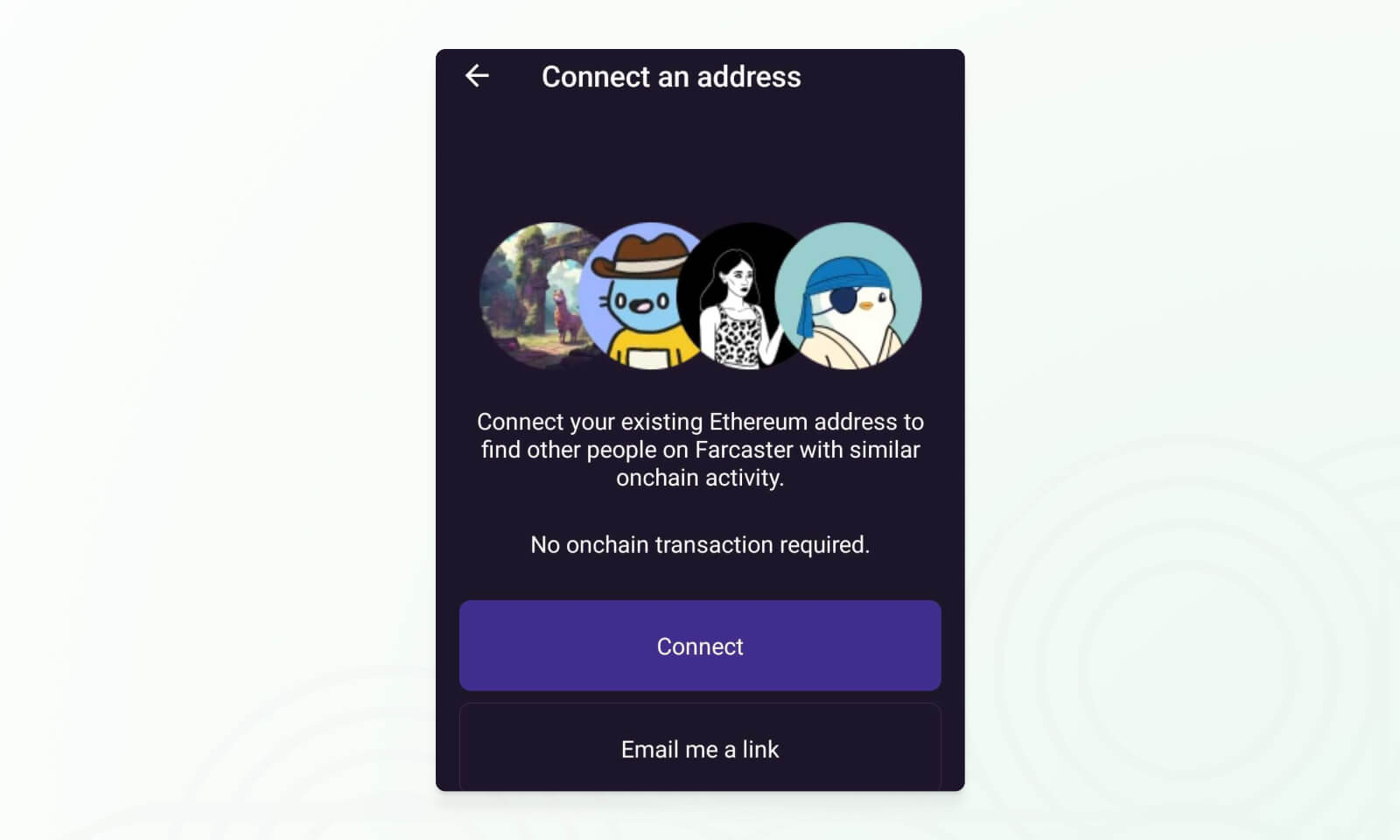
- Proof-of-Attendance (POAP) Dropper: Build a Mini App that lets event organizers airdrop POAPs directly to attendees’ wallets via Farcaster, with seamless authentication and viral event feeds.
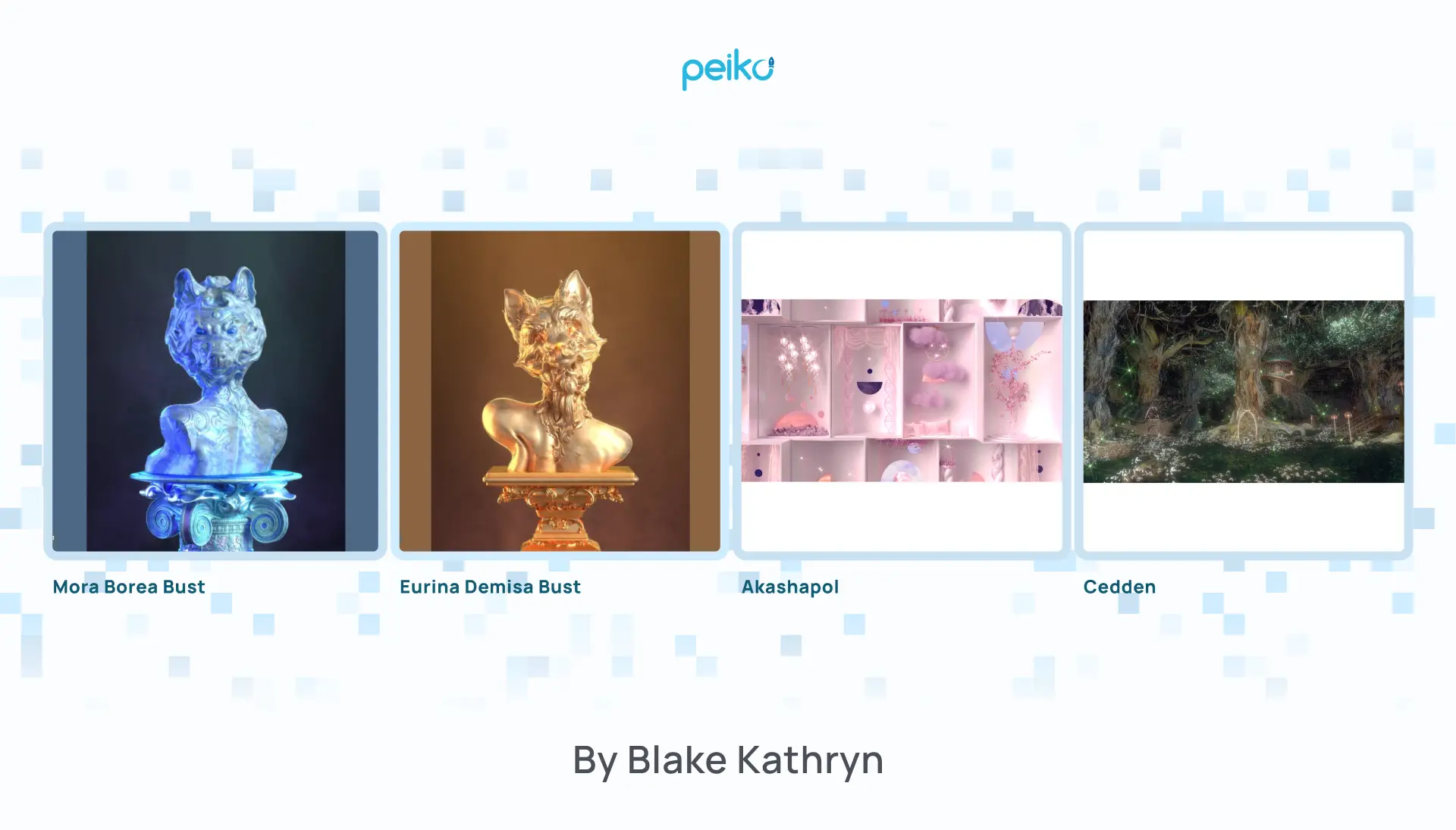
- Social Trading Signals Board: Enable users to follow, share, and discuss onchain trading strategies in real time, using Farcaster notifications and wallet-based access for premium content.
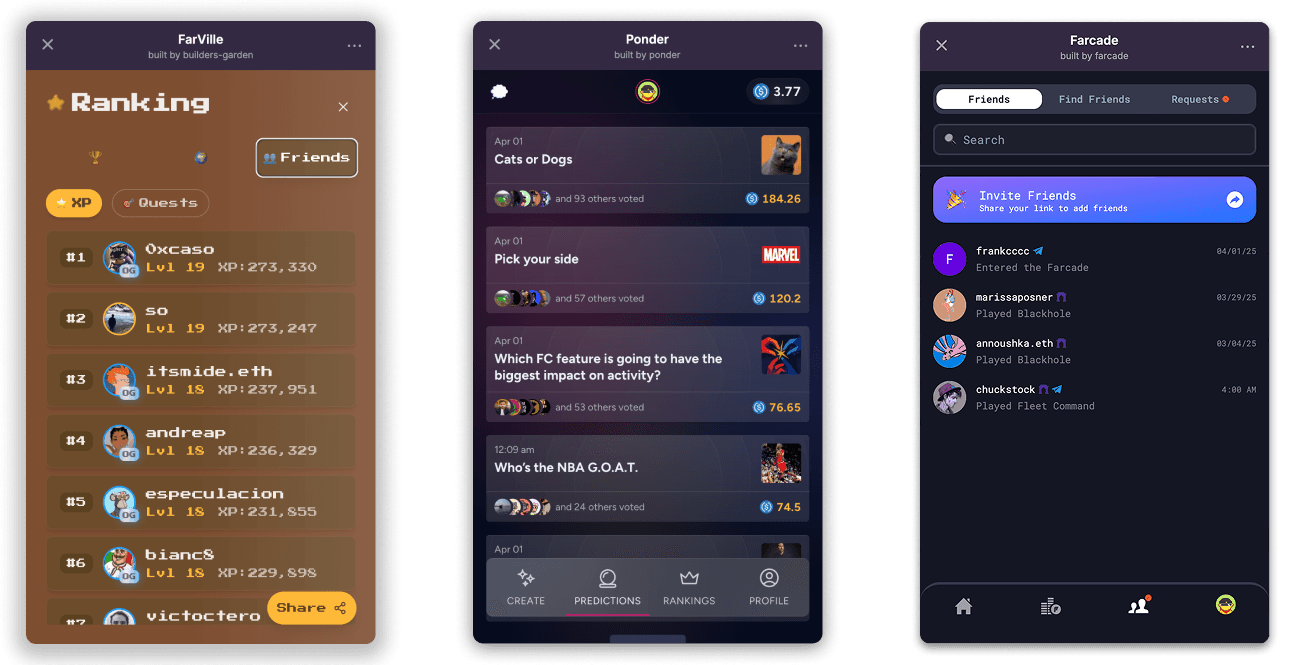
- Token-Gated Community Polls: Create interactive polls where only holders of specific Base tokens can vote, leveraging Farcaster authentication and wallet checks for exclusive participation.
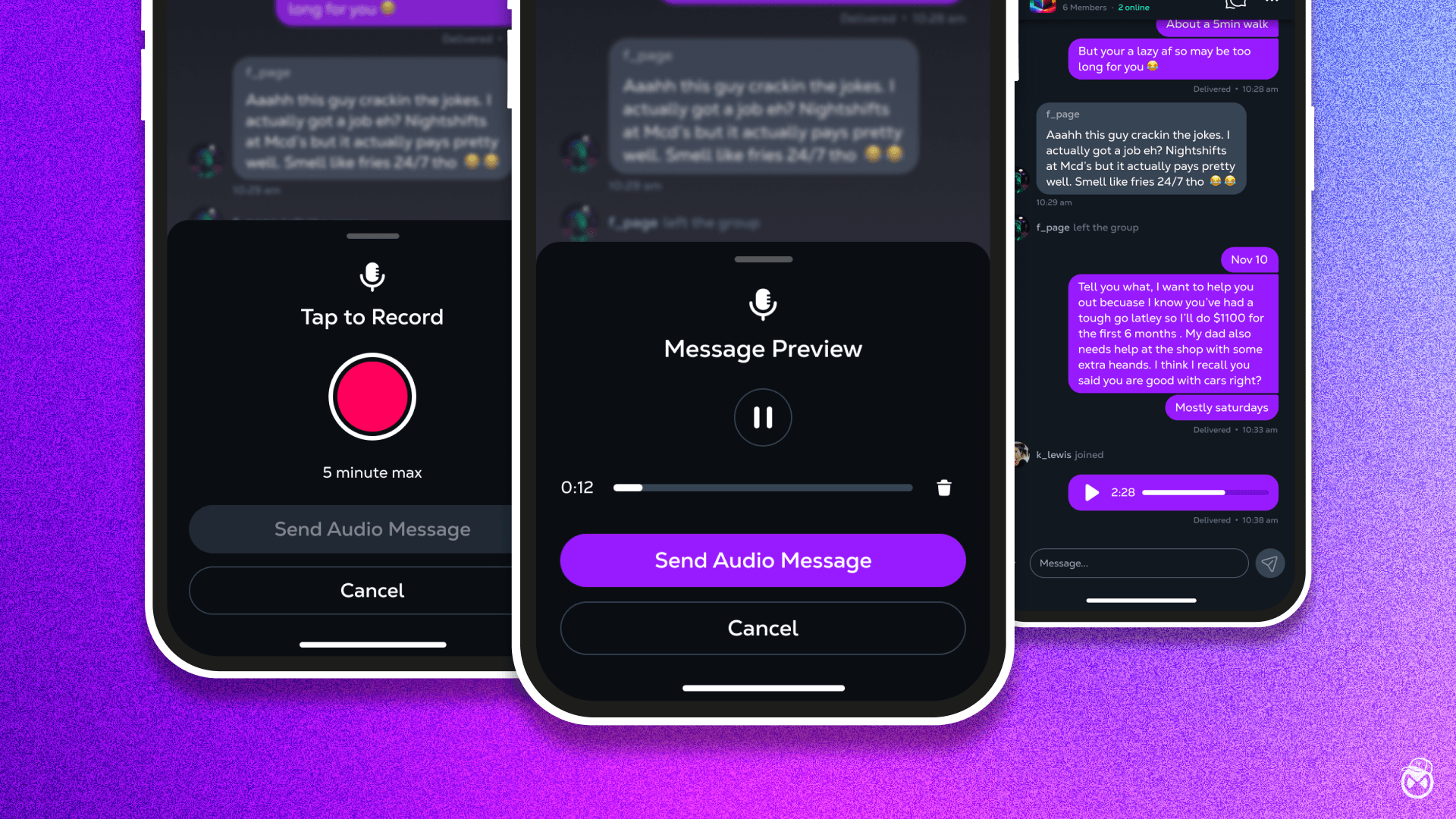
- Onchain Tipping Jar: Let users tip creators or friends instantly in crypto, using wallet integration and Farcaster’s native social sharing to drive viral generosity.
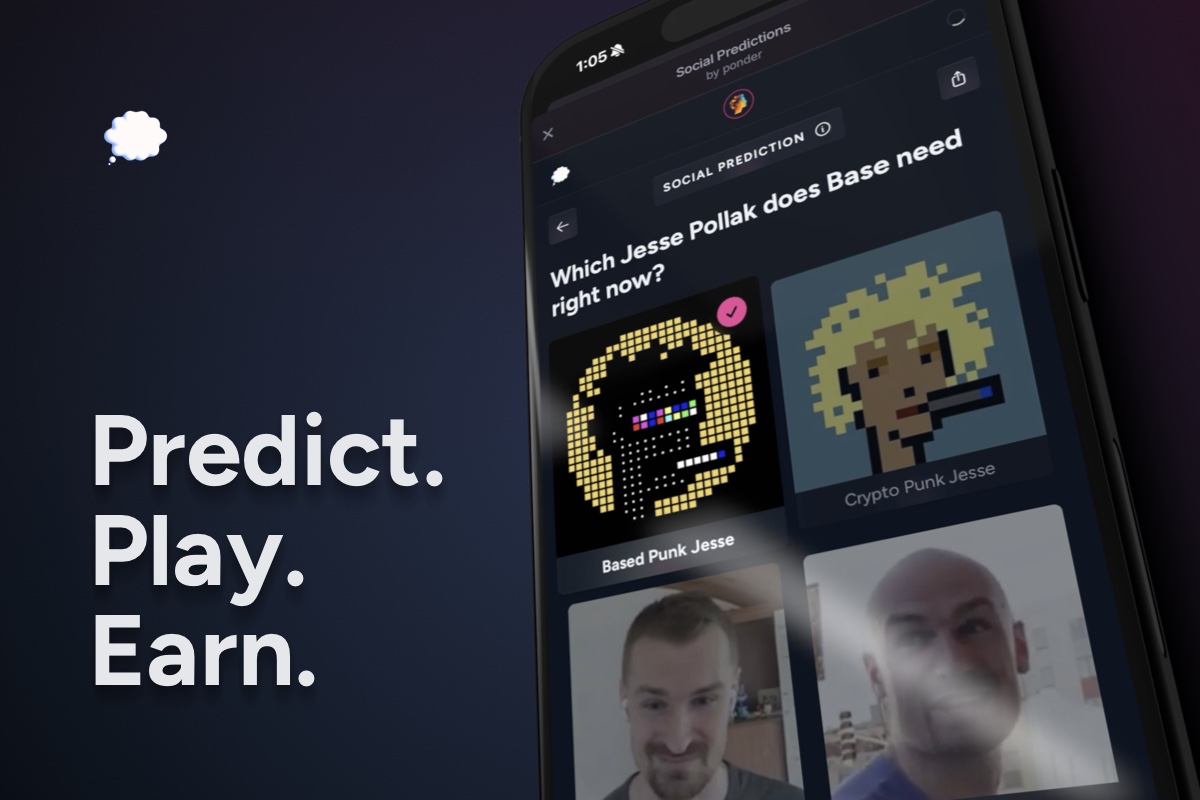
Remember: in SocialFi land, growth loops aren’t optional, they’re existential. Build features that reward sharing and participation natively through the social graph.
FAQ: Your Burning Developer Questions
Stay Ahead of the Curve
The Base blockchain isn’t slowing down, and neither should you. As new SDKs drop and wallet integrations evolve (Coinbase Wallet support is coming soon), keep an eye on emerging standards and community best practices. The SocialFi landscape is fiercely competitive but also wide open for creative devs who move fast and break things (responsibly).
If you’re hungry for more hands-on tutorials or want to see how other builders are pushing the envelope with Farcaster Base integration, check out our beginner’s guide here: How to Use Farcaster Mini Apps on Base: A Beginner’s Guide for SocialFi Enthusiasts.
Ready to ship? The only thing standing between you and mini app stardom is about thirty lines of code, and maybe a few sleepless nights. But hey, fortune favors the bold (and those who read the docs). Happy building!



No comments yet. Be the first to share your thoughts!