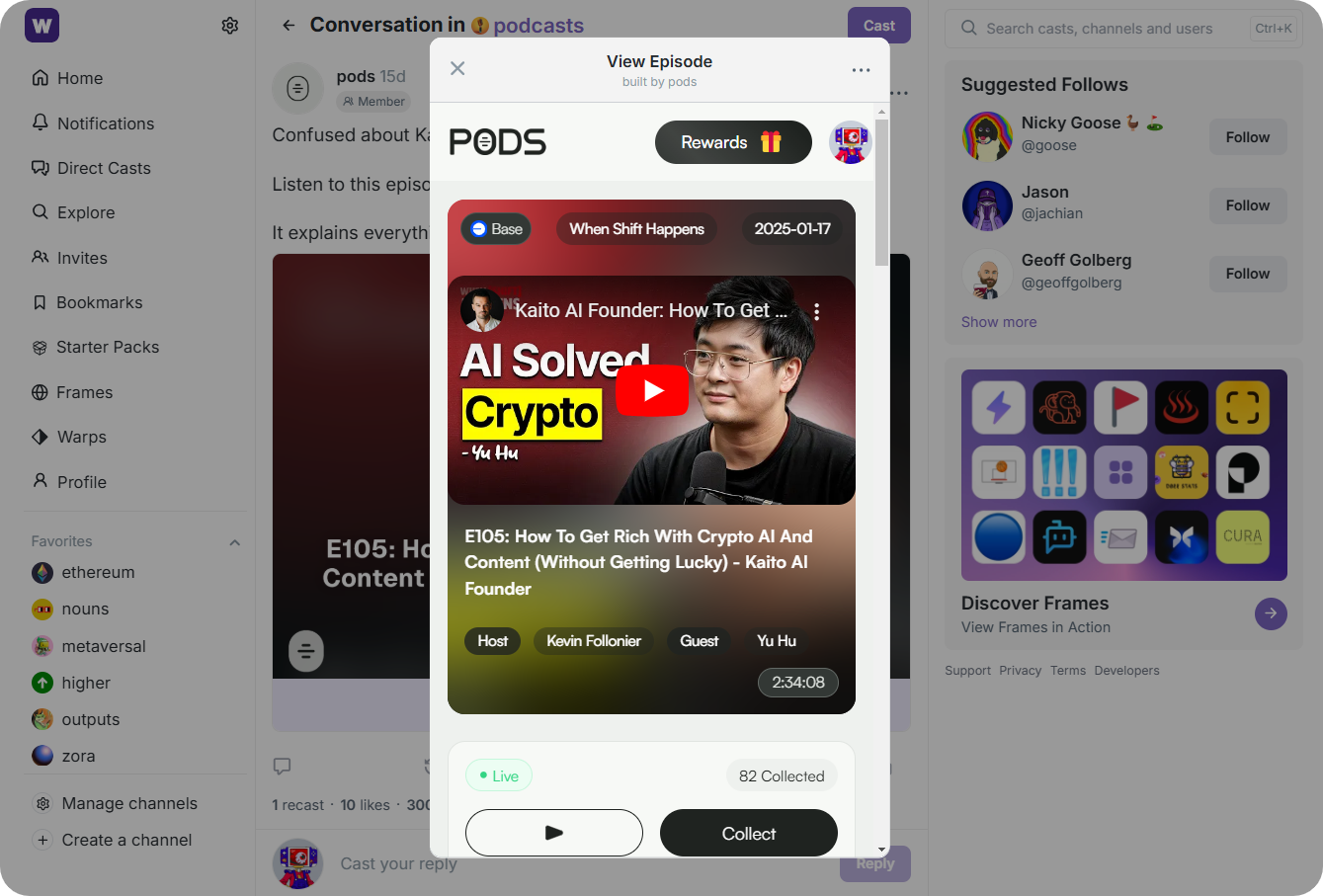
Farcaster Mini Apps are reshaping the SocialFi landscape on Base, letting users and developers embed interactive, onchain experiences directly inside their social feeds. These lightweight web applications run natively within Farcaster clients like the Base App, eliminating the need for downloads or separate installations. For anyone serious about SocialFi, understanding how to use and build with Farcaster Mini Apps is now essential. This guide breaks down the process for beginners, focusing on practical steps and real-world context.
What Makes Farcaster Mini Apps Unique in SocialFi?
Unlike traditional dApps that require external wallets or clunky onboarding, Farcaster Mini Apps are designed for seamless integration with onchain social platforms. Users can launch polls, games, NFT marketplaces, or even DAOs directly from posts, no tab switching required. The result: higher engagement and a frictionless social crypto experience.
This innovation is powered by the underlying architecture of the Base blockchain, which prioritizes fast transactions and low fees, critical factors for real-time social interactions. By leveraging native wallet connectivity and authentication (via tools like MiniKit SDK), these mini apps make EVM wallet management invisible to end-users while keeping everything secure and verifiable onchain.
Getting Started: Prerequisites and Setup
Before you dive in, ensure you meet these core requirements:
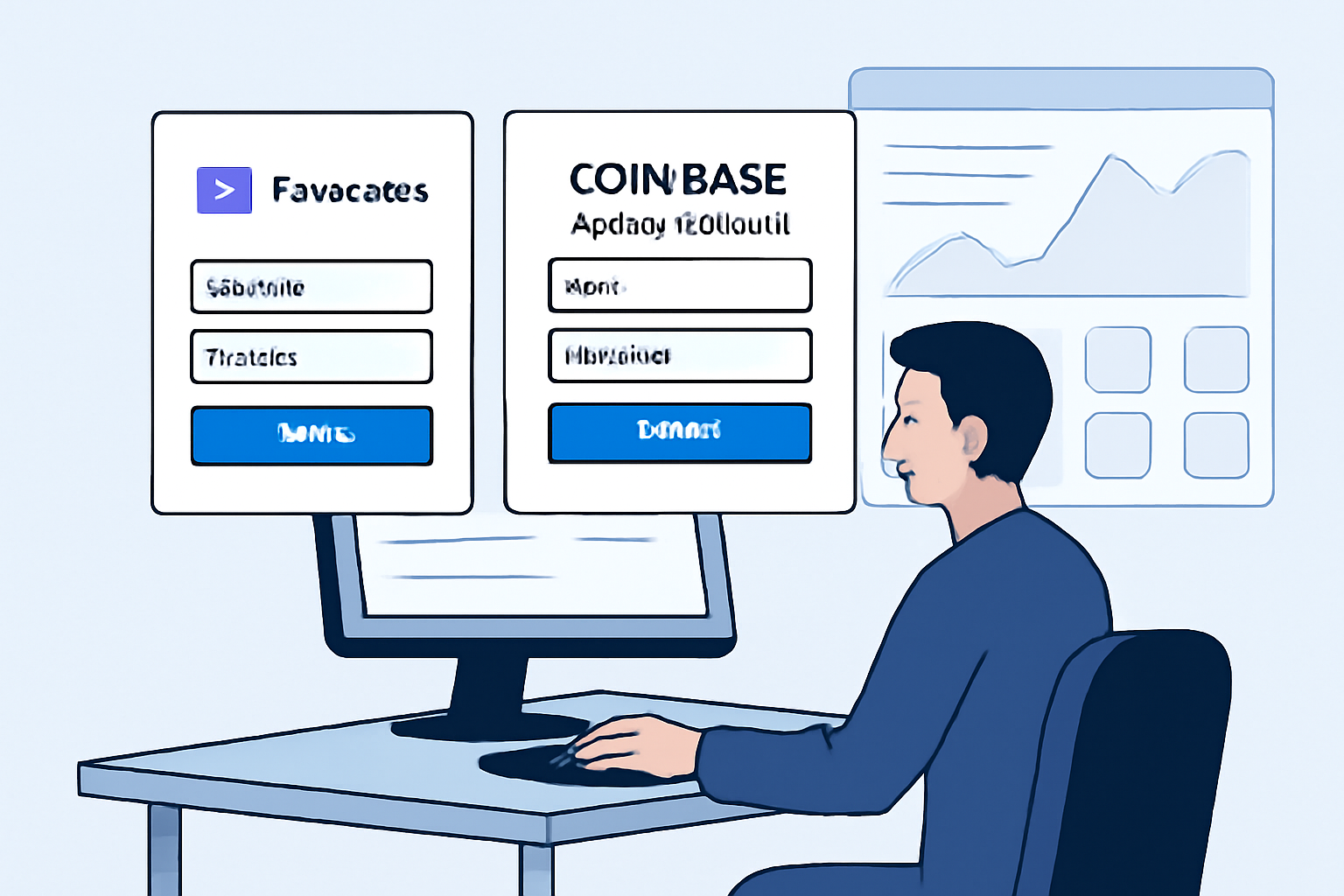
- A verified Farcaster account. This is mandatory for both testing and manifest signing.
- (Optional but recommended) A Coinbase Developer Platform account, which provides access to Client API keys for advanced integrations.
The setup process is streamlined with official tooling:
Scaffold a New Farcaster Mini App Project
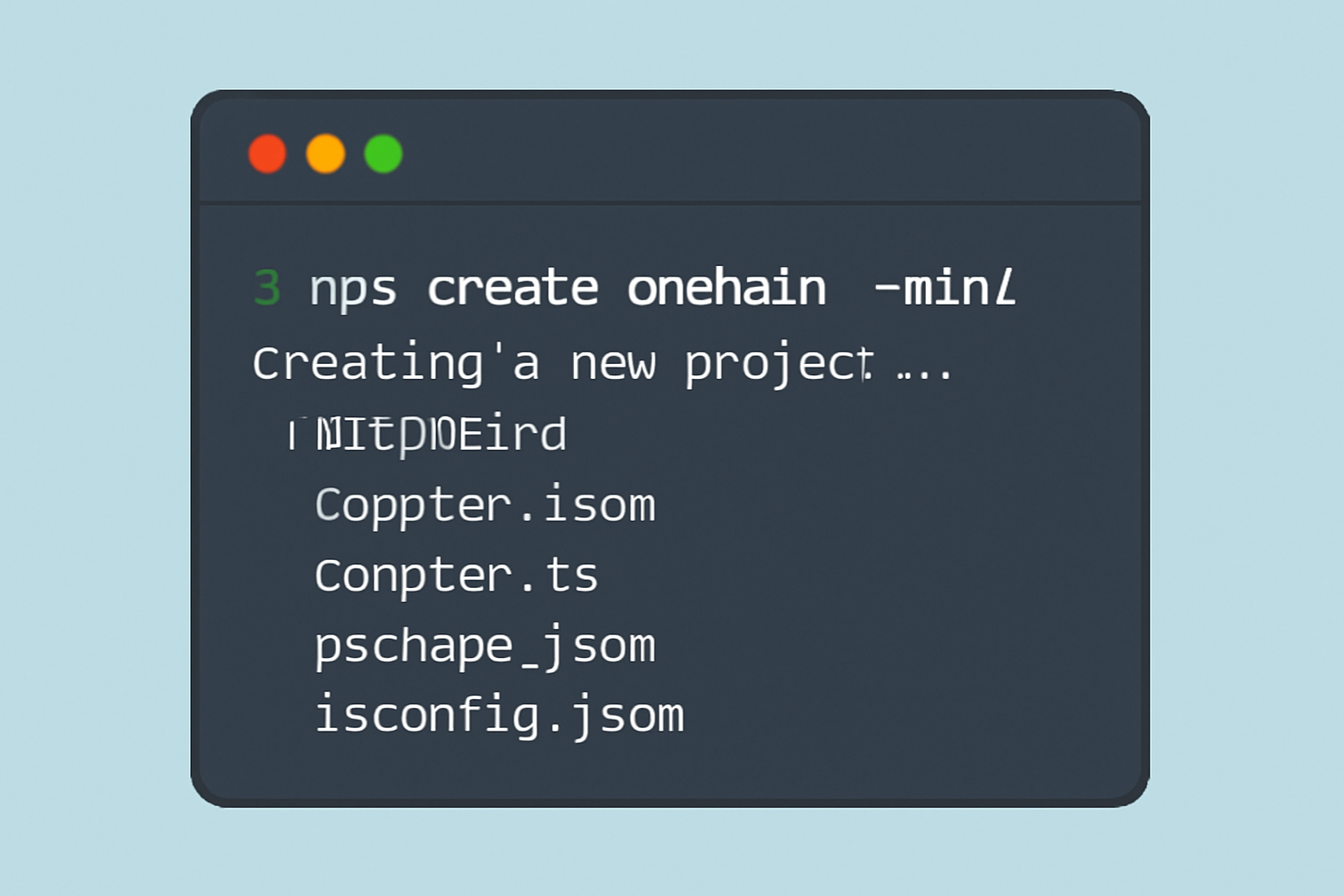
To scaffold a new Farcaster Mini App project, run the following command in your terminal:
npx create-onchain --miniThis command initializes a new Mini App project with all the necessary files and dependencies. Follow the prompts to complete your project setup.
This command scaffolds your project structure and prompts you through essential configurations. Once set up, navigate to your project directory:
Install Dependencies and Start Development Server
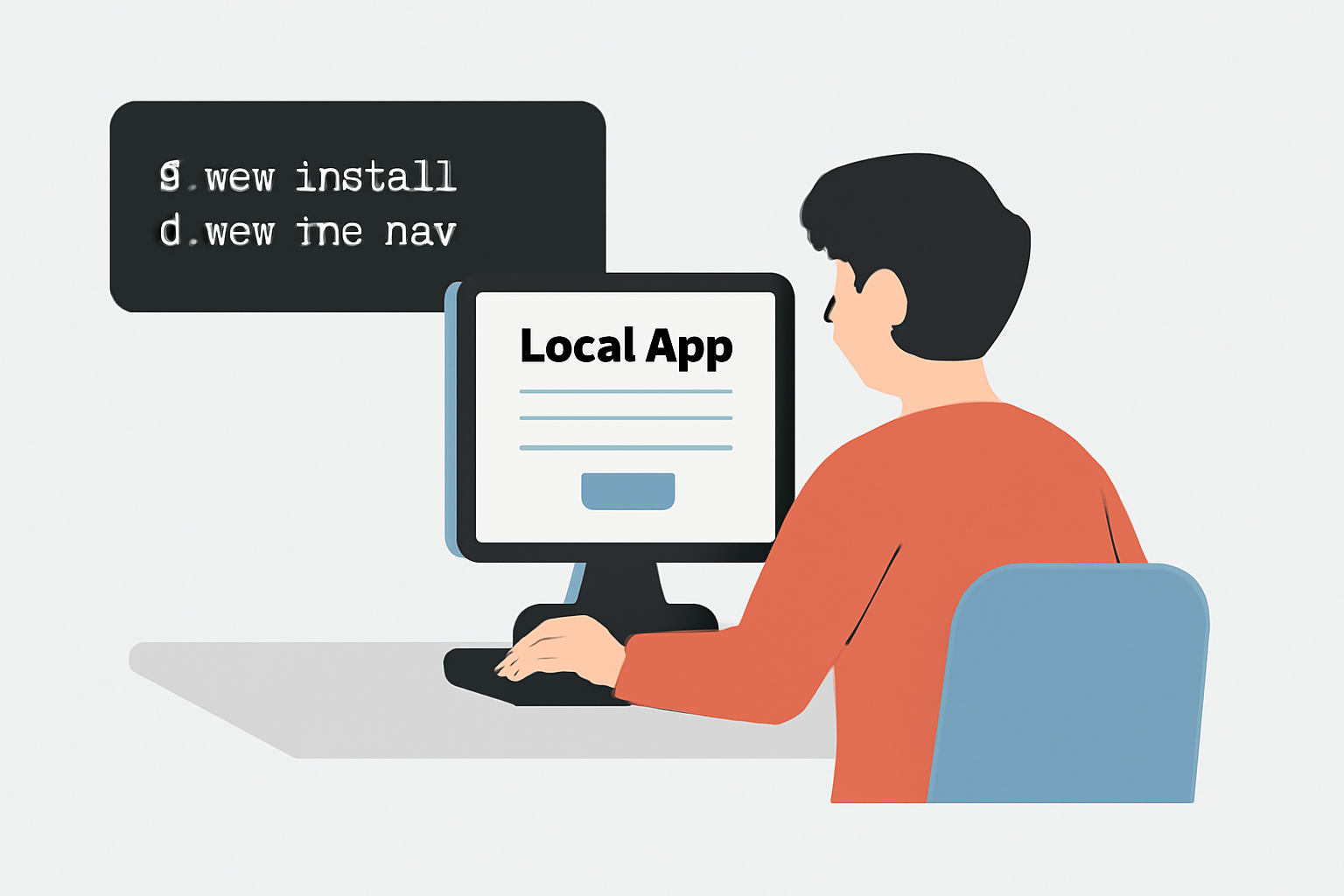
To set up your local development environment for Farcaster Mini Apps, use the following commands in your project directory:
npm install
npm run dev
The first command installs all necessary dependencies, while the second starts the local development server. You can now access your app in the browser, typically at http://localhost:3000.
You’ll now have a live development environment where you can preview your app’s features in real time, crucial for rapid iteration in SocialFi where user expectations evolve quickly.
Deploying and Integrating with Farcaster Features
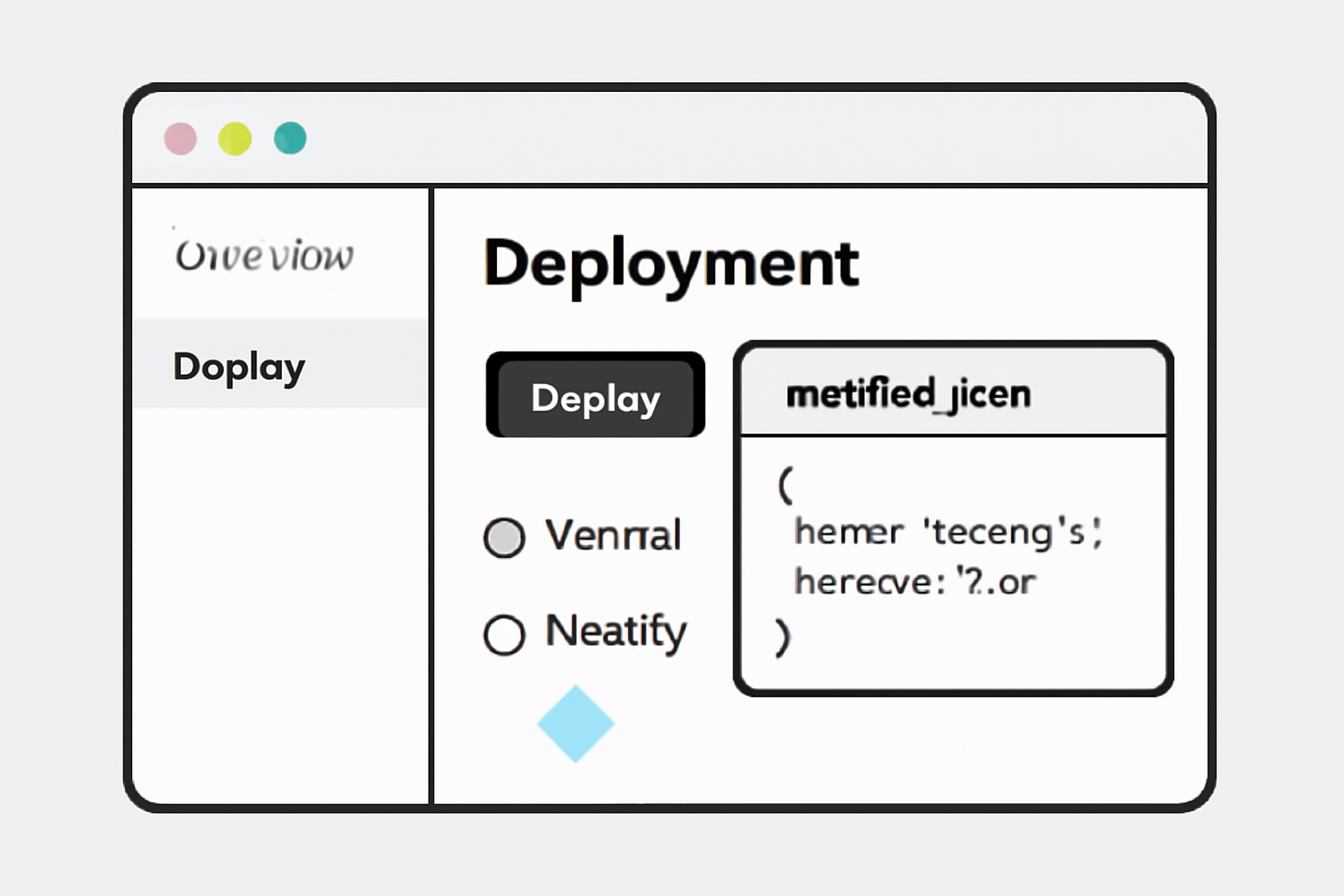
After building out your mini app locally, deployment is straightforward. Use trusted hosting solutions like Vercel or Netlify to get your app live quickly. Don’t forget to configure your farcaster. json manifest file; this metadata ensures proper display across all supported Farcaster clients and enables distribution through the broader Base social graph.
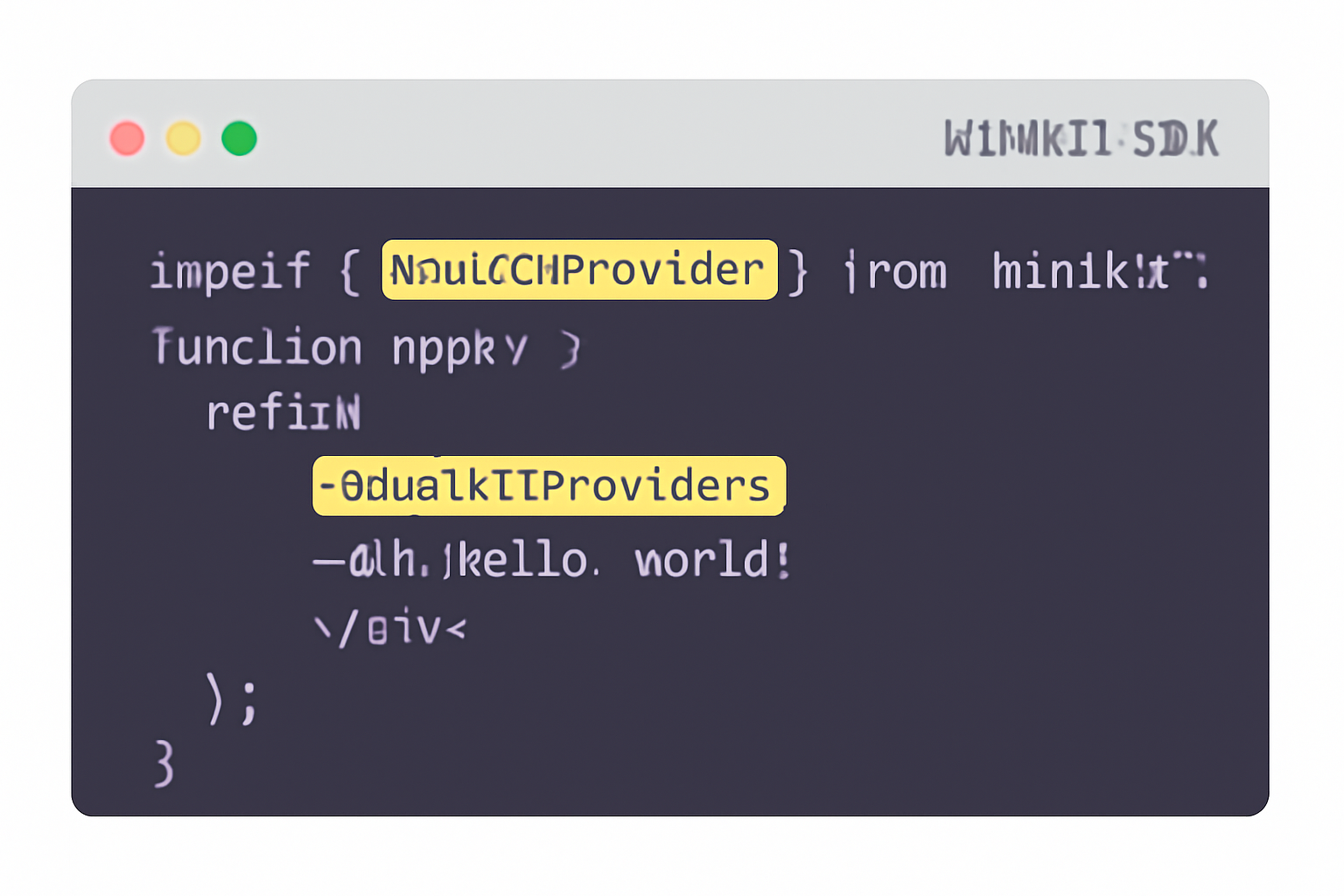
The next step is integration with native Farcaster features using the MiniKit SDK. Wrap your application with MiniKitProvider to manage user authentication, wallet connections, and contextual data seamlessly, no more pop-up dialogs or flaky wallet handshakes. This tight integration means users can interact with NFTs, DeFi primitives, or community tools without ever leaving their feed.
Why SocialFi Enthusiasts Should Care About Onchain Distribution
The real power of Farcaster Mini Apps lies in their distribution model. By posting an app (and its Token-Bound Account) on Farcaster, it instantly becomes discoverable across the network, including future integration points like Coinbase Wallet users. This creates an unprecedented opportunity for builders looking to tap into viral growth loops within crypto-native communities.
For SocialFi enthusiasts, this means you’re not just building an app, you’re launching directly into an engaged, onchain audience. The Base blockchain’s low fees and rapid confirmation times ensure that even micro-interactions (like voting in a poll or claiming an NFT) remain cost-effective and instant. As a result, Farcaster Mini Apps are quickly becoming the default for interactive, social crypto experiences on Base.
Pro tip: Always validate your Mini App with Farcaster’s developer tools before pushing live. This helps catch UI bugs and ensures compliance with platform guidelines, which is critical for smooth onboarding.
Best Practices for Building and Scaling Your Mini App
To maximize reach and retention with your Farcaster Mini App on Base, keep these best practices in mind:
- Optimize for mobile-first usage: Most users will interact with your app inside mobile clients like Warpcast or the Base App. Responsive design is non-negotiable.
- Prioritize minimalism: Lightweight apps load faster and keep users engaged. Avoid unnecessary dependencies or heavy assets.
- Leverage native wallet interactions: Use the MiniKit SDK to create frictionless flows for minting, trading, or voting, no switching between wallets required.
- Iterate based on real user feedback: The Farcaster community is vocal about UX. Ship quickly, listen closely, and adapt features based on what actually drives engagement.
Top Benefits of Distributing SocialFi Mini Apps via Farcaster
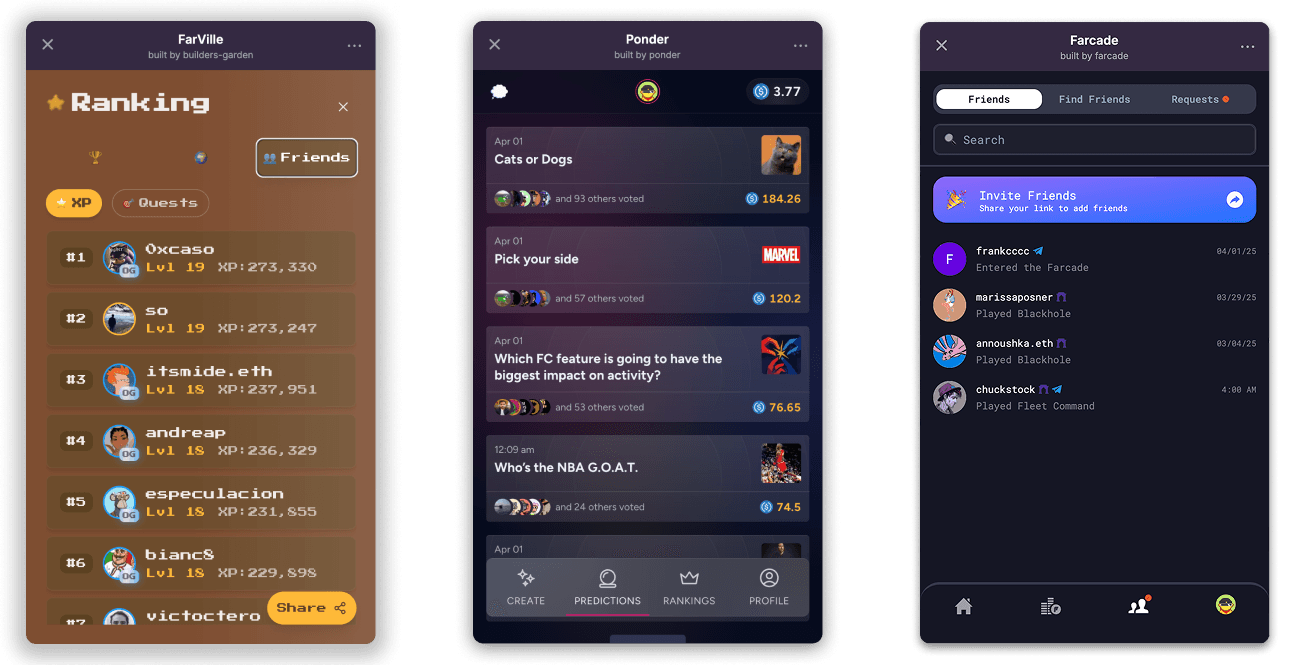
- Instant Access Within Social Feeds: Farcaster Mini Apps run natively inside clients like Warpcast and the Base App, letting users launch interactive apps (e.g., polls, games, marketplaces) directly from posts—no downloads or installations required.
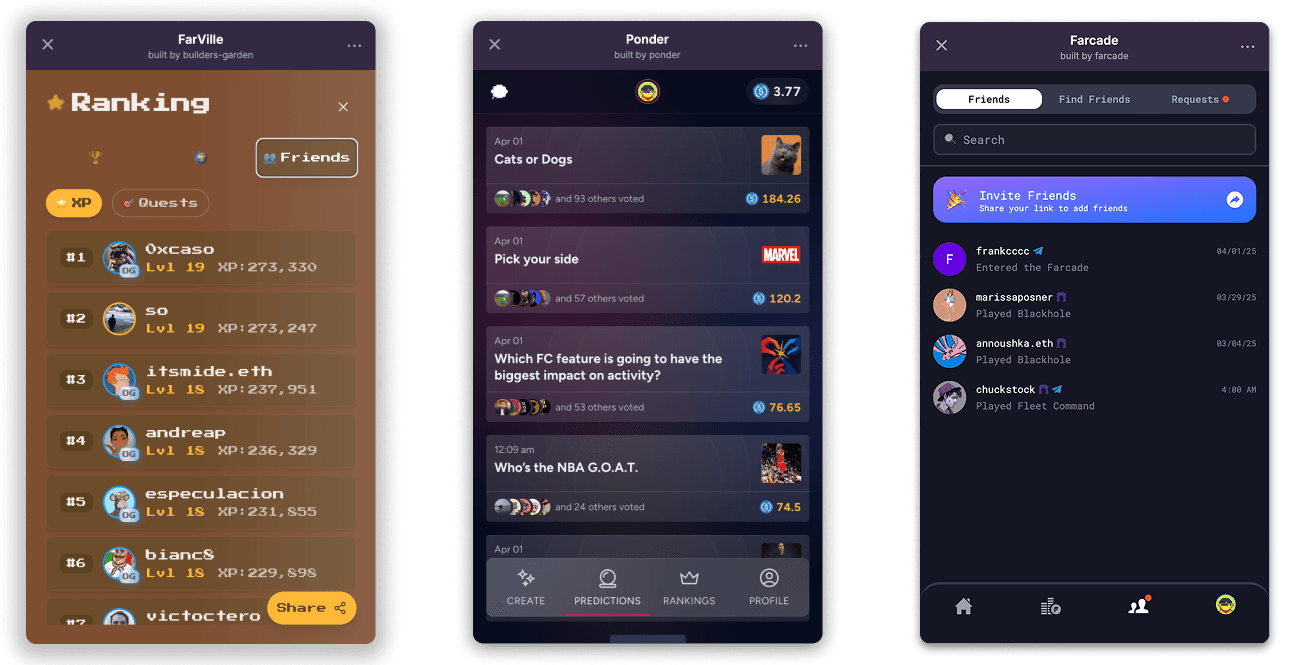
- Seamless Onchain Wallet Interactions: Mini Apps integrate with users’ EVM wallets (such as Coinbase Wallet) for smooth authentication and transactions, eliminating clunky wallet connection dialogs and enabling frictionless onchain actions.
- Access to the Farcaster Social Graph: Distribution through Farcaster leverages a growing, engaged onchain social network, helping Mini Apps reach active users and benefit from viral, social-native growth loops.
- Cross-Platform Distribution: Mini Apps posted on Farcaster are discoverable and usable across multiple clients (e.g., Base App, Warpcast), and soon via Coinbase Wallet, maximizing exposure without extra integration work.
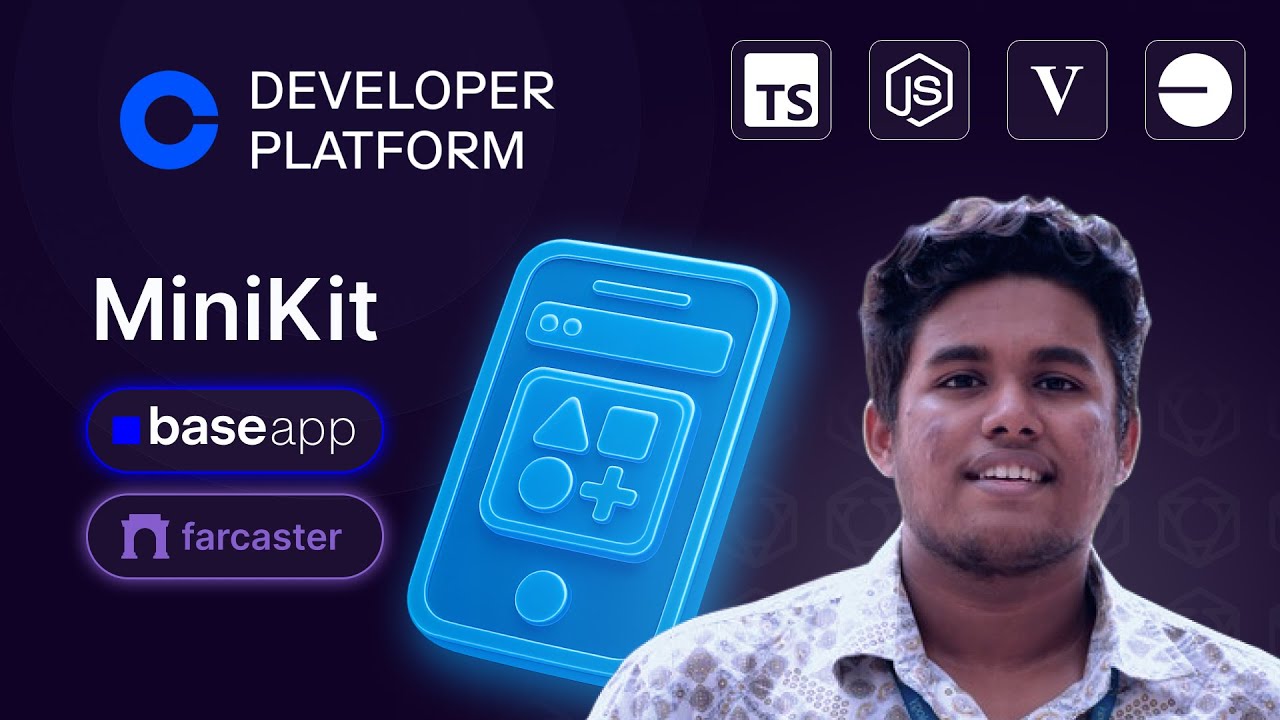
- Developer-Friendly Tooling and SDKs: Tools like the MiniKit SDK and straightforward deployment steps (e.g., Vercel, Netlify) make it easy for developers to build, test, and launch Mini Apps with native Farcaster features.
If you’re looking to track adoption metrics or analyze engagement patterns, consider integrating analytics solutions compatible with decentralized environments. This data-driven approach will help you refine your product-market fit as the SocialFi sector evolves on Base.
Next Steps: Testing and Going Live
Before broad release, run comprehensive tests using the official developer preview tools available at miniapps.farcaster.xyz. Validate wallet connectivity, transaction flows, and UI responsiveness across devices. Once satisfied, update your manifest metadata, including name, icons, and permissions, for optimal visibility within Farcaster feeds.
Checklist to Test and Publish a Farcaster Mini App on Base
The final deployment unlocks instant access to all users of supported Farcaster clients, and soon Coinbase Wallet, amplifying your reach within one of crypto’s fastest-growing social graphs. Early adopters are already seeing outsized returns in community engagement by leveraging this distribution model.
The bottom line? For anyone serious about exploring SocialFi or building community-driven dApps on Base, mastering Farcaster Mini Apps is no longer optional, it’s table stakes for reaching today’s crypto-native audiences.
If you want deeper technical documentation or want to start building now, check out the official resources at docs.base.org.


No comments yet. Be the first to share your thoughts!