
Smart Home Automation 2026 Budget
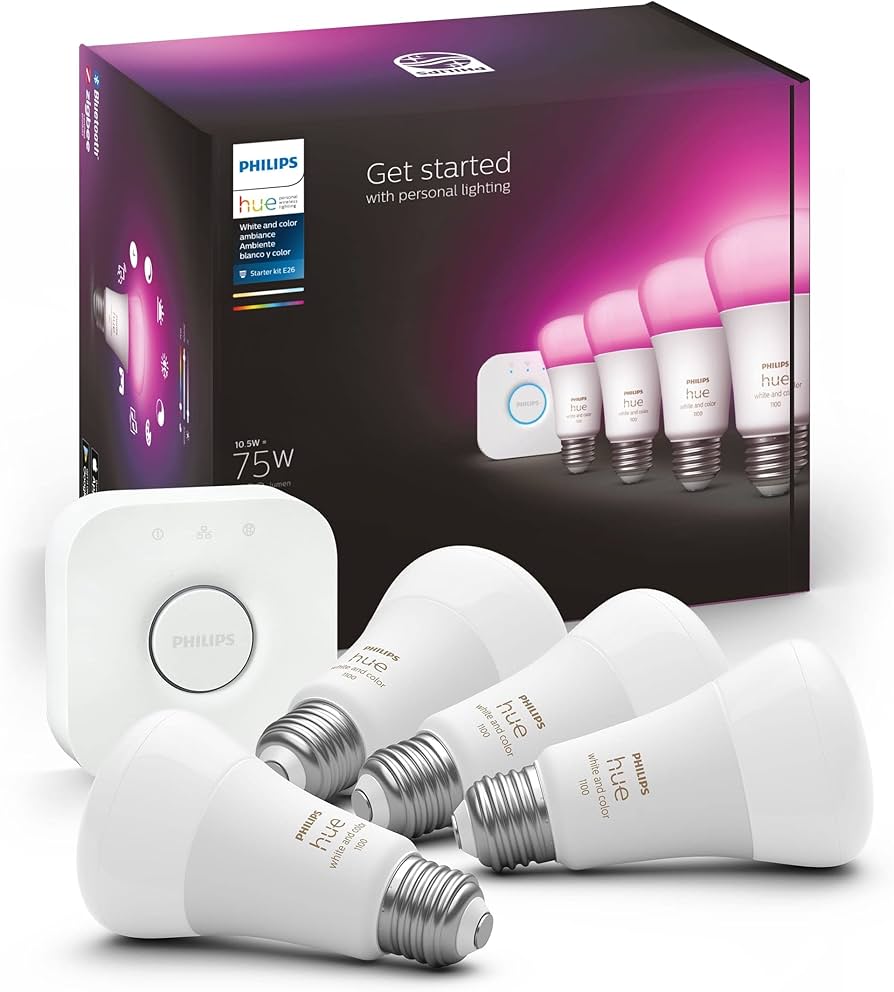
Building a reliable smart home in 2026 doesn’t require a luxury renovation, but it does require matching the right platform to your existing infrastructure. The era of picking a single walled garden is over; the most effective setups now blend Matter-compatible devices with a versatile hub like Samsung SmartThings, which acts as the translator for any automation protocol you choose.
Your budget will primarily dictate your sensor density and hub sophistication. For a starter kit under $200, you can secure a central hub, three multi-purpose sensors, and a smart plug. This covers the basics: security monitoring and remote control. However, to achieve true "automation" rather than just remote control, you need to layer in motion and contact sensors throughout high-traffic areas, which pushes costs higher.
The tradeoff often lies in installation complexity. DIY-friendly devices like Wi-Fi bulbs and plugs are cheap and easy to swap, but they can clutter your network. Zigbee or Thread-based devices require a hub but offer lower latency and better reliability. If you are renting or want to avoid wiring, stick to battery-powered or plug-in devices. If you own and are renovating, hardwired switches and hubs provide a more stable backbone for your automation routines.


As an Amazon Associate, we may earn from qualifying purchases.
Shortlist real options
Choosing a smart home platform in 2026 means picking an ecosystem that handles automation invisibly. The best systems now rely on presence detection and local processing rather than constant cloud calls. We compared the strongest contenders based on device compatibility, automation depth, and ease of setup.
Samsung SmartThings remains a top choice for versatility. It bridges almost any brand, from budget bulbs to complex HVAC systems, and integrates well with both Google Home and Alexa. If you want one hub to rule them all, this is the pragmatic pick.
Apple Home offers the smoothest experience for iPhone users. Its privacy-first approach and HomeKit Secure Video integration make it ideal for security-focused homes. However, it requires Matter or Thread accessories to unlock its full potential, which can increase initial costs.
For power users who want total control, Home Assistant provides unmatched customization. It runs locally, ensuring your automations work even when the internet goes down. The trade-off is a steeper learning curve and more manual configuration.
Platform comparison
| Feature | Samsung SmartThings | Apple Home | Home Assistant |
|---|---|---|---|
| Best For | Broad compatibility | iPhone users | Total control |
| Local Processing | Partial | Full (Thread/Matter) | Full |
| Setup Difficulty | Easy | Easy | Advanced |
| Voice Assistants | Bixby, Alexa, Google | Siri | Custom/None |
| Matter Support | Yes | Yes | Yes |
Which platform fits your home?
If you value simplicity and have a mix of devices, start with SmartThings. It lowers the barrier to entry while still offering robust automation rules. For those deeply invested in the Apple ecosystem, Home provides a polished, secure experience that justifies the premium on compatible gear.
Those who prioritize privacy and want to avoid vendor lock-in should consider Home Assistant. It requires more effort to set up but offers the most flexible long-term solution. The choice ultimately depends on how much control you want versus how much convenience you need.


As an Amazon Associate, we may earn from qualifying purchases.
Inspect the expensive parts
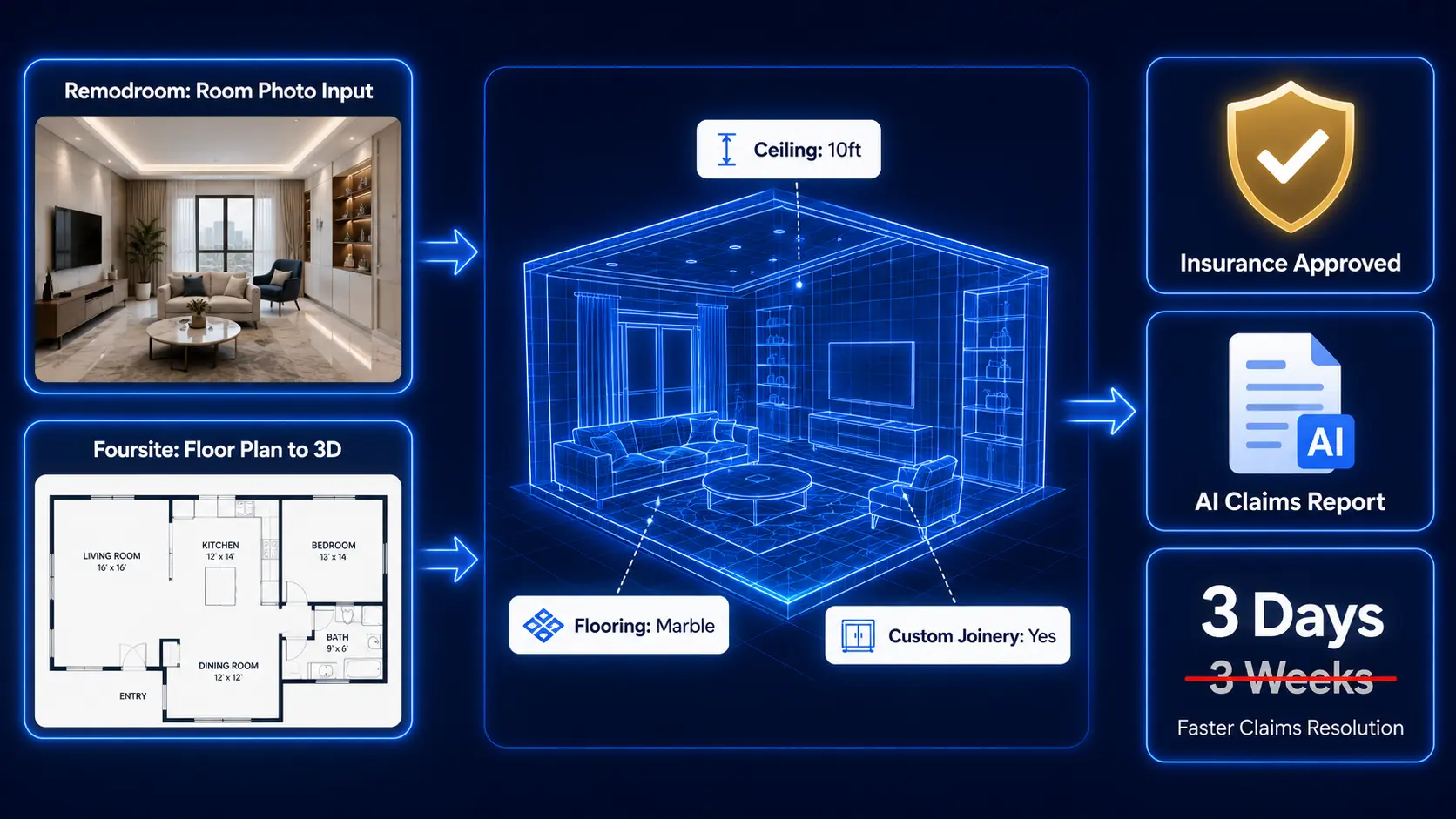
Smart home automation sounds simple until a $500 hub bricks or a leaked thermostat floods your basement. The 2026 AI-first home relies on interconnected systems that fail together. Instead of guessing which gadget to replace, inspect the infrastructure that holds the whole house together.
Use this checklist to audit the expensive failure points before they cost you thousands in repairs or data breaches.

Your hub is the brain. If it overheats or loses power, every connected light and lock goes dark. Verify that your main controller (like Samsung SmartThings or a Matter hub) has adequate ventilation and is plugged into a surge-protected outlet. Check for firmware updates that patch security holes; an outdated hub is an open door for hackers.
Smart devices choke on weak Wi-Fi. A single lagging camera can crash your whole automation routine. Run a speed test at the farthest corners of your home where devices live. If you see drop-offs, add a mesh node or switch to a dedicated Zigbee/Z-Wave radio that doesn’t compete with your phones and laptops for bandwidth.

Water damage is the most expensive smart home failure. Inspect sensors under sinks, near water heaters, and in basements. Ensure they are paired correctly with your hub’s alert system. A silent sensor is worse than no sensor; test the alarm monthly by placing a few drops of water on the contacts.
Cloud subscriptions add up, and local storage fails if the SD card corrupts. Check your camera’s power source—battery units die in winter, wired units fail during outages. Ensure your local storage drive is formatted correctly and that your cloud backup is actually uploading footage. A gap in coverage is a gap in security.


As an Amazon Associate, we may earn from qualifying purchases.
Plan for ownership costs
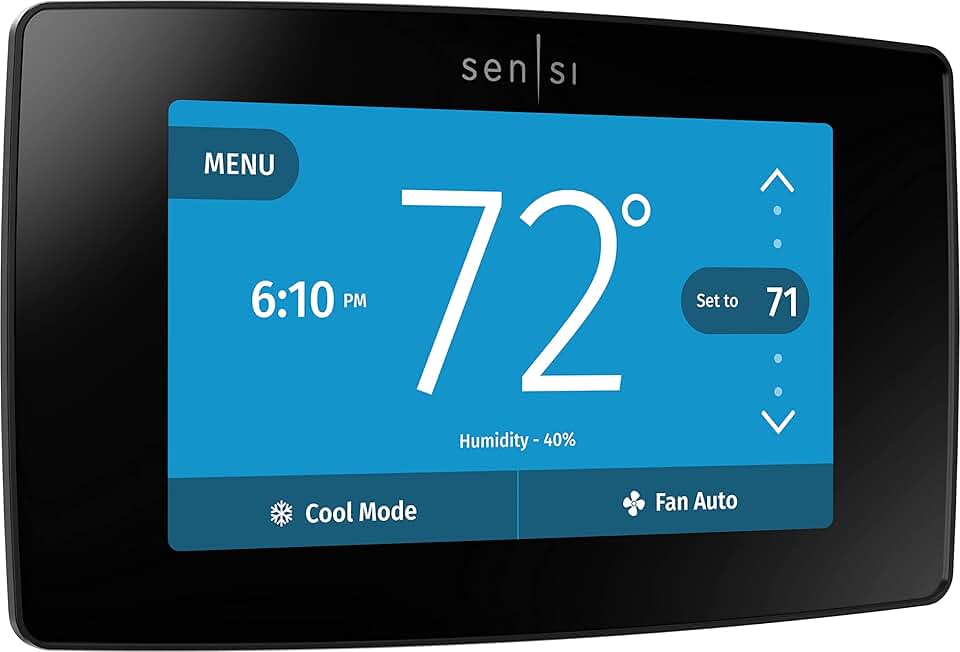
The sticker price of a smart home system is rarely the final bill. While the initial hardware is one-time, true ownership involves recurring subscriptions, cloud fees, and the hidden cost of replacing obsolete devices. A cheap hub that requires a monthly fee to access basic automation can quickly become more expensive than a pricier, local-first alternative.
Maintenance surprises often stem from ecosystem fragmentation. If you buy devices from different manufacturers, you may need multiple apps or a paid bridge to keep them talking. When a platform updates or shuts down, older sensors can become e-waste, forcing a full system rebuild. Always check the manufacturer’s long-term support policy before buying.
To keep costs predictable, prioritize devices that work locally without an internet connection. This reduces reliance on cloud subscriptions and protects your investment if a service is discontinued. Think of your smart home like a car: the purchase is just the start; maintenance and fuel (subscriptions) determine the real cost of ownership.
![SmartThings Hub 3rd Generation [GP-U999SJVLGDA] Smart Home Automation Hub Home Monitoring Smart Devices - Alexa Google Home Compatible - Zigbee, Z-Wave, Cloud to Cloud Protocols – White](https://m.media-amazon.com/images/I/614d2lQP0hL._AC_UL960_QL65_.jpg)

As an Amazon Associate, we may earn from qualifying purchases.
Smart home automation 2026: what to check next
Before you commit to a new ecosystem, it helps to understand how the landscape has shifted. The move away from manual app-tapping toward proactive AI automation is real, but it requires choosing the right foundation.
No comments yet. Be the first to share your thoughts!