
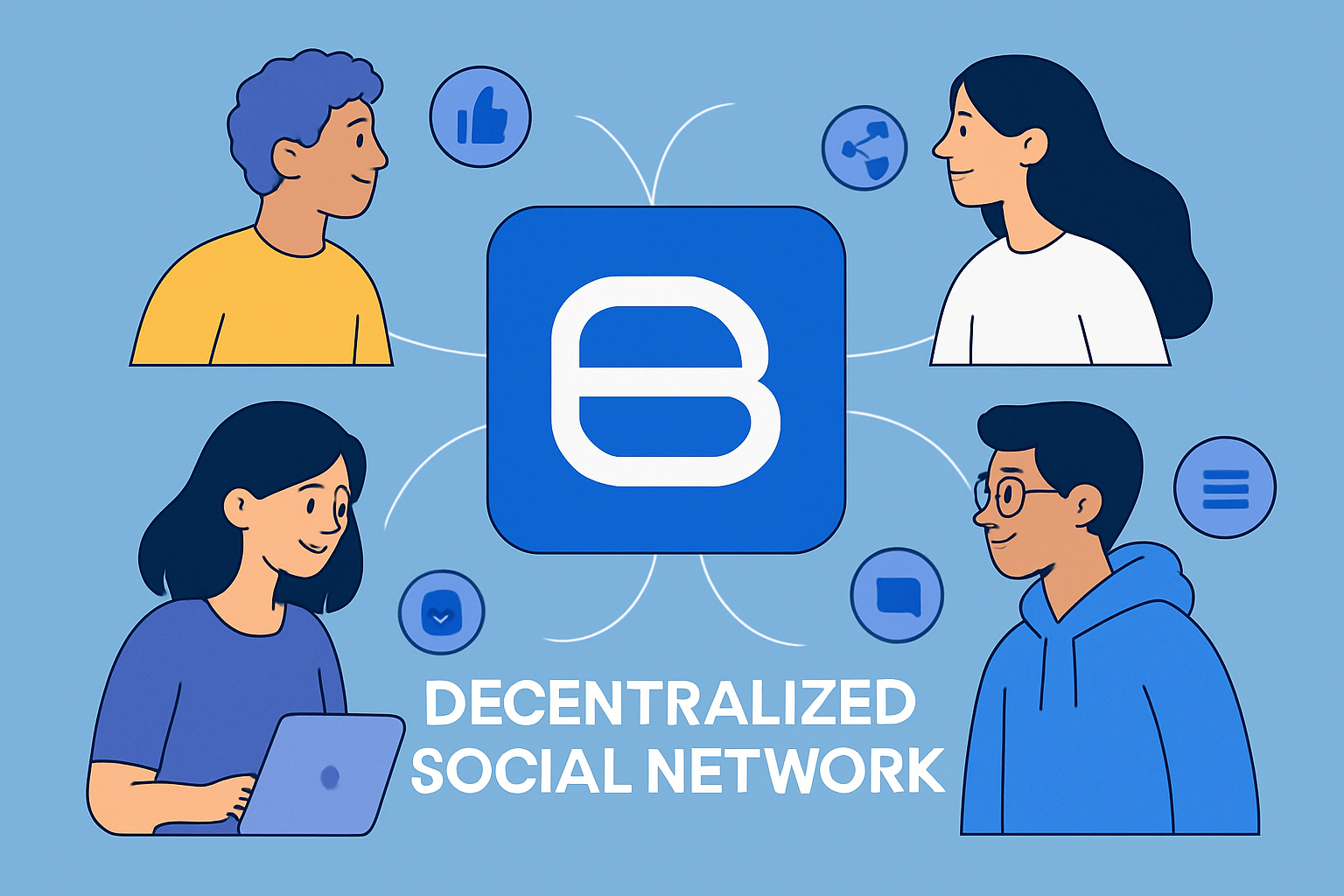
Decentralized social networks are transforming the way we connect online, offering users more control, privacy, and even ownership of their digital identities. Farcaster on Base stands out as a leading SocialFi protocol, uniquely blending blockchain transparency with the familiar feel of social media. Whether you're a crypto enthusiast, builder, or simply curious about next-gen online communities, this Farcaster Base guide will walk you through the essential steps to get started and make the most of this vibrant ecosystem.
Why Choose Farcaster on Base?
Farcaster is a decentralized social protocol built on Ethereum, but it truly shines on Base - Coinbase’s Layer 2 network. By leveraging Base, Farcaster delivers faster transactions and lower fees, all while ensuring that your data and social graph remain in your control. This combination is driving rapid adoption among SocialFi enthusiasts seeking alternatives to traditional, centralized platforms.
Here’s a quick look at what sets Farcaster on Base apart:
Top 5 Benefits of Using Farcaster on Base
- Decentralized Data Ownership: Farcaster empowers users to truly own their social data and connections, reducing reliance on centralized platforms and ensuring greater privacy and control.
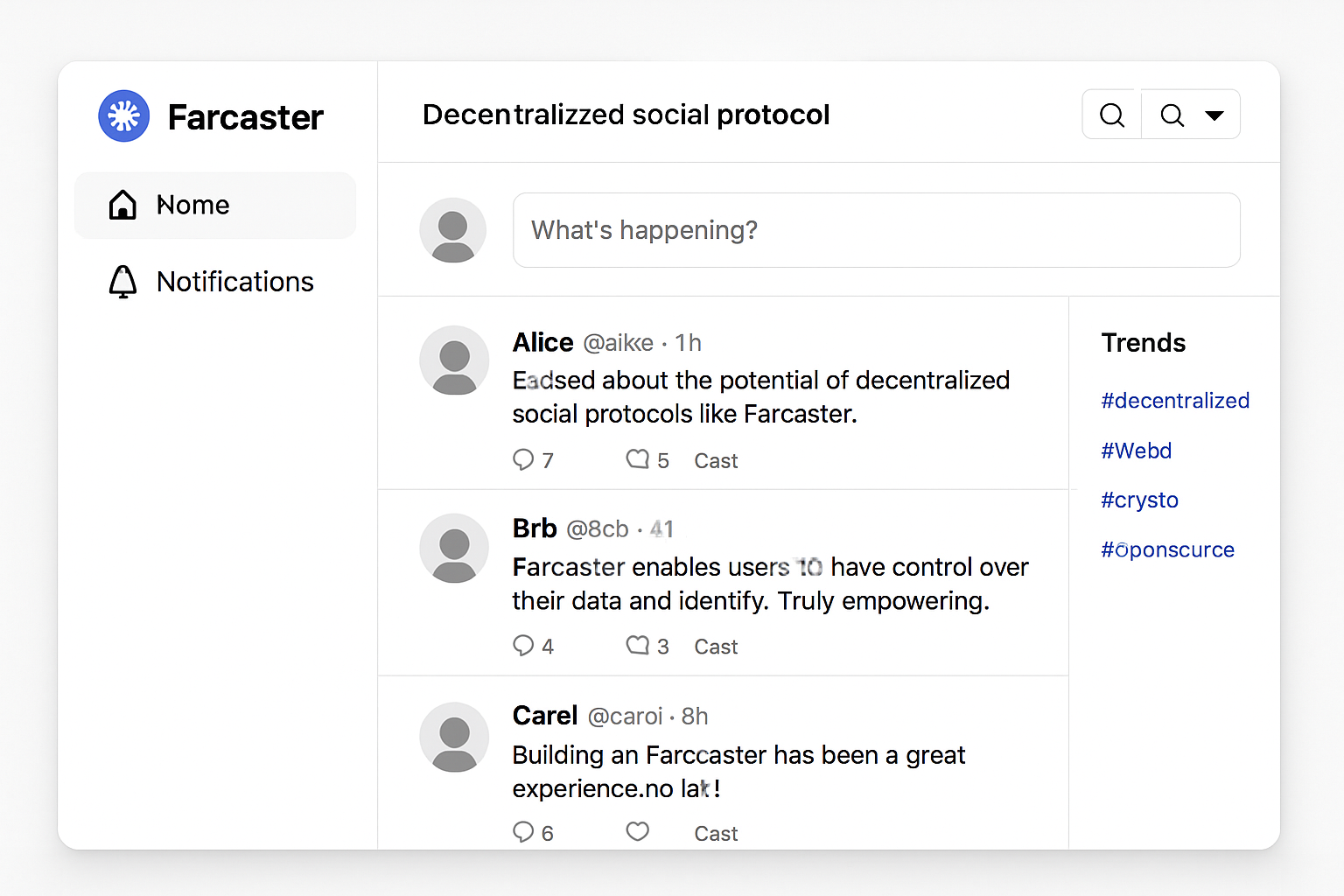
- Enhanced Scalability and Low Fees with Base: By leveraging Base, an Ethereum Layer 2 solution, Farcaster offers faster transactions and significantly lower fees, making onchain social interactions more accessible to everyone.
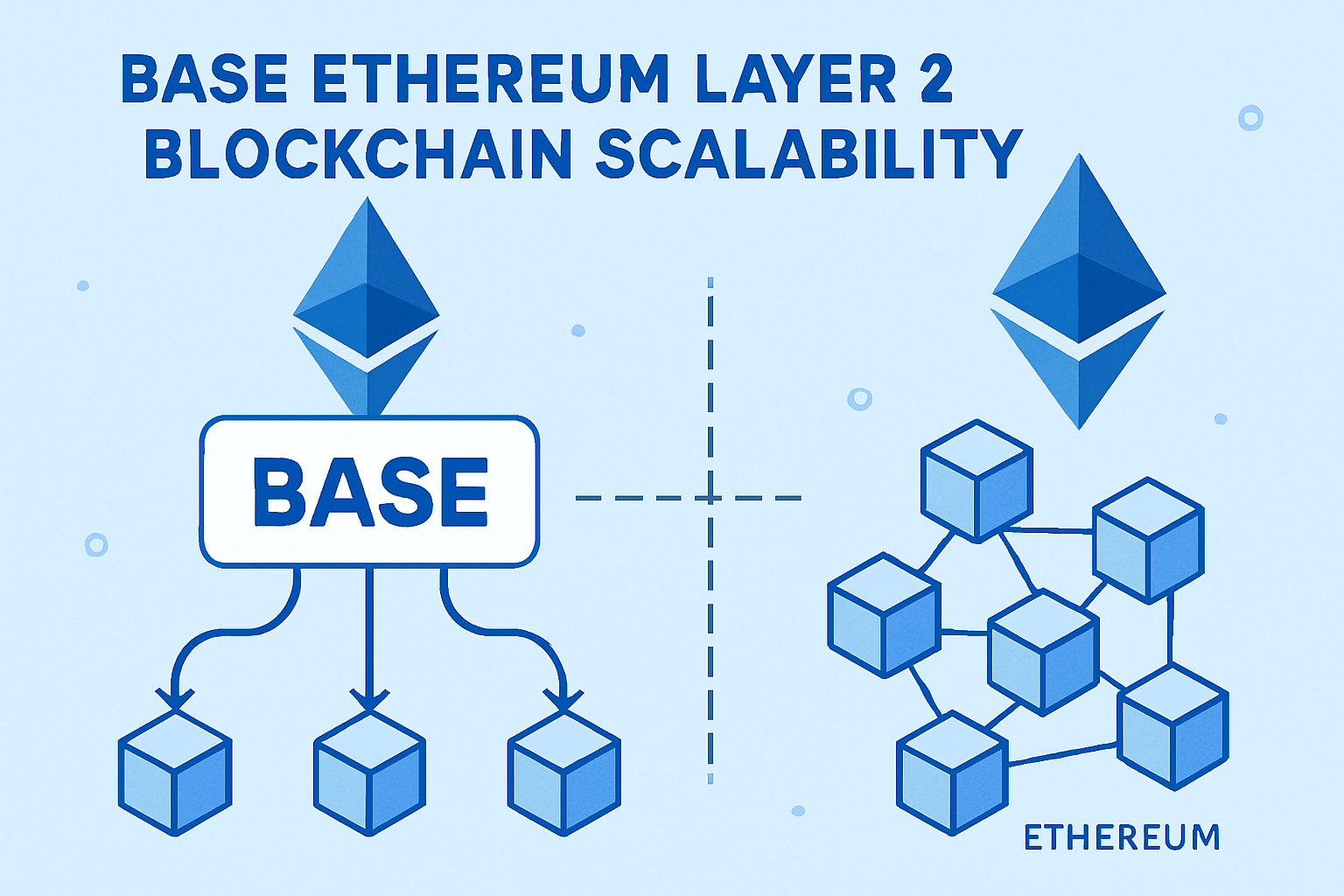
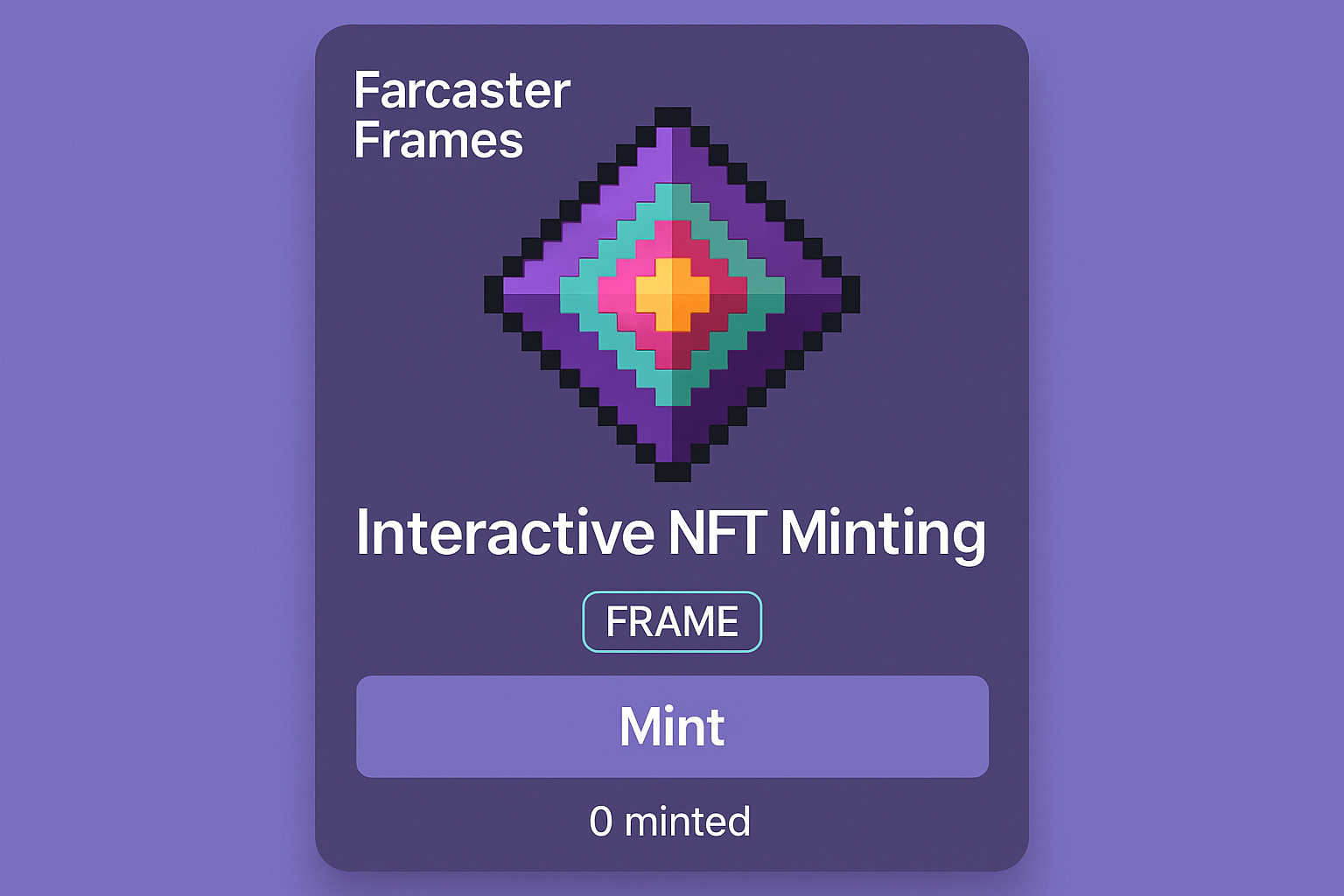
- Seamless Onchain SocialFi Experiences: Farcaster Frames enable interactive in-feed actions such as NFT minting, voting, and using dApps directly within social posts, streamlining SocialFi participation.
- Developer-Friendly Tools and No-Code Solutions: Platforms like mint.fun and OnchainKit make it easy for both developers and non-coders to build and deploy Frames, democratizing access to advanced SocialFi features.
- Vibrant and Growing Community: Farcaster on Base boasts an active, collaborative community, with official channels and forums where users can learn, share projects, and connect with other SocialFi enthusiasts.
If you’re excited to join the decentralized social revolution, the following step-by-step guide will help you set up your Farcaster account, connect to Base, and start exploring the platform’s unique features.
Step 1: Set Up Your Farcaster Account
Getting started on Farcaster is straightforward, but there are a few important steps to ensure your account is secure and ready for SocialFi engagement:
- Download a Farcaster Client: The most popular choice is Warpcast, available for both iOS and Android devices. This client offers a user-friendly interface and smooth onboarding experience.
- Register Your Account: You can sign up using your email or, for a more decentralized approach, connect your Ethereum wallet. Note that a small storage rent fee (currently approximately $5 in ETH) is required to secure your Farcaster identity. This fee helps keep the network spam-free and sustainable. For a detailed walkthrough, check out this Farcaster beginner’s guide on DappRadar.
- Secure Your Recovery Phrase: During setup, you’ll receive a recovery phrase. Store this in a safe place - it’s your key to account recovery and ownership.
Once your account is live, you’re ready to connect with the Base blockchain and unlock Farcaster’s full potential.
Step 2: Connect Your Wallet to Base
To interact with Farcaster on Base, you’ll need an Ethereum-compatible wallet. MetaMask is the go-to option for most users, but wallets like Coinbase Wallet or Rainbow also work seamlessly. Here’s how to get set up:
How to Add the Base Network to MetaMask and Fund Your Wallet
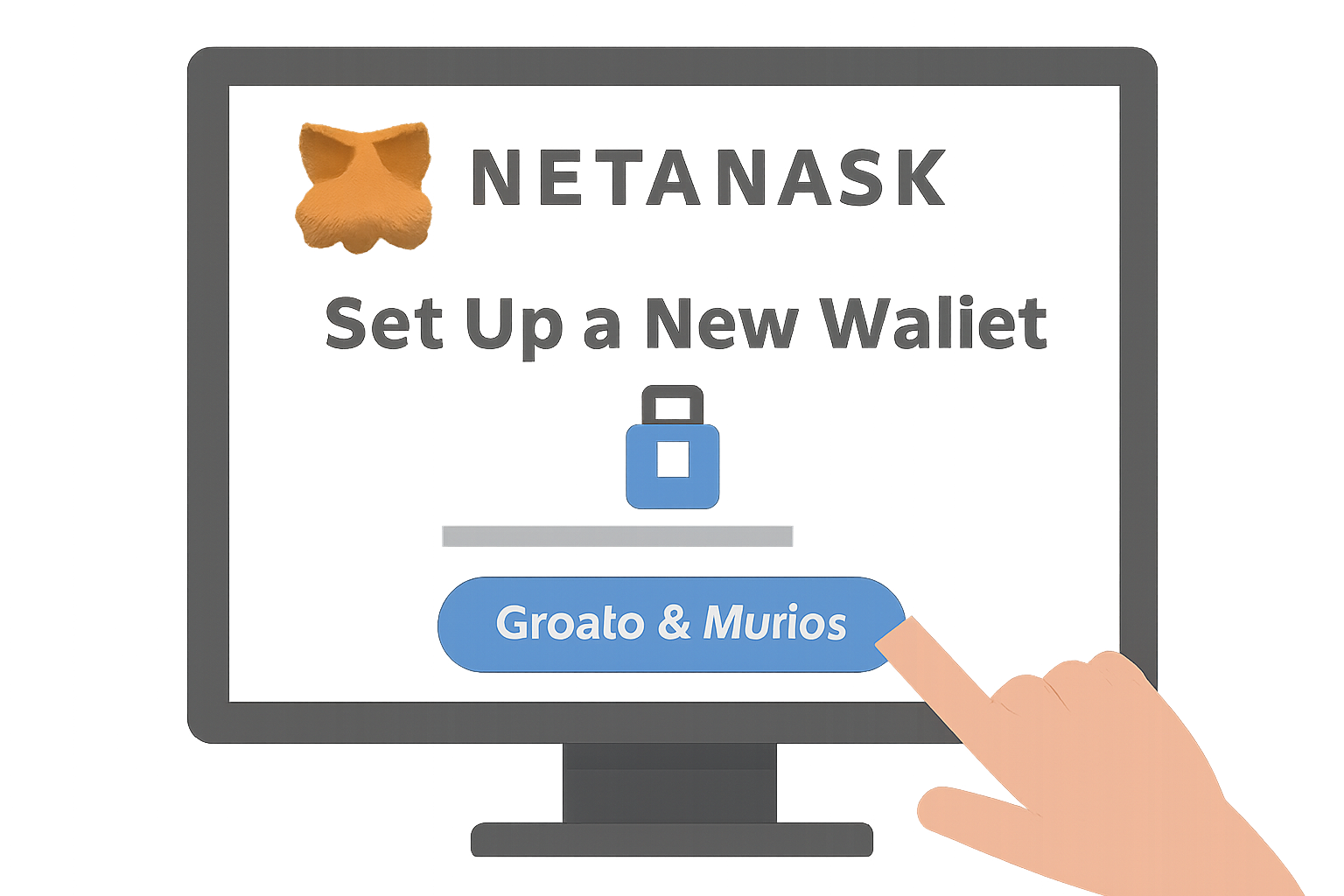
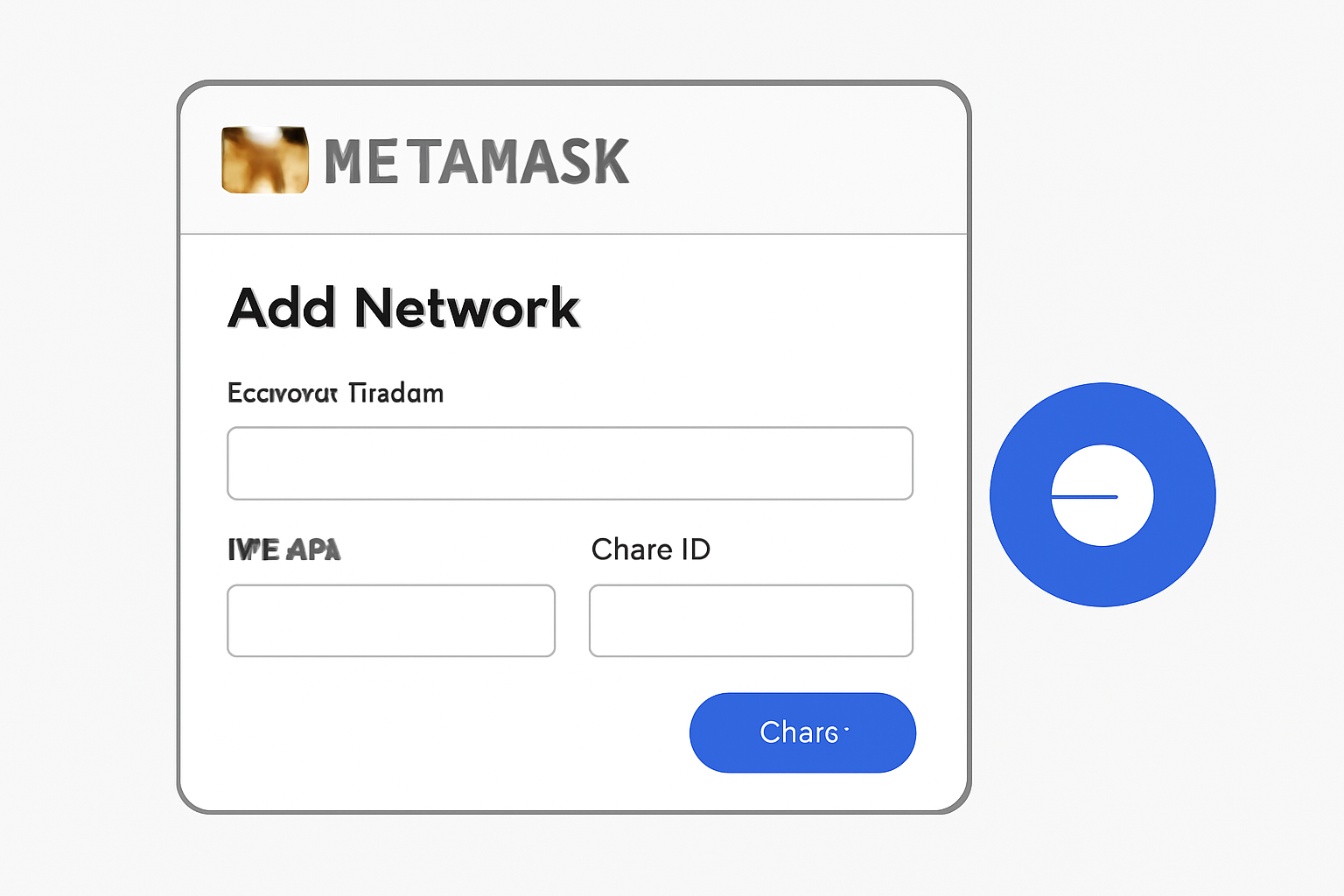
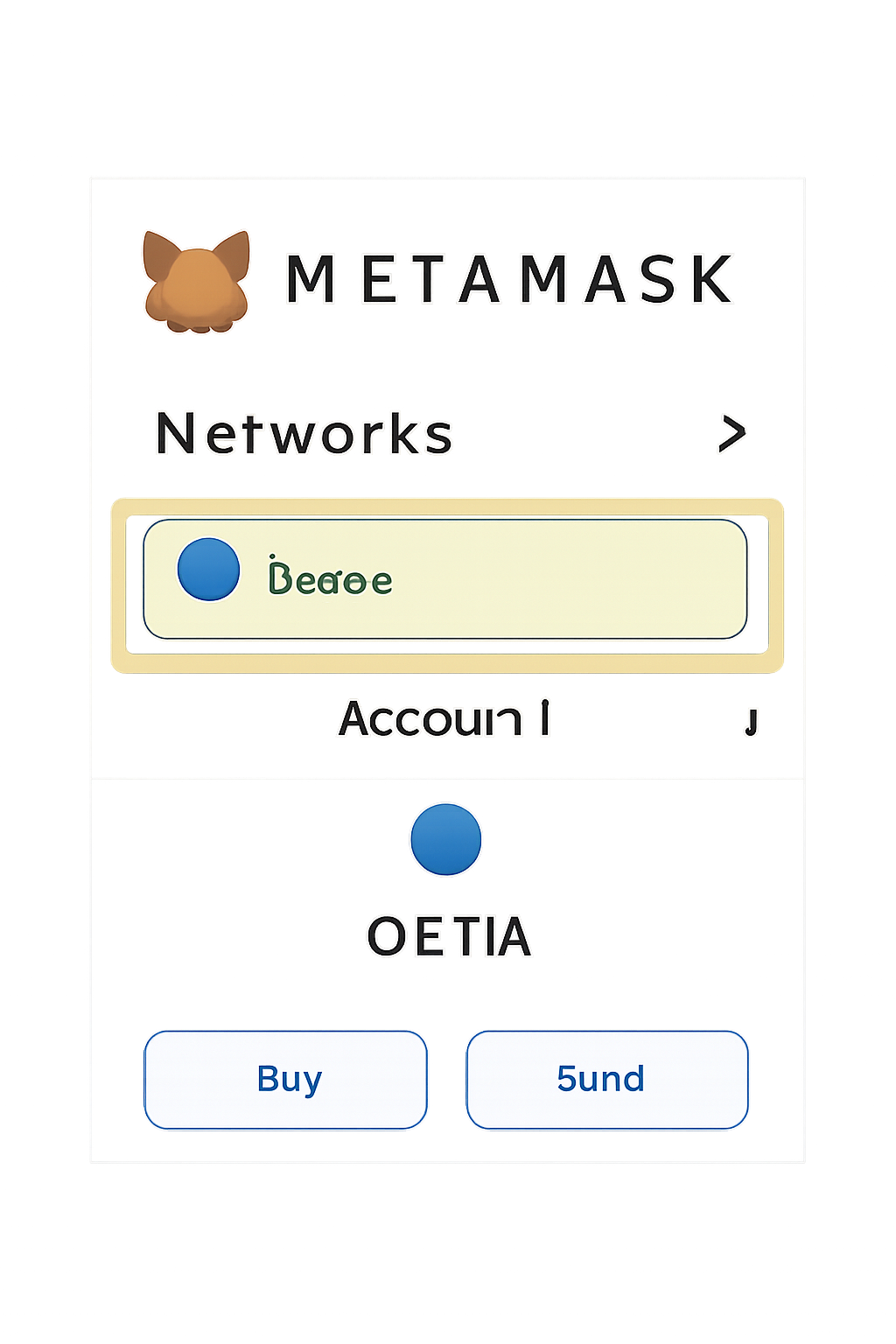
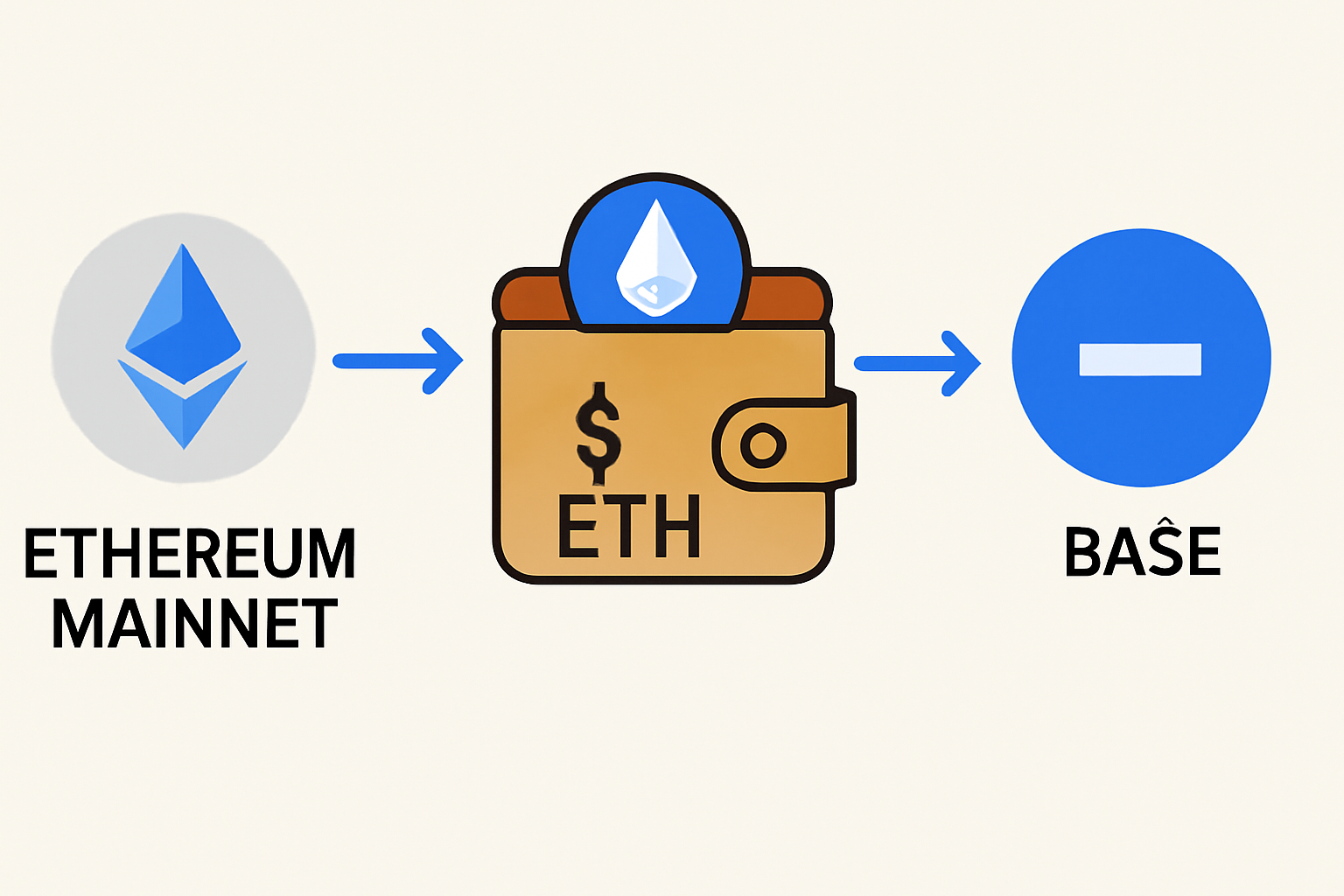
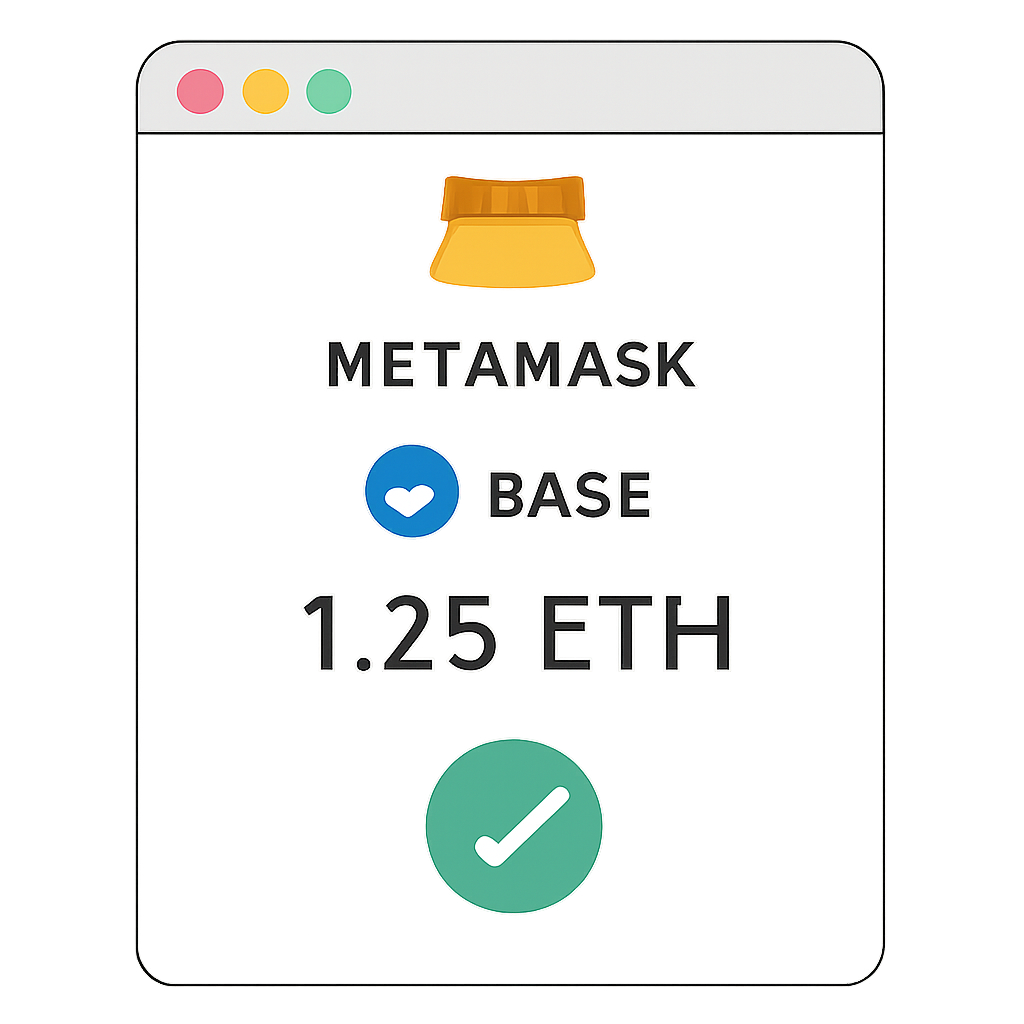
After adding the Base network, transfer some ETH to your wallet. This will cover transaction fees as you interact with Farcaster features, such as posting casts or engaging with frames. Remember, keeping a small balance of ETH on Base ensures smooth participation in the SocialFi ecosystem.
Step 3: Dive Into Farcaster Features
Now that your account and wallet are ready, it’s time to explore what makes Farcaster unique. Here are some of the core features that set it apart from legacy social networks:
- Explore Channels: Join topic-specific channels to find communities that match your interests. Whether you’re into NFTs, DeFi, or crypto art, there’s a channel for you.
- Post Casts: Share messages (called "casts") with your network. These can include text, links, images, and more - all anchored on-chain for transparency and permanence.
- Interact with Frames: Frames are interactive mini-apps embedded directly in your feed. Mint NFTs, vote in polls, or even use dApps without leaving Farcaster. For a hands-on overview of frames and their possibilities, see this DappRadar guide.
Frames are particularly powerful for builders and creators looking to engage their audience in new ways - more on building frames later in this guide.
Your First Steps as a SocialFi Enthusiast
Diving into decentralized social can feel overwhelming at first, but the Farcaster community on Base is welcoming and supportive. Start by introducing yourself in a few channels and experimenting with posting casts. Don’t hesitate to ask questions - many users are eager to help newcomers discover the platform’s potential.
Step 4: Building and Using Frames on Farcaster Base
Beyond simple posting, Farcaster’s Frames unlock truly interactive SocialFi experiences. Frames are like mini-apps or widgets that live inside your feed, letting users mint NFTs, vote, tip, or interact with dApps directly from a cast. For creators and developers, this is a game-changer: you can reach your audience where they already are, without redirecting them off-platform.
If you’re not a coder, don’t worry, no-code tools like mint. fun make it easy to launch NFT minting frames in just a few clicks. If you’re more technical, platforms like OnchainKit let you build advanced frames with features such as content gating, redirects, or even delegating custody to smart contracts. For a hands-on walkthrough, check out the official Base no-code minting guide.
Frames have exploded in popularity, driving a wave of onchain creativity. Whether you want to launch a community NFT, create a voting dApp, or simply experiment, Farcaster on Base offers the flexibility and scalability needed for rapid iteration.
Step 5: Stay Connected and Grow Your Presence
To get the most out of Farcaster, it’s essential to stay engaged with the community and keep up with platform updates. Here’s how to maximize your SocialFi journey:
- Follow Official Channels: Join Farcaster’s and Base’s official channels for the latest news, feature releases, and security advisories.
- Participate in Discussions: Share your insights, ask questions, and connect with other SocialFi early adopters. The decentralized ethos means everyone’s voice matters.
- Showcase Your Projects: If you’re building frames or dApps, cast about your work. The Base SocialFi ecosystem is highly collaborative, and feedback is often immediate and constructive.
- Learn from Others: Watch for educational threads, how-to guides, and open-source resources shared by the community.
Security and Best Practices
As with any decentralized platform, security is paramount. Always store your recovery phrase securely, double-check wallet addresses before sending funds, and be wary of phishing attempts. The transparency of Base’s blockchain infrastructure helps, but personal vigilance is still your best defense.
The Future of SocialFi on Base
Farcaster’s integration with Base is just the beginning. As more developers build on the protocol and new frames emerge, expect even richer onchain social experiences. From token-gated communities to programmable social graphs, the possibilities are expanding rapidly. Early adopters not only help shape the platform but also stand to benefit from new features and community-driven rewards.
Ready to take the next step? Download Warpcast, set up your wallet, and dive into the world of decentralized social. With Farcaster on Base, you’re not just a user, you’re a participant in the future of online connection, ownership, and creativity.



No comments yet. Be the first to share your thoughts!