SocialFi is rewriting the rules of online interaction, and Farcaster on Base stands at the frontier of this evolution. By leveraging Ethereum Layer-2 scalability and Base’s lightning-fast, low-cost transactions, Farcaster delivers a decentralized social experience where users truly own their identity and content. Whether you’re a crypto native or just exploring decentralized social networks on Base, mastering Farcaster unlocks a new dimension of on-chain engagement and opportunity.
Why Use Farcaster on Base?
The synergy between Farcaster’s protocol and the Base network gives SocialFi enthusiasts the best of both worlds: self-sovereign social identity plus seamless, affordable transactions. Unlike legacy social apps where data is siloed and monetized by platforms, Farcaster lets you control your presence while engaging in real-time with NFTs, tokens, and DAOs, directly from your feed. With Warpcast as the flagship client, onboarding is straightforward for both power users and newcomers.
Step 1: Setting Up Your Farcaster Account
Getting started begins with setting up your digital identity:
Create Your Farcaster Account with Warpcast: Step-by-Step
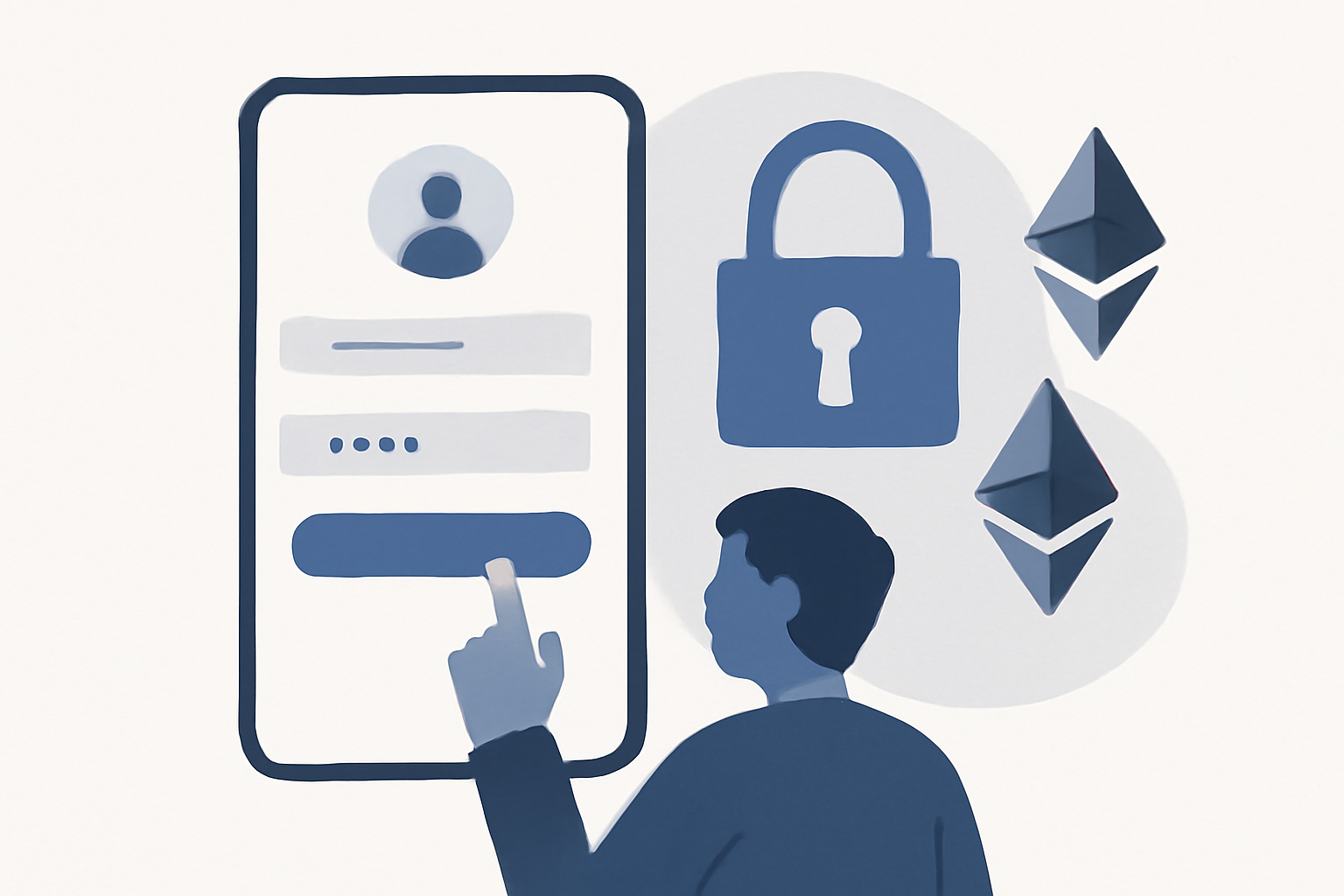

- Download Warpcast: Available for iOS and Android, this is currently the most popular gateway to the Farcaster ecosystem.
- Create Your Account: Registration requires a small annual storage fee (currently about $5 in ETH), aligning incentives for quality participation while keeping spam at bay.
- Secure Your Recovery Phrase: This phrase is your lifeline to account recovery, store it offline in a safe place.
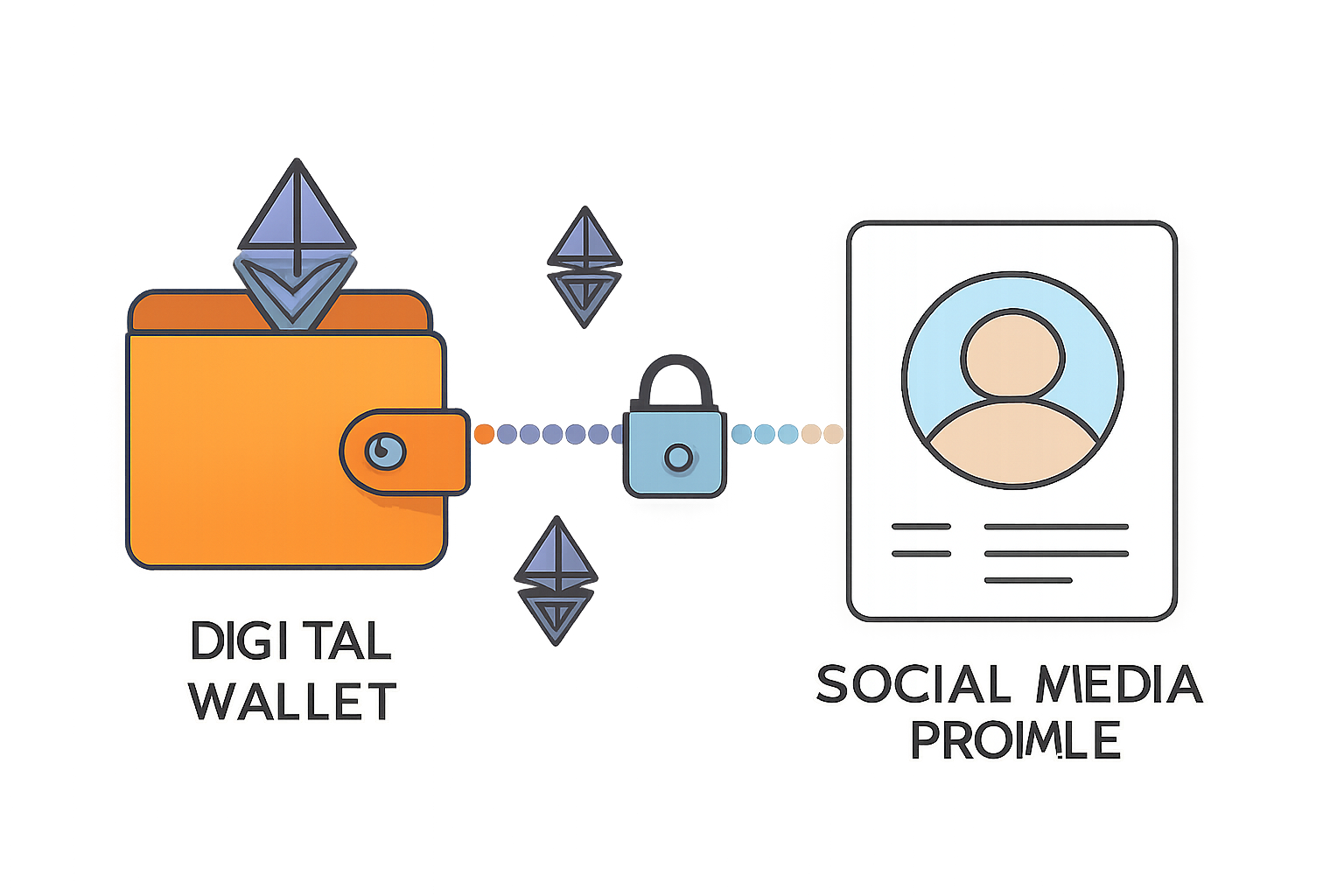
- Link an Ethereum-Compatible Wallet: Essential for interacting with on-chain features like tipping or minting NFTs. MetaMask or Coinbase Wallet are both supported.
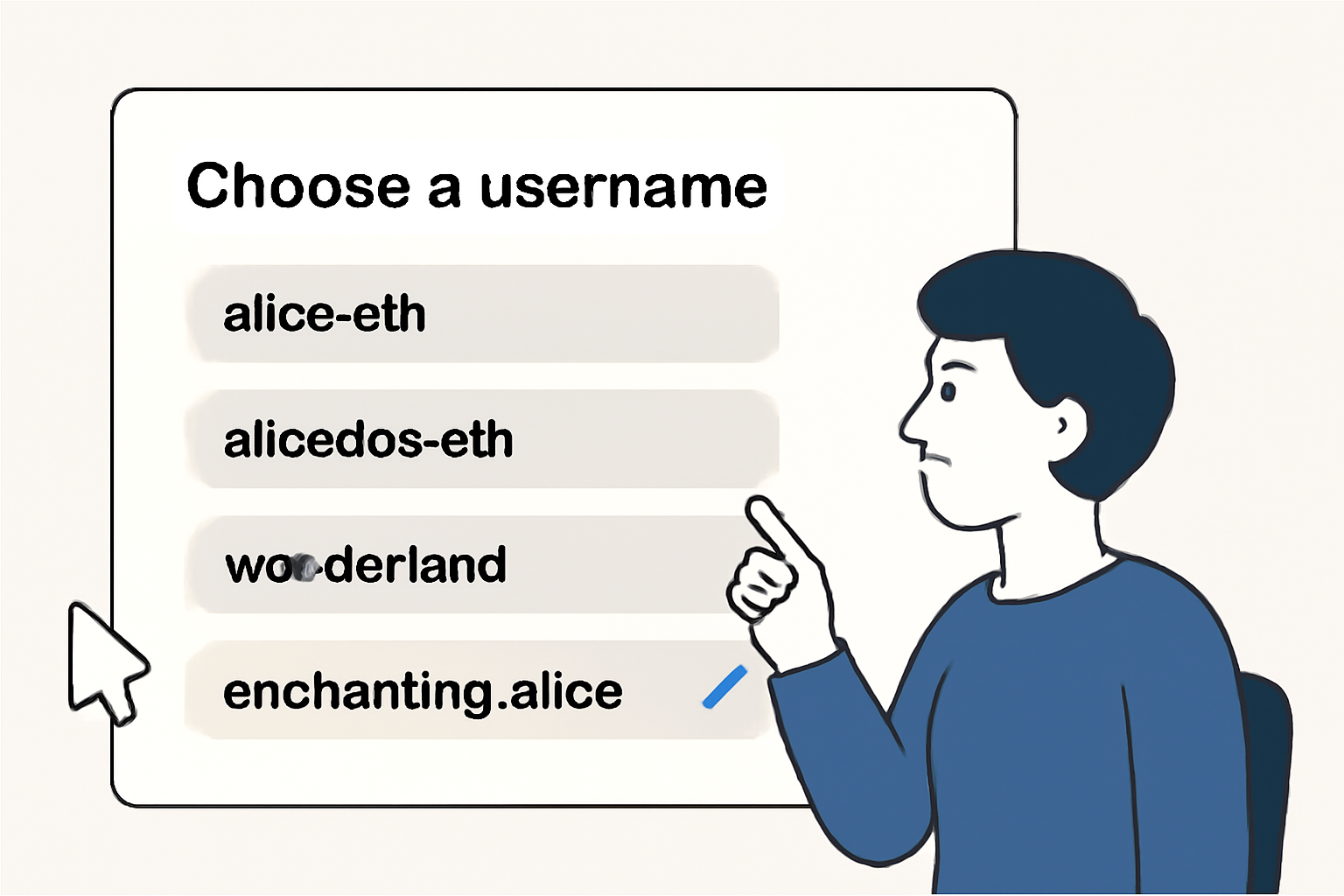
- Select Your Username: For maximum personalization, consider registering an ENS domain as your handle.
This process not only establishes your presence on Farcaster but also ensures you’re ready to engage with Base-native SocialFi features right out of the gate.
Step 2: Connecting to Base Network
The next step is configuring your wallet for seamless activity on Base. This unlocks ultra-low fees and high-speed interactions that define the modern SocialFi experience.
How to Add Base Network to MetaMask or Coinbase Wallet
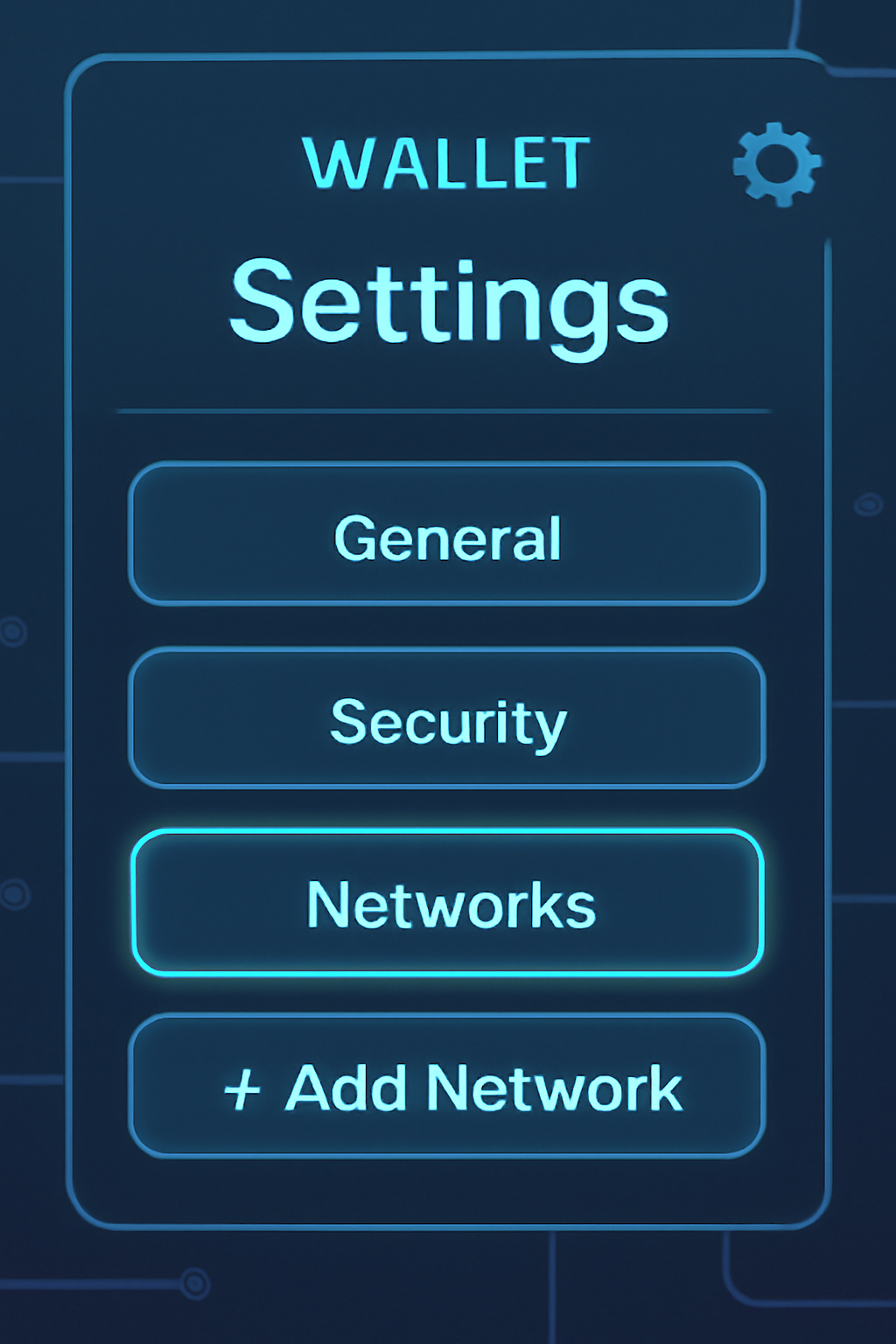
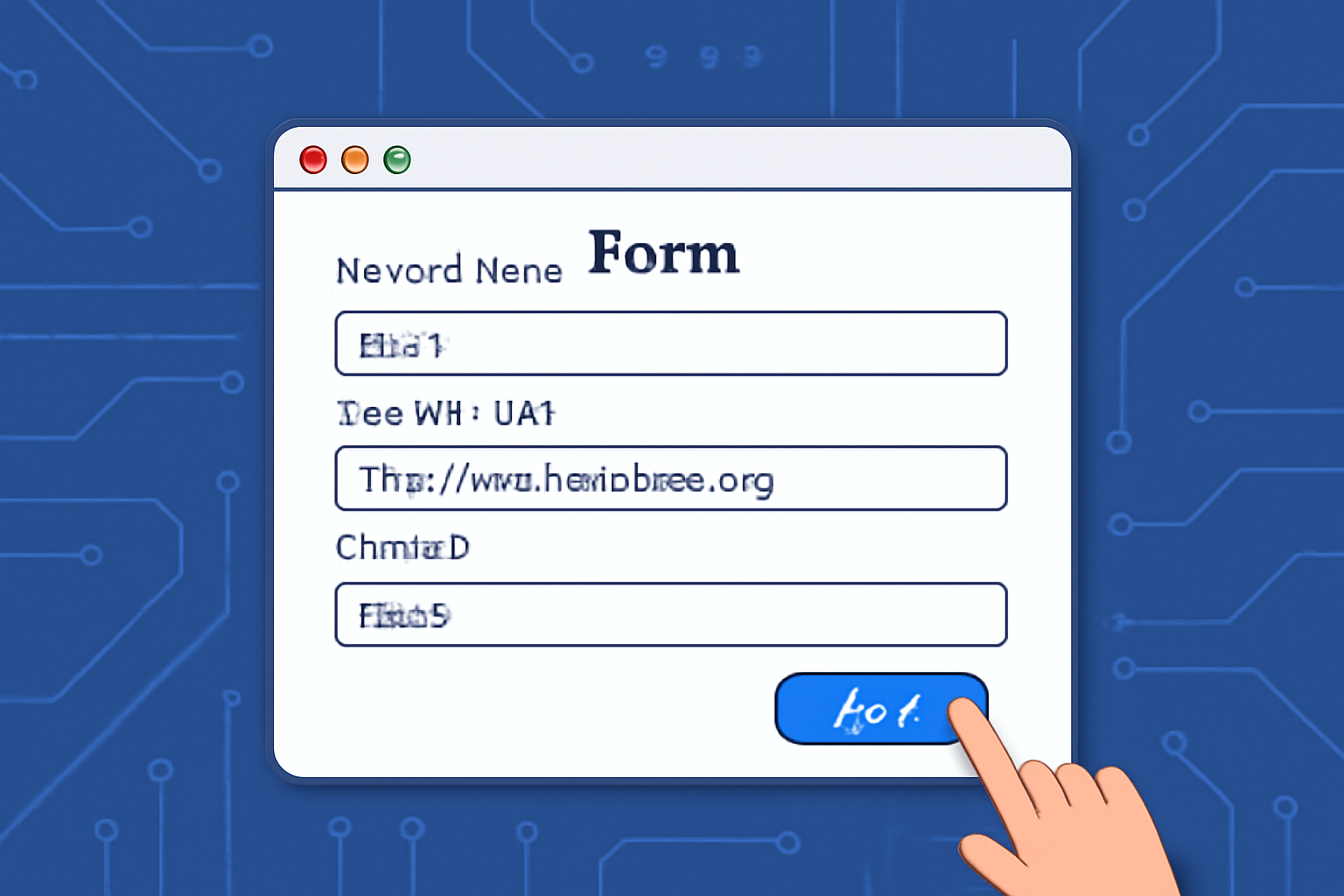
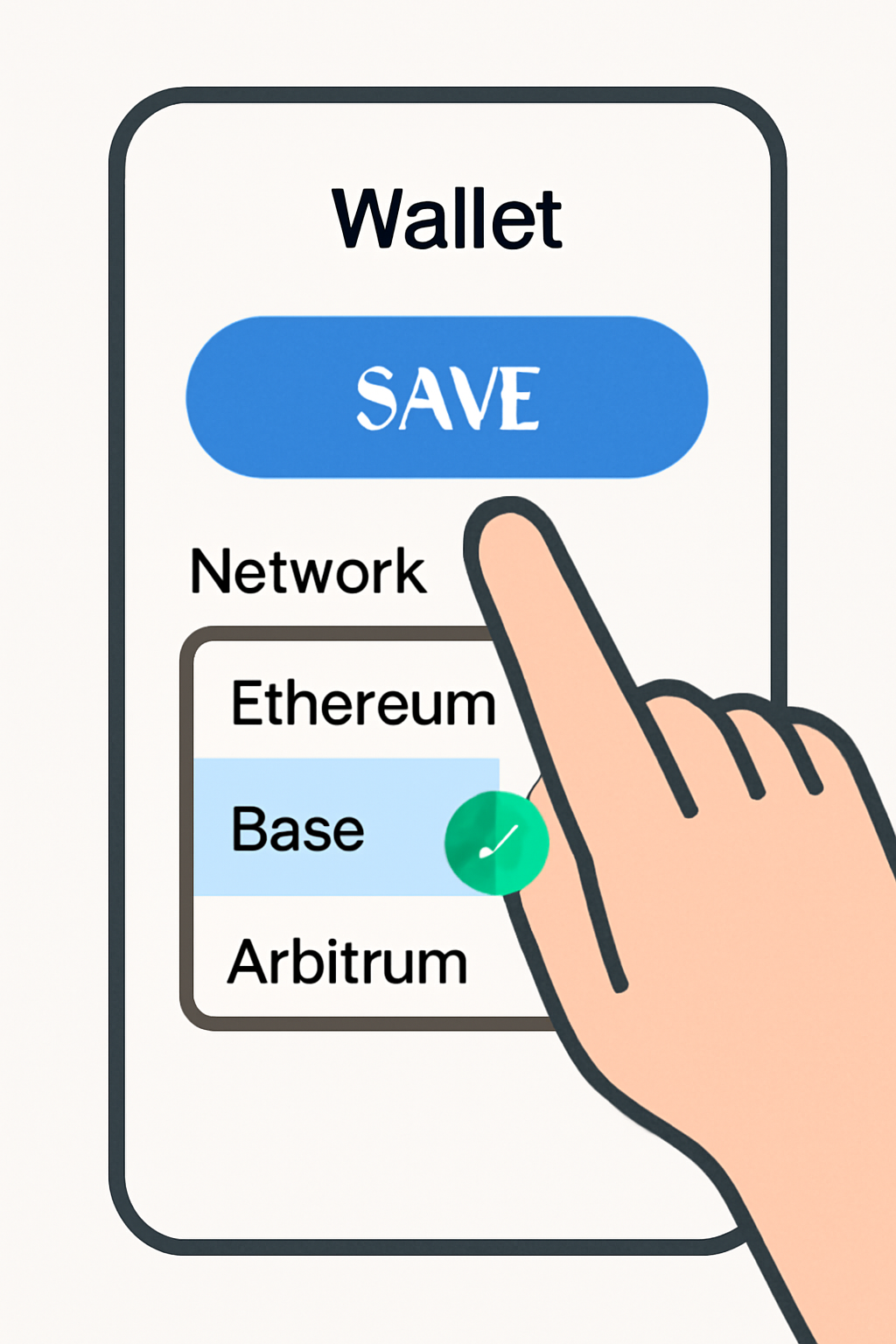
- Add Network Details:
- Network Name: Base
- RPC URL: https://mainnet.base.org
- Chain ID: 8453
- Currency Symbol: ETH
- Block Explorer URL: https://basescan.org
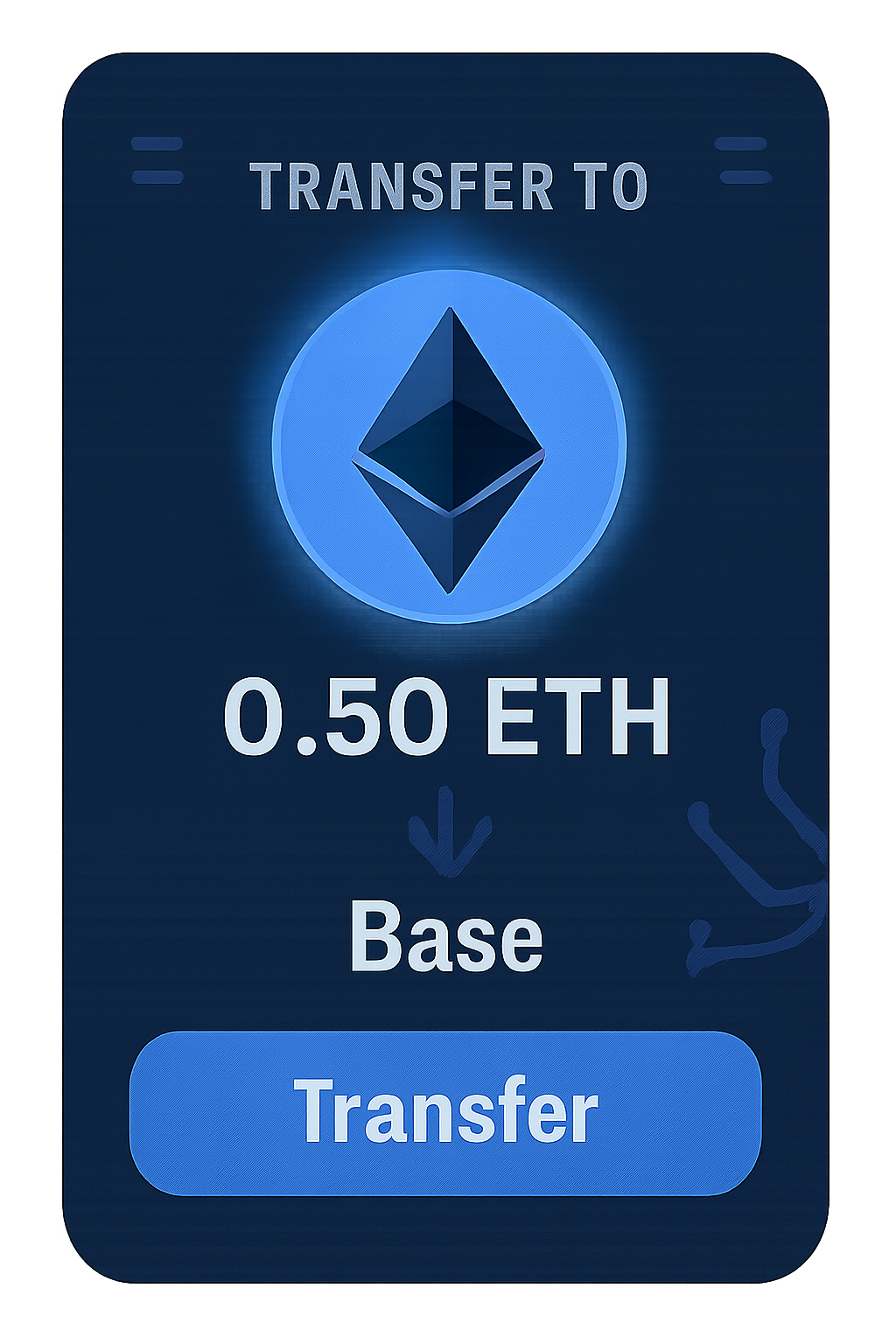
- Add Funds:
- You’ll need ETH on Base to pay transaction fees or participate in mints. Transfer funds from Ethereum mainnet using official bridges or exchanges that support direct withdrawal to Base.
This setup primes you for full participation in decentralized social networks built atop Base, no more bottlenecks or prohibitive gas costs holding you back.
Diving Into On-Chain Social Features: Frames and Cast Actions
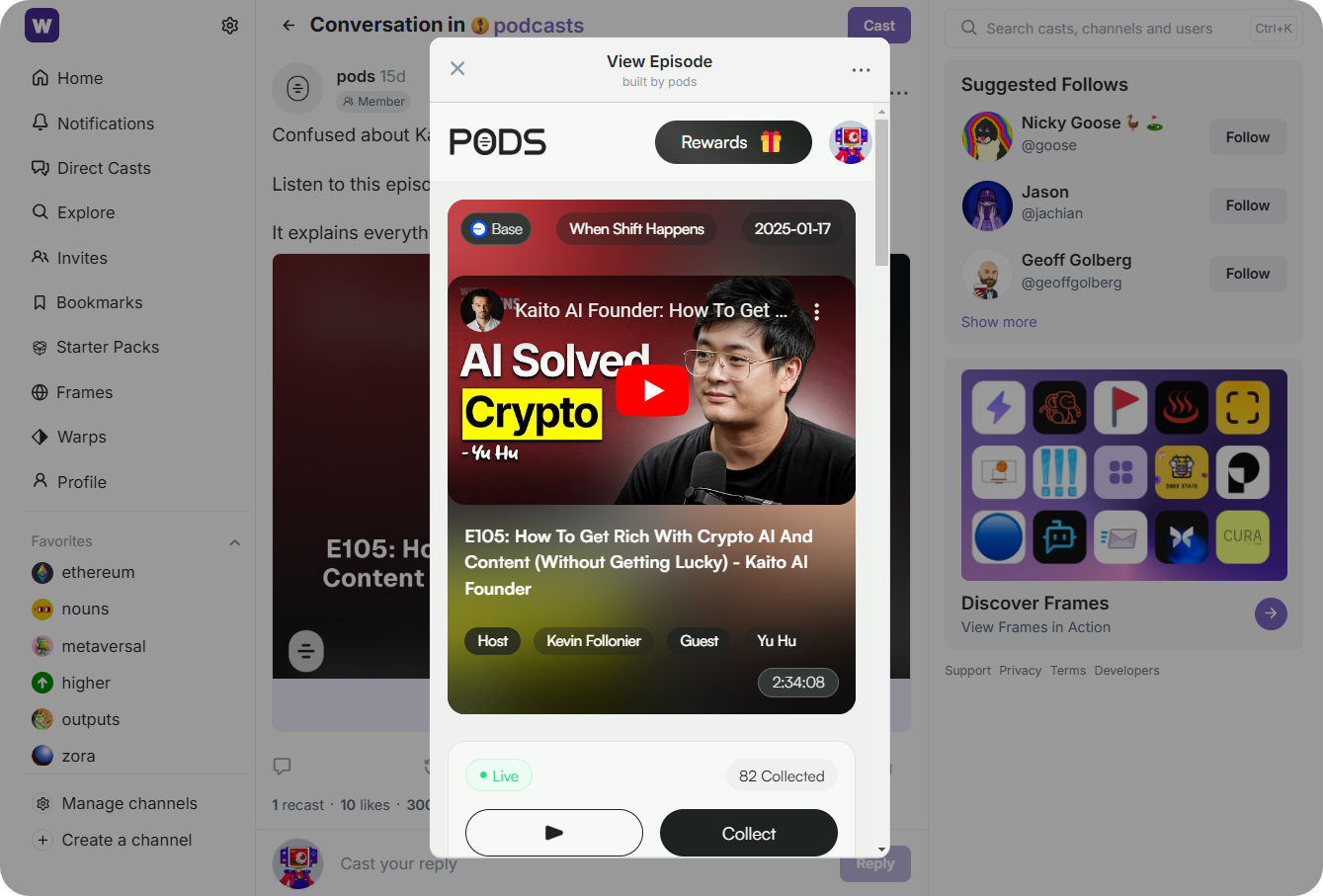
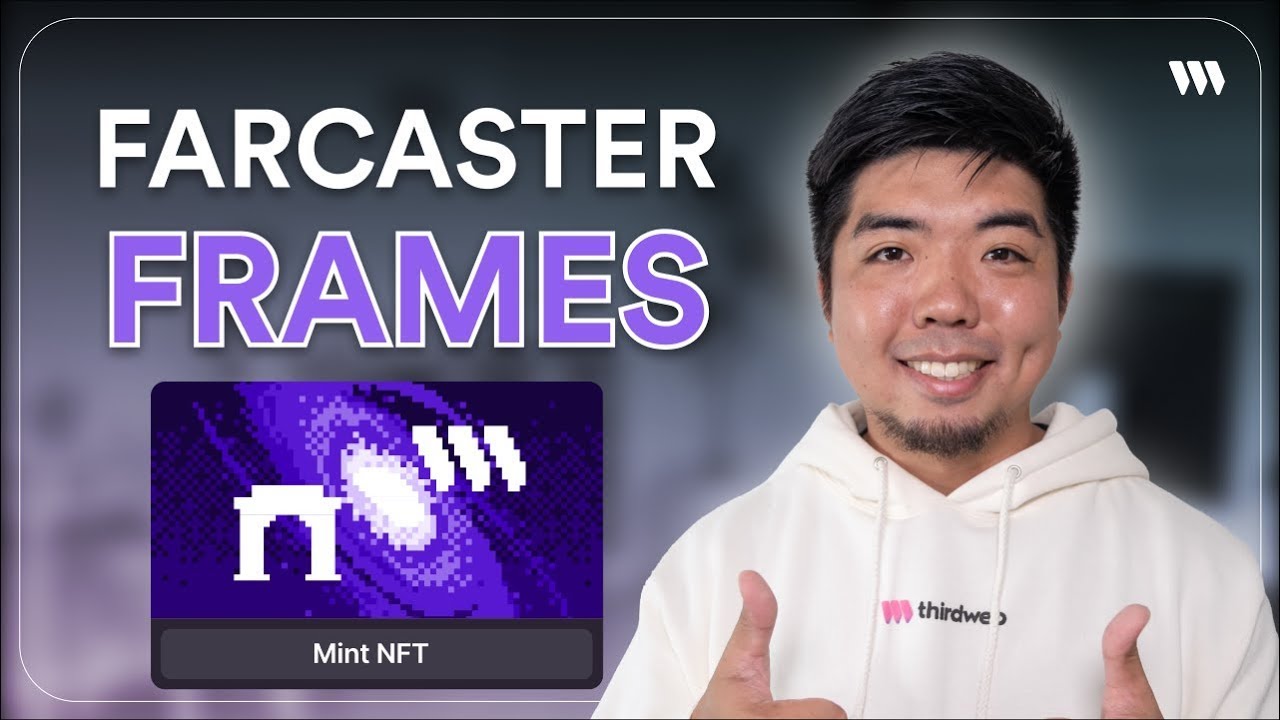
The magic of SocialFi happens through two core innovations: Frames and Cast Actions. Frames are interactive widgets embedded in posts, think NFT mints, token swaps, polls, all actionable without leaving your feed. Cast Actions take it further by letting users trigger smart contract functions (like following accounts or claiming rewards) with one click.
- NFT Minting within Frames: Participate in exclusive drops directly from your timeline, no extra tabs required (see how it works here).
- Polls and Voting: Engage with DAOs or communities by casting votes via embedded Frames, governance made frictionless.
But the innovation doesn’t stop at just minting or voting. Farcaster Frames are rapidly evolving to support everything from token launches to interactive games, all secured by your on-chain identity. Developers can even delegate control of their Frames to smart contracts or trusted partners, paving the way for complex, community-driven SocialFi experiences. If you’re a builder, the protocol’s flexibility means you can launch custom Frames that do more than just display content, they facilitate real value transfer and social action on Base.
Top 5 Creative Farcaster Frames & On-Chain Social Tools
- OpenSea NFT Mint Frame: Mint NFTs directly from your Farcaster feed using the OpenSea Frame. This interactive mini-app lets users claim or mint NFTs on Base without leaving Warpcast.
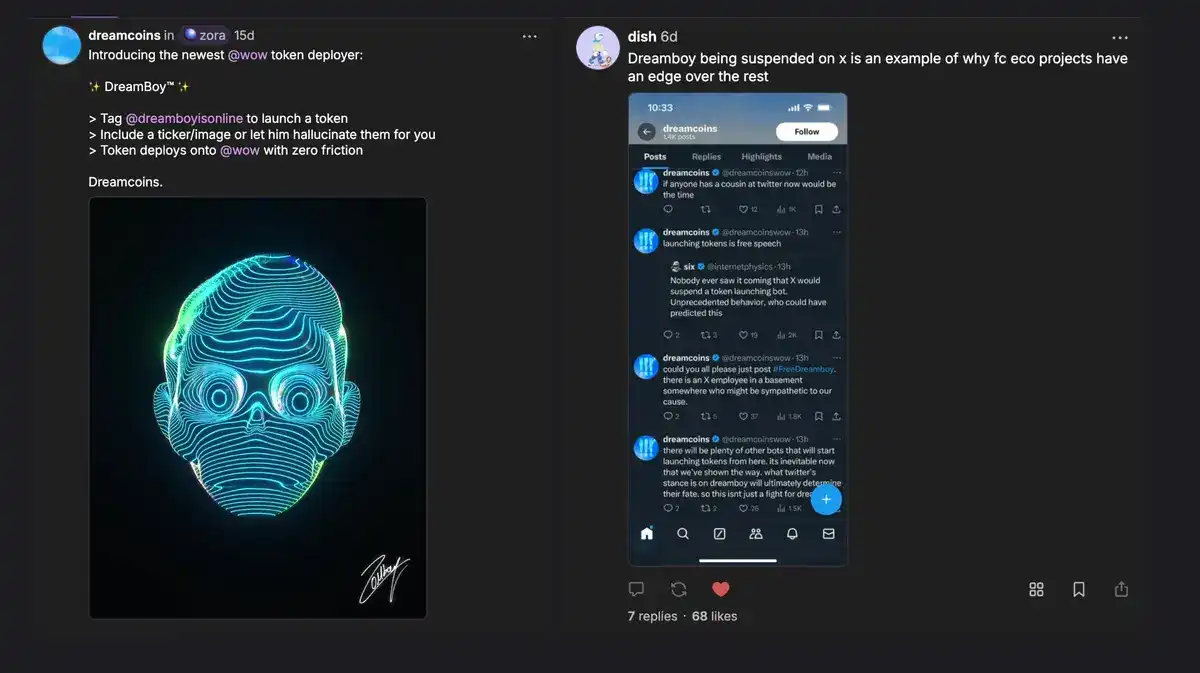
- Clanker Token Creation Bot: Instantly create your own ERC-20 token by tagging @clanker in a cast. The bot automates token deployment on Base with user-defined parameters.
- Snapshot DAO Voting Frame: Participate in decentralized governance by casting votes on Snapshot proposals directly within Farcaster using the Snapshot Frame integration.
- GM Quiz Frame by @0xQuiz: Engage with daily blockchain and crypto quizzes embedded in your feed via @0xQuiz. Users answer questions and earn on-chain rewards.
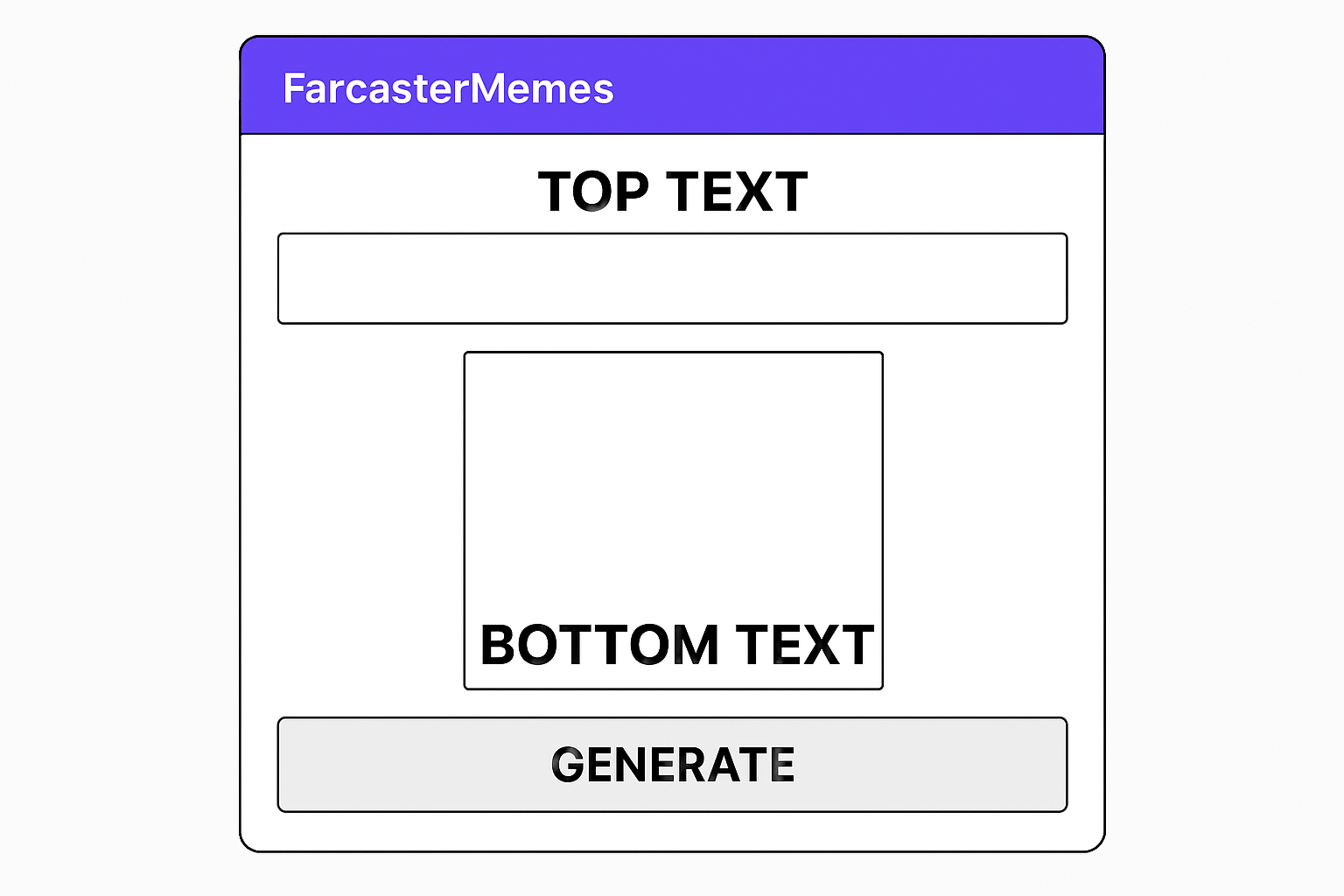
- Meme Generator Frame by @FarcasterMemes: Create and share custom memes instantly with the @FarcasterMemes Frame, driving viral engagement across the Base-powered social graph.
For users who want to push boundaries further, it’s possible to create tokens directly from your Farcaster feed using bots like @clanker. Simply tag the bot in your cast with desired parameters and watch as a new token is minted on Base, no code required. This seamless integration between social interaction and financial primitives is what sets Base SocialFi apart from legacy platforms.
Pro Tips for SocialFi Onboarding
To get the most out of Farcaster on Base:
- Follow Active Communities: Channels like/crypto, /memes, and/art are buzzing with experimentation, join discussions and learn from early adopters.
- Stay Updated: Monitor official channels for new Frame templates or protocol upgrades. The pace of innovation in decentralized social networks on Base is relentless.
- Pace Your On-Chain Activity: While transaction fees are low on Base, keep an eye on your wallet balance and security best practices. Never share your recovery phrase or private keys.
- Dive Into Developer Mode: If you’re technical, enable developer tools in your Farcaster client (see this guide by Harshshukla) to experiment with custom integrations or host your own Frames using cloudflared subdomains.
Security and Best Practices in Decentralized SocialFi
Your identity is only as secure as your recovery phrase and wallet management. Regularly back up credentials offline and use hardware wallets for large balances. Be wary of phishing attempts, even in decentralized environments, social engineering risks persist. Always verify links before connecting wallets or signing transactions within Frames.
If you ever need to restore access or migrate devices, simply recover your account using the original recovery phrase within Warpcast or any compatible client. This ensures continuity across devices without ceding control to centralized entities, a core ethos of SocialFi’s self-sovereign vision.
What’s Next? Experimentation and Community Growth
The intersection of Farcaster and Base is still nascent but growing fast. As more developers build innovative Frames, think real-time trading widgets, collaborative art boards, or cross-chain governance tools, the depth of what’s possible will only expand. For SocialFi enthusiasts who thrive at the edge of crypto culture and tech experimentation, now is the time to participate actively and help shape this new paradigm.
If you’re looking for deeper technical dives or want to contribute code yourself, check out community resources like TokenMinds’ Frame building guide. Stay curious, and remember that every cast helps drive adoption forward in decentralized social networks built atop Base.


No comments yet. Be the first to share your thoughts!