
Check the setup requirements
Before buying a single cable or chair, verify that your space can actually support a low-maintenance, high-yield workflow. A beautiful desk is useless if it sits in a drafty corner or under a flickering bulb. Start by auditing the physical environment, then confirm your technical baseline.
Space and Environment
Measure the room, not just the desk footprint. You need at least 36 inches of clearance behind your chair to stand up without hitting the wall or a door frame. Check the lighting: natural light from the side is ideal, but avoid direct glare on your screens. Test the acoustics; if the room echoes or lets in street noise, you will need acoustic panels or a dedicated quiet zone, which adds to your initial setup cost.
Technical Baseline
A high-yield home office relies on invisible reliability. Verify your internet speed with a wired Ethernet test, not Wi-Fi. You need consistent upload and download speeds that exceed your current usage by 20% to handle video calls and large file transfers without lag. Check your power outlets; do you have enough grounded sockets for your monitor, laptop, phone, and lighting? If not, plan for a quality surge-protected power strip now, not during the rush.
The Pre-Flight Checklist
Use this list to confirm you are ready to buy. Skipping these checks often leads to buyer’s remorse and costly retrofits.
-
Dimensions: Room width + 36" clearance verified.
-
Lighting: No direct screen glare from windows or overhead lights.
-
Connectivity: Wired internet speed test passed (20% buffer).
-
Power: Sufficient grounded outlets or surge-protected strip available.
-
Acoustics: Background noise level is manageable or treated.
Visual Reference
See how a professional designer approaches these same checks in a real-world 2026 setup. This video breaks down the spatial and technical decisions that make a desk low-maintenance.
Configure it in order
Building a low-maintenance, high-yield base for your home office works best as a sequence, not a scramble through settings. Do the minimum first: confirm compatibility, connect the core hardware, update only when needed, and test the result before adding optional features. That order keeps the task understandable and makes failures easier to isolate.

Mistakes that break the setup
Even a well-researched home office setup can fail if you ignore the physical realities of your space. These common errors don’t just look bad—they actively reduce your productivity and comfort. Fixing them early saves time, money, and frustration.
Placing the desk in direct glare
Window placement is often the first mistake. Facing a window causes screen glare, while having it behind you creates harsh shadows on your face during video calls. The fix is simple: position your desk perpendicular to the window. This gives you natural side lighting without the screen washing out your work. If you can’t move the desk, use blinds to diffuse the light or add a bias light behind the monitor to reduce eye strain.
Ignoring cable chaos
Cables aren’t just ugly; they’re a safety hazard and a distraction. A tangle of wires behind your desk makes cleaning difficult and increases the risk of accidental unplugging. Use velcro ties to bundle cables together and route them through cable sleeves or under-desk trays. Keep only the essential plugs accessible. This creates a clean visual field that helps you focus on your tasks, not the mess behind your chair.
Skipping the chair mat
Many people place their rolling chair directly on carpet or hardwood. On carpet, it drags and strains your back. On hardwood, it scratches and sticks. A proper chair mat is non-negotiable. For hard floors, use a clear tempered glass or polycarbonate mat. For carpet, choose a mat with a grid pattern that keeps the wheels from sinking in. This small investment protects your floor and ensures smooth, effortless movement while you work.
Overlooking vertical storage
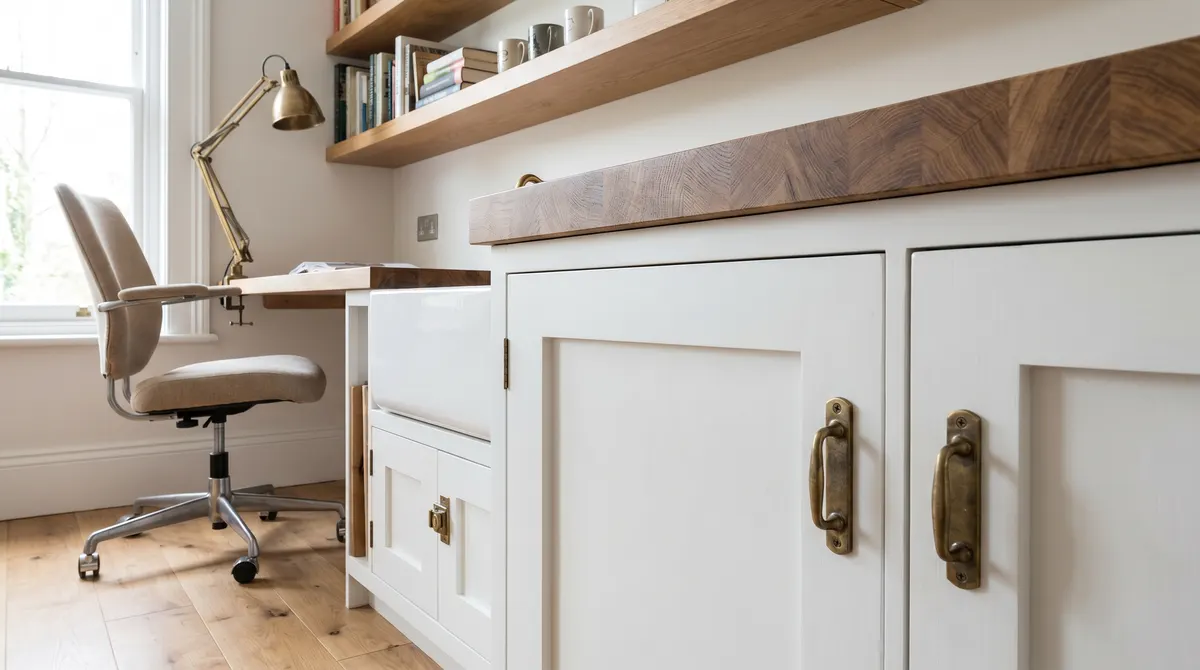
Floor space is limited, but wall space is often wasted. Relying solely on your desk surface for storage leads to clutter that clutters your mind. Install floating shelves or a pegboard above your desk for frequently used items like notebooks, pens, or headphones. Keep the desk surface clear for active work. This vertical approach keeps your workflow efficient and your space looking professional.
Home office setup 2026: what to check next
Before committing to a new workspace, it helps to separate hype from practical reality. The following answers address the most common objections and logistical concerns for building a low-maintenance, high-yield home office in 2026.
These guidelines provide a baseline for decision-making. Focus on the items that directly impact your daily comfort and productivity first, then upgrade aesthetics as budget allows.
Helpful gear
Use these product recommendations as a starting point, then choose the size, material, and price point that fit how you actually use the gear.
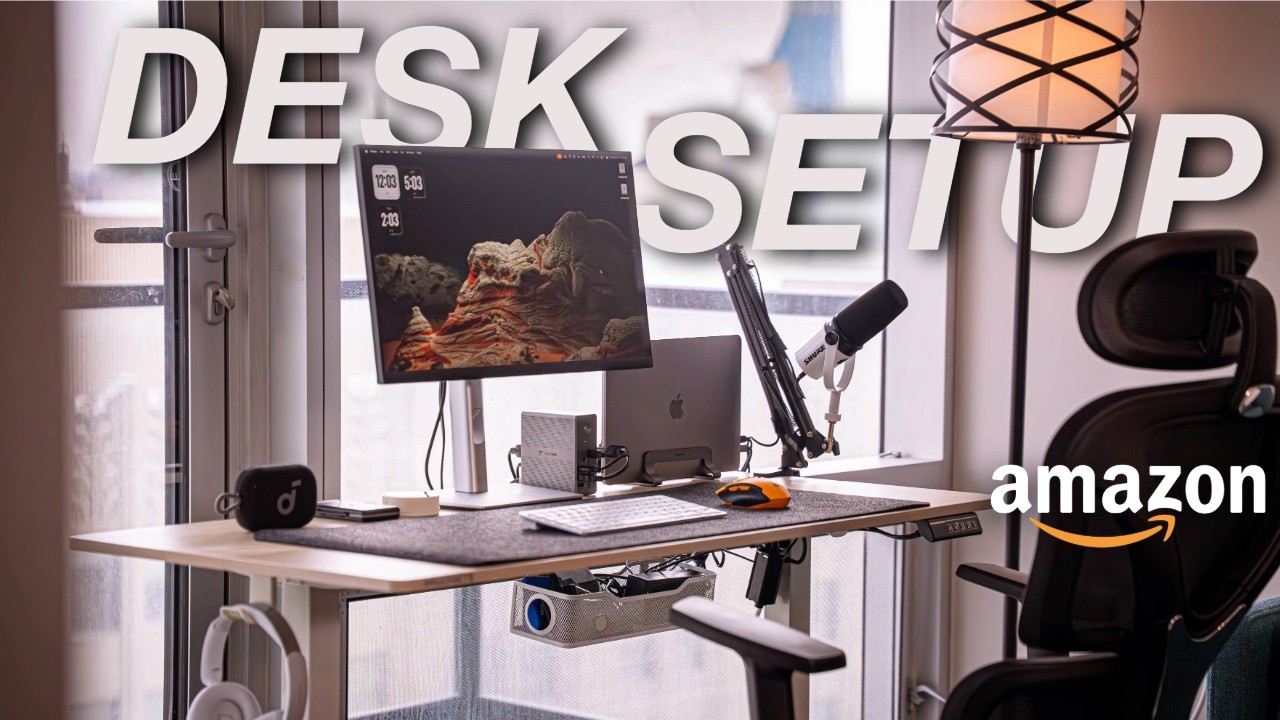
As an Amazon Associate, we may earn from qualifying purchases.
No comments yet. Be the first to share your thoughts!