
Plan the layout with AI design tools
Before buying a single desk or lamp, use free AI interior design apps to visualize your space. These tools let you upload a photo of your room, place virtual furniture, and test lighting conditions in seconds. This prevents costly mistakes and ensures your ergonomic flow and lighting control are set up correctly from the start.

Open a free AI design app like RemodelAI or DecAI. Take a clear, wide-angle photo of your current workspace. Ensure the room is well-lit and free of clutter so the AI can accurately map the floor plan and existing structures.

Upload your photo and use the app’s library to drag in your actual equipment. Input the dimensions of your desk, monitor, and chair. Prioritize ergonomics: ensure there is enough elbow room for your keyboard and that your chair can swivel freely without hitting walls or shelves.
Simulate different lighting scenarios. Use the app to add virtual windows or adjust the time of day to see how natural light hits your screen. This helps you identify glare spots before you buy anti-glare filters or reposition your desk. Proper lighting control is critical for reducing eye strain during long work sessions.
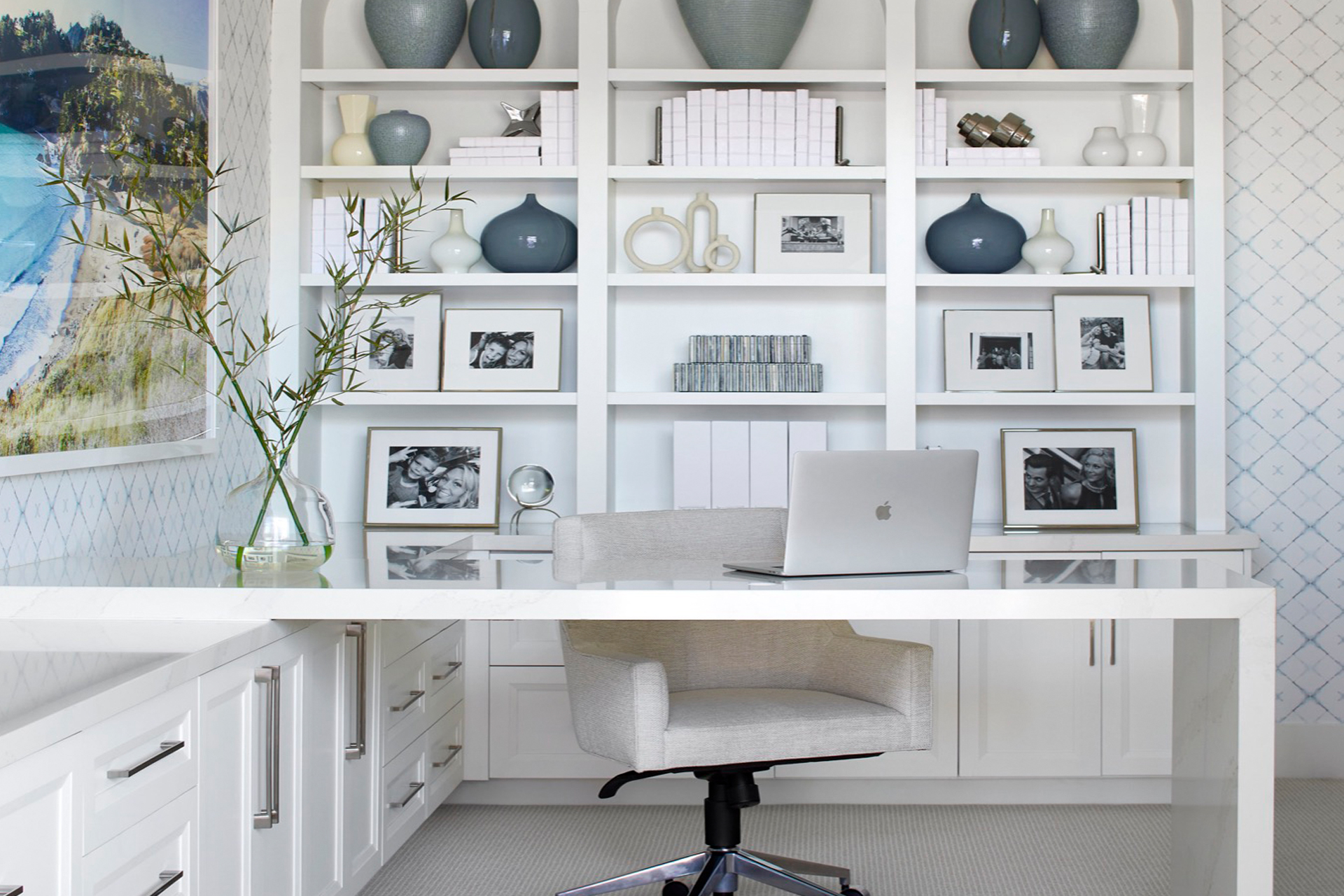
Walk through the generated 3D view. Check for bottlenecks: can you stand up without bumping into the door? Is there space for a cable management tray under the desk? Iterate on the layout until the path feels natural and the workspace supports a smooth, uninterrupted workflow.
Choose the right ergonomic tech
Your hardware needs to handle long AI-assisted sessions without fighting your posture. AI work often involves staring at prompts, reviewing code, or editing media, which turns your desk into a cockpit. You need gear that supports focus, protects your eyes, and keeps noise levels low.
Prioritize posture and screen health
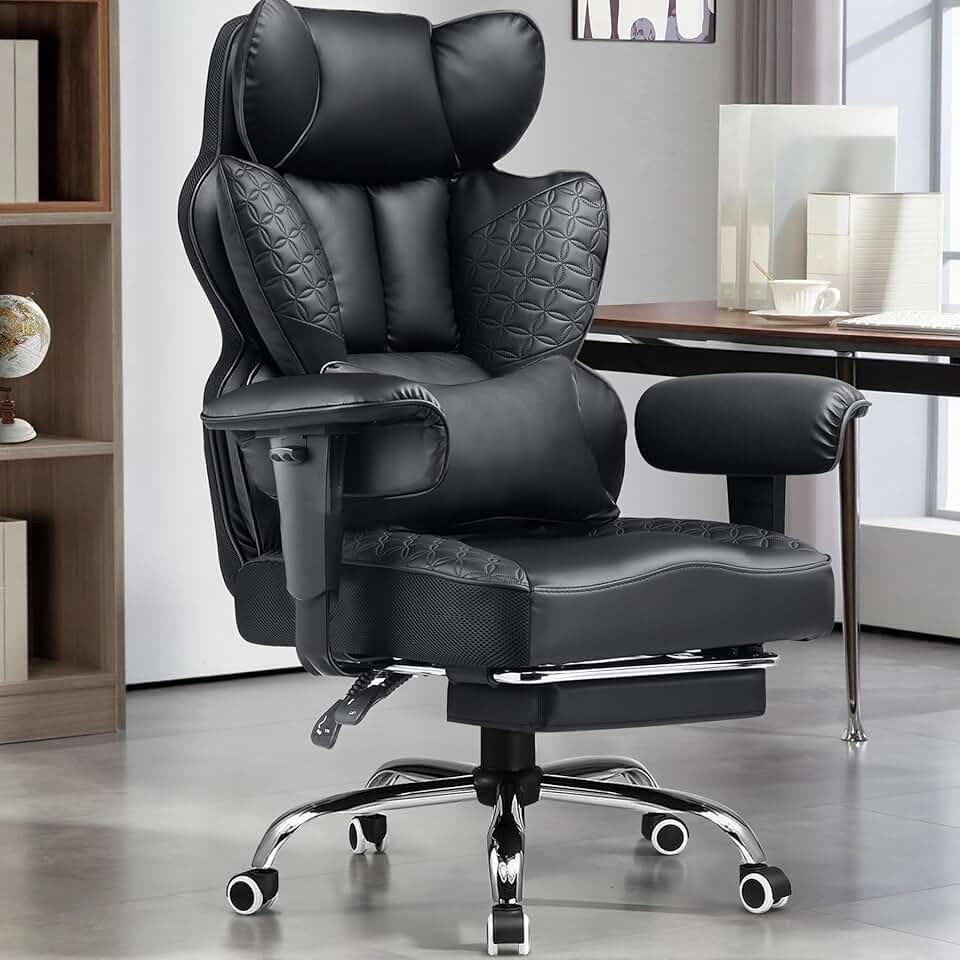
Start with a chair that adjusts to your body. Look for lumbar support that follows your spine and armrests that keep your shoulders relaxed. A good chair reduces the fatigue that comes from sitting still for hours. Pair it with a monitor arm that places the screen at eye level. This prevents neck strain and lets you switch between single and dual screens easily.
Eye strain is a major issue when working with AI tools. Use monitors with low blue light and flicker-free technology. If you use multiple screens, ensure they are the same size and brightness to avoid eye fatigue. Consider adding a matte screen filter to reduce glare from overhead lights.
Control noise for clear AI interaction
AI tools rely on voice commands and transcription. Background noise can ruin accuracy and break your flow. A dedicated noise-canceling headset is essential for clear input and focused output. Look for microphones with active noise cancellation to filter out keyboard clicks or household sounds.
If you share your office, consider a white noise machine or sound-dampening panels. These help create a consistent audio environment, making it easier for AI voice assistants to understand you. Keep your workspace quiet to maintain concentration during deep work sessions.
Core gear checklist
- Adjustable ergonomic chair: Look for lumbar support and adjustable armrests.
- Monitor arm: Keeps screens at eye level and saves desk space.
- Noise-canceling headset: Ensures clear voice input for AI tools.
- Blue light glasses: Reduces eye strain during long sessions.
Recommended setup


As an Amazon Associate, we may earn from qualifying purchases.
Set up your AI productivity stack
An AI-first workspace relies on software and hardware working in tandem. The goal is to reduce friction between your physical environment and digital tasks. When lighting, voice assistants, and automation tools communicate, you spend less time managing your tools and more time working.
Start with a dedicated voice assistant hub. Unlike standard smart speakers, a dedicated hub can integrate with your calendar, email, and project management tools. Set it up as the primary command center for your desk. Use voice commands to log calls, set reminders, or pull up documents without breaking your typing flow.
Lighting dictates your energy levels. Install smart bulbs that sync with your productivity software. Program them to shift to cool, bright white during deep work sessions and warm amber during breaks. This visual cue signals your brain to switch modes, reducing the mental load of tracking time manually.
Identify the five most repetitive tasks you perform daily. Use AI-driven automation platforms like Zapier or Microsoft Power Automate to handle them. Examples include auto-saving email attachments to cloud storage, transcribing meeting notes, or generating daily status reports. This step frees up mental bandwidth for creative problem-solving.
Ensure your physical peripherals communicate with your software. Use a smart monitor that adjusts brightness based on ambient light, or a keyboard with haptic feedback that adapts to your typing speed. The hardware should feel like an extension of your thoughts, not a barrier. Test these integrations to ensure low latency and high reliability.
| Tool Category | Example Setup | Primary Benefit |
|---|---|---|
| Voice Assistant | Amazon Echo Show + Calendar | Hands-free task management |
| Smart Lighting | Philips Hue + Focus App | Biological rhythm support |
| Task Automation | Zapier + Email Client | Reduced manual data entry |
| Smart Hardware | Adjustable Monitor + Keyboard | Ergonomic and visual comfort |
This stack transforms your office from a static room into a responsive environment. By connecting these elements, you create a feedback loop where your tools anticipate your needs. The result is a workspace that adapts to you, rather than forcing you to adapt to it.
Avoid common smart workspace mistakes
It is easy to treat an AI home office like a gadget showcase. When technology drives the layout, you often end up with a cluttered desk that distracts from deep work rather than supporting it. The goal is to build a smart workspace that remains invisible while you work.
Start with posture, not decor. Your primary interface is your screen, so control glare and lighting before adding smart bulbs or ambient lighting. Improving air quality and sound dampening matters more than automating your coffee maker or ordering lunch via voice command. These physical comforts reduce cognitive load, allowing your AI tools to handle the heavy lifting without competing for your attention.
Keep your physical desk surface clear. Visual clutter increases stress and breaks focus. A clean workspace ensures that your AI assistants, such as screen readers or transcription bots, can operate in the background without you constantly managing physical items. Technology should support, not distract from, your primary tasks.
Finalize your AI home office checklist
Before you commit to your new setup, run through this final audit. Treat this like a dry run for your daily workflow. If any step feels like friction, adjust the gear or layout now rather than later.
Open your primary AI assistants, note-taking apps, and automation scripts. Verify they launch instantly and sync correctly. If a tool lags or requires constant re-authentication, swap it for a more reliable alternative before you settle in.
Sit at your desk for 20 minutes. Check your monitor height, chair support, and keyboard reach. Ensure your posture is neutral and your eyes are at screen level. If you find yourself slouching or straining, adjust the furniture or add a monitor arm immediately.
Plug in all devices and run a speed test. Check that your ethernet connection or Wi-Fi signal is strong enough for real-time AI processing and video calls. Ensure you have enough power outlets and cable management to keep the workspace tidy and safe.

Go through your pre-purchase list one last time. Confirm you have the necessary accessories, software licenses, and hardware upgrades. This final review prevents buyer’s remorse and ensures your AI home office is ready for immediate productivity.
Frequently asked questions about AI home offices
How is AI changing the workplace in 2026?
AI is shifting from a novelty to a core infrastructure component of the home office. By automating routine administrative tasks, AI tools allow professionals to focus on high-value strategic work. This transition improves overall work quality and job satisfaction, though it requires workers to adapt to new digital workflows. The shift is not just about speed; it is about reallocating human effort toward complex problem-solving that machines cannot yet replicate.
Which jobs will be replaced by AI in 2026?
While AI rarely replaces entire roles, it is automating specific tasks within data entry, basic customer service, and routine content generation. Workers in these fields must upskill to manage AI outputs rather than perform the initial grunt work. The most secure positions are those that combine technical AI literacy with strong interpersonal skills, creativity, and nuanced decision-making. Adaptability is the primary defense against displacement.
How do I choose the right AI tools for my setup?
Start by identifying the bottleneck in your daily workflow. If you spend hours on scheduling, look for AI calendar assistants. If data analysis is slow, prioritize tools with built-in predictive modeling. Avoid buying "all-in-one" suites unless you need every feature. Instead, integrate specialized AI plugins into your existing stack—like your word processor or spreadsheet software—to ensure a cohesive and efficient home office environment.
No comments yet. Be the first to share your thoughts!