
Smart Home 2026 Budget
Building a connected home in 2026 means balancing upfront costs with long-term utility. The market has shifted from expensive, proprietary ecosystems to modular, AI-driven devices that integrate across brands. Your budget should reflect the tradeoff between convenience and complexity: more gadgets mean more maintenance, firmware updates, and potential points of failure.
Start with the essentials—smart lighting, a reliable thermostat, and a central hub—before expanding into security or entertainment. This phased approach keeps costs manageable and allows you to test compatibility before committing to a full-scale automation setup. Avoid over-investing in niche devices that lack broad support; stick to products with clear, documented integrations.
For those looking to upgrade specific areas, here are some top-rated options that offer strong value without breaking the bank.
Shortlist real options
Choosing a smart home hub in 2026 means balancing ecosystem lock-in against hardware flexibility. The market has settled into a few dominant platforms that support the vast majority of AI-powered gadgets. Before buying sensors or lights, check which hub your devices connect to—Zigbee, Z-Wave, or Matter over Wi-Fi.
The following table compares the four most reliable hubs for a 2026 setup. We prioritize native device support, local processing speed, and third-party app compatibility. Avoid hubs that require constant cloud connectivity for basic automation, as this slows down response times during outages.
| Hub | Primary Protocol | Local Processing | Best For |
|---|---|---|---|
| Home Assistant | Zigbee/Z-Wave/Matter | Yes | Advanced DIY |
| Apple Home | Matter/Thread | Yes | Apple Users |
| Samsung SmartThings | Zigbee/Z-Wave | Limited | Budget Expansion |
| Amazon Echo | Wi-Fi/Zigbee | Partial | Alexa Users |
Home Assistant remains the gold standard for privacy and control. It runs locally on your own hardware, meaning your lights turn on even when the internet goes down. However, it requires technical comfort to set up and maintain. Apple Home offers a simpler, more polished experience for iPhone users, relying on the newer Matter and Thread standards for faster, more reliable connections between devices.
Samsung SmartThings and Amazon Echo serve as good entry points if you already own their respective smart speakers. They offer broader compatibility with budget-friendly brands but often rely on cloud servers for complex automations. This can introduce latency and privacy concerns. For most users, starting with a Matter-compatible hub ensures your gadgets will work together for years to come.


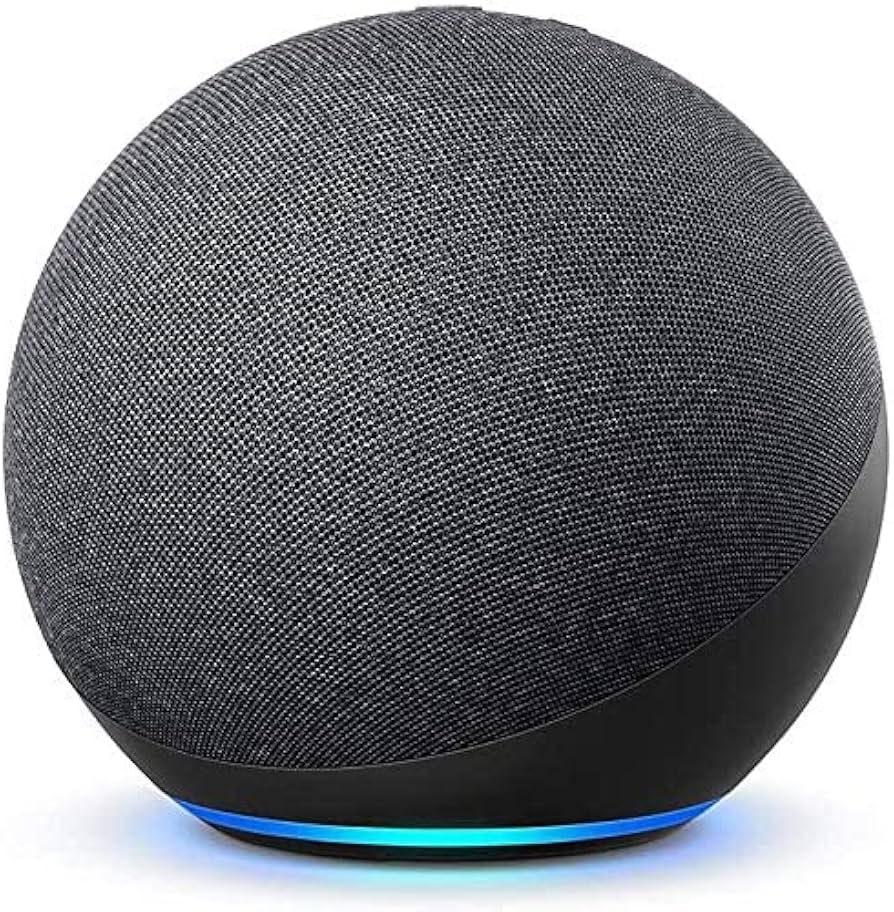
As an Amazon Associate, we may earn from qualifying purchases.
Inspect the expensive parts
Smart home systems look simple on paper, but a single failed component can break the entire ecosystem. When troubleshooting or planning upgrades, prioritize the expensive failure points first. Replacing a hub or a hardwired sensor array costs significantly more than swapping out a few bulbs. Focus your inspection on these high-impact areas to protect your investment.
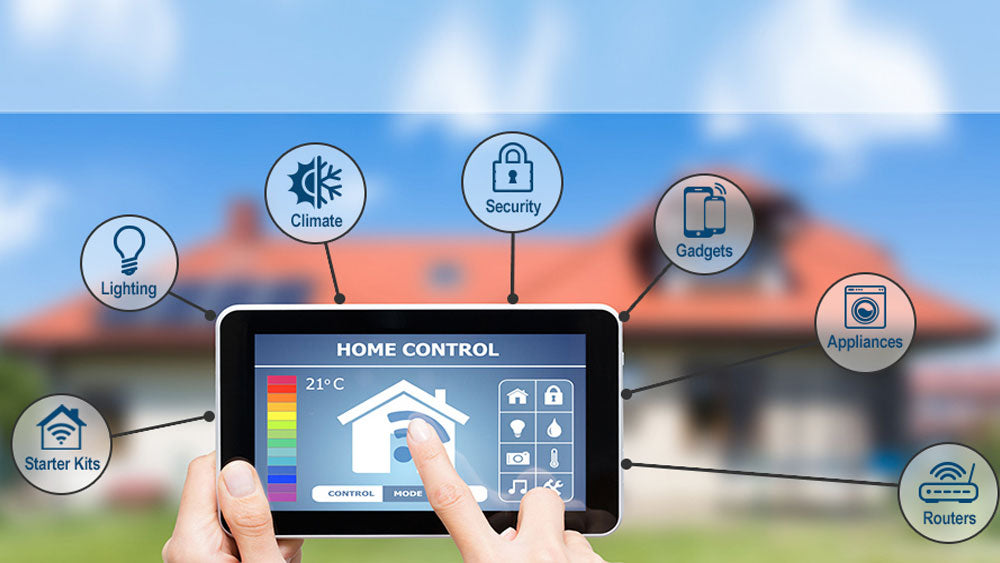
Your hub is the brain of the operation. If it overheats, loses power, or runs out of memory, every connected device goes offline. Ensure it has ventilation and a stable power source. If your hub is also your Wi-Fi router, consider separating the functions to reduce congestion and single points of failure.
Hardwired sensors and smart switches are expensive to replace because of the labor involved. Check for loose connections at the junction box and ensure the wiring matches the device’s voltage requirements. A loose wire can cause intermittent connectivity that is hard to diagnose and often mistaken for a dead battery.
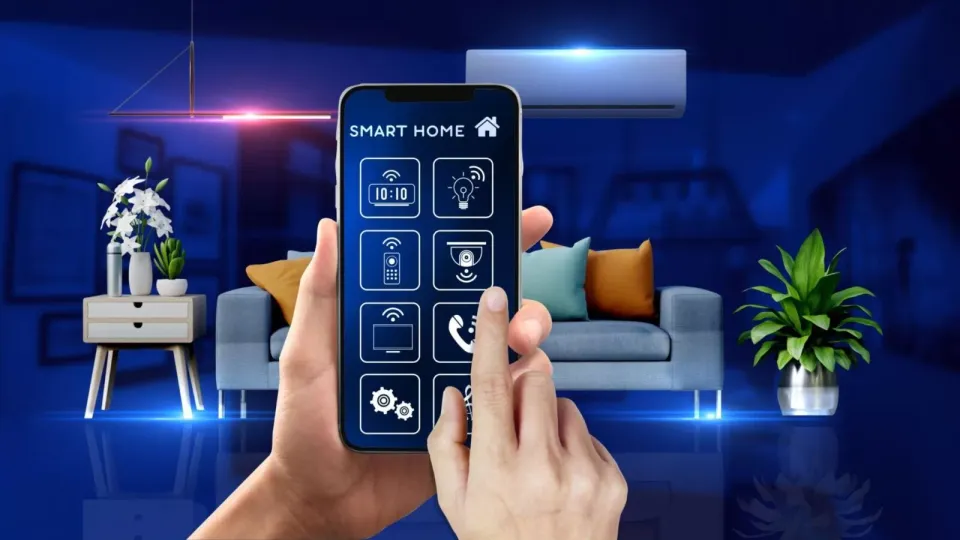
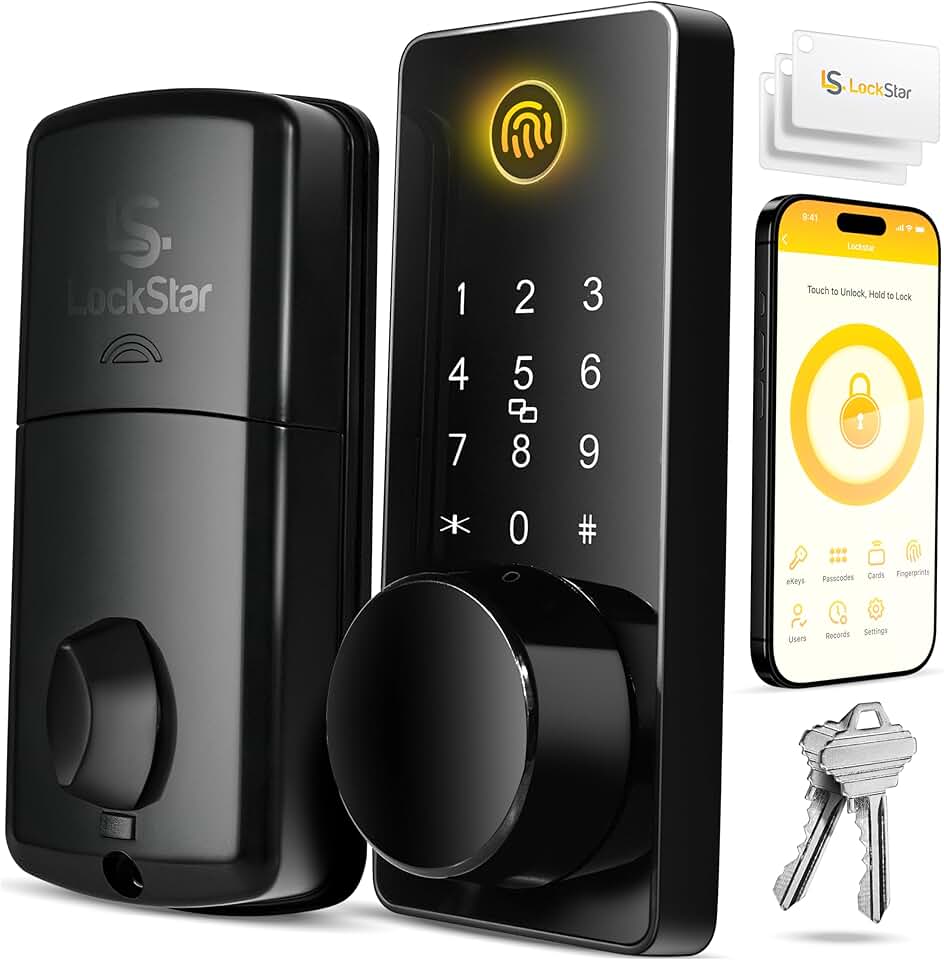
A failed smart lock or garage opener is a security risk, not just an inconvenience. These devices have mechanical parts that wear out. Lubricate the deadbolt mechanism annually and check the battery backup. If the motor struggles to turn the lock, the internal gears may be stripping, which requires professional replacement.
Water damage is the most costly failure in a smart home. Test your primary water shut-off valve monthly to ensure it closes completely. Check battery-operated leak sensors under sinks and near water heaters. A dead battery in a leak sensor means you won’t know about a burst pipe until it’s too late.
By focusing on these critical components, you prevent small issues from becoming expensive disasters. Keep a simple log of battery changes and firmware updates to maintain system reliability over time.
![SmartThings Hub 3rd Generation [GP-U999SJVLGDA] Smart Home Automation Hub Home Monitoring Smart Devices - Alexa Google Home Compatible - Zigbee, Z-Wave, Cloud to Cloud Protocols – White](https://m.media-amazon.com/images/I/614d2lQP0hL._AC_UL960_QL65_.jpg)

As an Amazon Associate, we may earn from qualifying purchases.
Plan for ownership costs
A smart gadget’s sticker price is just the entry fee. The real cost of ownership often comes from hidden expenses that don’t appear on the box. These include replacement batteries, cloud subscription fees for advanced AI features, and the eventual need to replace hardware that no longer receives software updates.
When a cheap buy stops being cheap, it’s usually because the device becomes a liability rather than an asset. For example, a smart lock that requires proprietary batteries every three months adds up quickly. Similarly, security cameras that charge monthly fees for cloud storage can cost more in a year than the camera itself.
To avoid these surprises, check the long-term costs before you buy. Look for devices that support local storage or offer lifetime features without subscriptions. Also, consider the energy consumption of always-on hubs and sensors. A well-planned system balances upfront savings with reasonable long-term maintenance.


As an Amazon Associate, we may earn from qualifying purchases.
Smart home 2026: what to check next
Before adding AI-powered gadgets to your setup, it helps to know which systems actually talk to each other. The best smart home system in 2026 isn't a single walled garden; it's a combination of a versatile hub like SmartThings paired with Google Home or Alexa for voice control. This hybrid approach lets you handle any type of automation without being locked into one brand's ecosystem.
Connectivity remains the backbone of a stable home. While Wi-Fi handles high-bandwidth tasks, Zigbee and Z-Wave protocols are still essential ingredients for reliable device communication. They create mesh networks that keep your lights and sensors responsive even when your main internet connection is busy or unstable.
If you are looking for inspiration, the HGTV Smart Home 2026 in Orlando showcases how thoughtful tech meets bold design. Their latest tour highlights practical integrations rather than gimmicks, showing how devices can blend into daily life without cluttering your space.
No comments yet. Be the first to share your thoughts!